

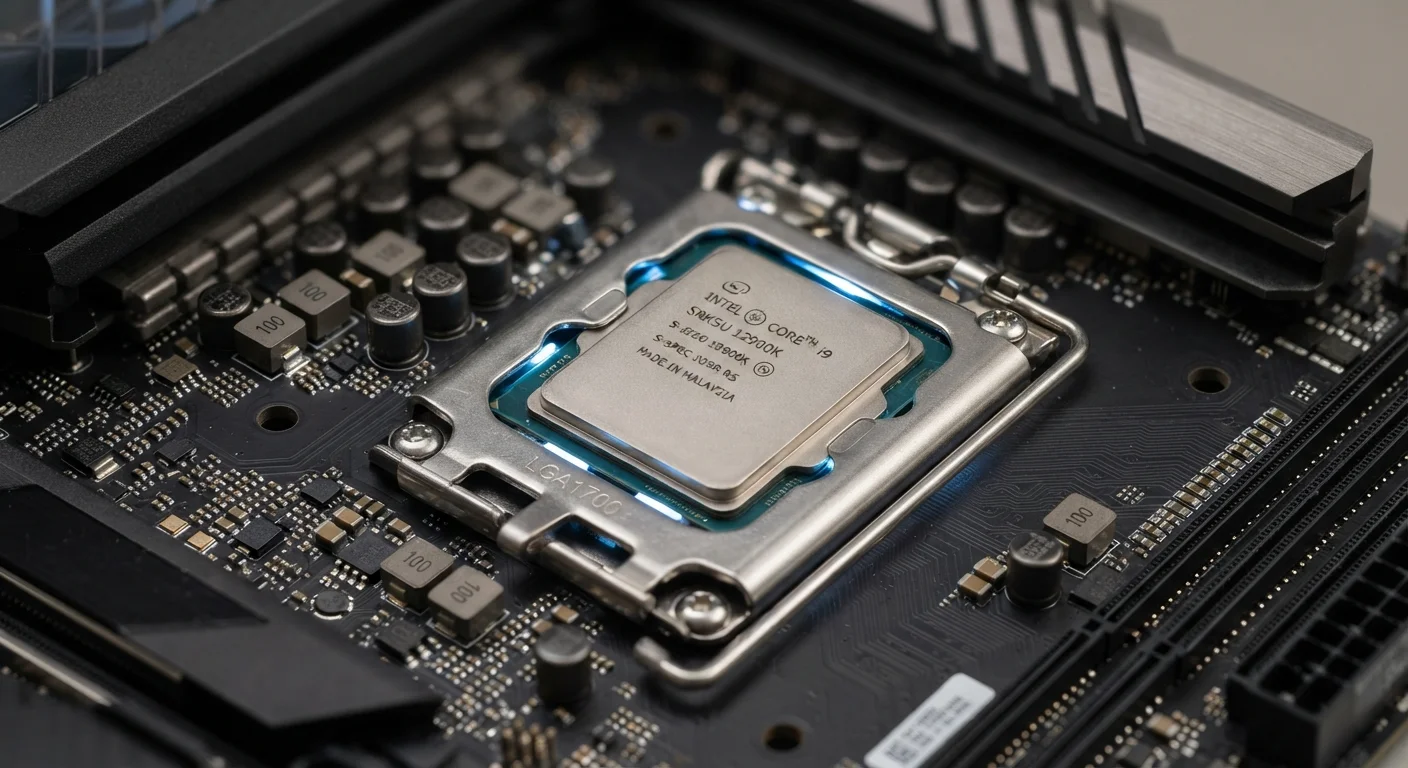
What a Generation Number Actually Tells You
When a chip manufacturer releases a new processor generation, it assigns a new family name or number — Intel's Core Ultra 200 series, for example, or AMD's Ryzen 9000 series. These labels signal that a new product line exists. What they don't tell you is how much things have actually changed under the hood.
Some generation transitions involve a new manufacturing process (sometimes called a new "node"), a redesigned chip architecture, or both. These are the updates most likely to deliver meaningful real-world gains. Other generations are largely refinements — small clock speed bumps, minor efficiency tweaks, and updated feature lists aimed at enterprise buyers rather than everyday consumers.
Understanding what a CPU actually does alongside RAM and storage helps put generation claims in perspective. The processor is one piece of a system, and bottlenecks often lie elsewhere.
Generation Naming Varies by Manufacturer
Intel, AMD, Apple, and Qualcomm each use different naming conventions for their chip families. Intel uses numbered generations (12th, 13th, 14th Gen), while AMD uses series numbers (Ryzen 5000, 7000, 9000). Apple and Qualcomm use branded names (M-series, Snapdragon X) that don't map to a simple generational number. Direct generation-to-generation comparisons across manufacturers require looking at benchmark data, not just generation labels.
The Marketing Logic Behind Annual Generation Releases
Chip manufacturers operate on competitive release schedules, partly driven by genuine engineering progress and partly by business incentives. Releasing a new generation annually — even when improvements are incremental — keeps a product line appearing fresh, drives PC maker marketing, and encourages consumers to consider upgrades sooner than they otherwise might.
This isn't unique to chip makers. It mirrors patterns seen in other tech categories. But for processors specifically, the gap between the marketing message ("all-new generation") and the engineering reality ("5–8% faster in benchmarks") can mislead buyers into prioritizing generation recency over better-fit specifications.
5–15%
Typical IPC gain between adjacent processor generations
Independent hardware analysis consistently finds single-digit to low double-digit improvements in instructions-per-clock between many consecutive chip generations.
~2–3 years
Average PC replacement cycle for US consumers
Industry estimates suggest most US consumers replace personal computers every two to three years, often driven by marketing cycles rather than actual performance limitations.
A chip marketed as "latest generation" in a budget laptop will likely underperform a "previous generation" chip in a mid-range laptop — because the tier within a generation matters more than the generation itself. This is a point manufacturers rarely emphasize prominently.
How to Evaluate a Processor Beyond Its Generation
Rather than anchoring on generation numbers, focus on a few more diagnostic signals:
- Benchmark scores for your use case: Look for independent benchmark results that reflect the tasks you actually do — video calls, spreadsheets, photo editing — rather than synthetic peak-performance tests.
- Tier within the generation: A "U-series" or "e-core" chip targets efficiency, not raw power. An "H-series" or "HX-series" chip targets performance. These distinctions cut across generations.
- TDP (thermal design power): This figure, measured in watts, reflects how much power a chip is designed to use and indicates whether a thin laptop will throttle the processor to manage heat.
- Manufacturing node: A smaller node (e.g., moving from 7nm to 4nm) generally means better efficiency and sometimes better performance. This is a more reliable indicator of a meaningful generational leap than the product name alone.
For a broader look at how reasoning errors shape computer purchases, see common PC buying decisions people later regret.
Use Benchmarks, Not Box Labels
Sites that publish independent processor benchmarks allow you to compare chips across generations and tiers using standardized tests. Look for benchmarks that simulate real-world workloads rather than synthetic peak-performance scores. A quick search for a chip's model number alongside "benchmark" will surface useful comparisons before you buy.
When Generation Does Matter — and When It Doesn't
There are scenarios where generation does carry real weight. If you rely on AI-accelerated features built into newer chips — on-device machine learning tasks, certain video export functions, or platform-specific security features — the generation matters because older chips may lack the dedicated hardware for those workloads. Similarly, if you're choosing between a machine that's four or more generations behind, efficiency and software ecosystem support become genuine concerns.
For the majority of everyday users — web browsing, document editing, video streaming, light photo management — a two- or three-generation-old processor in good condition handles these tasks without visible strain. The generational gap that matters most is usually the architectural leap, not the annual refresh.
This same critical thinking applies to other spec claims. Several widespread PC beliefs don't hold up to scrutiny, and processor generation hype fits squarely into that category.


