How Each Platform Approaches Daily Use
Choosing between Android and iOS isn't really about which is better — it's about which fits how you actually use your phone. Both are mature, capable platforms. The differences that matter most in daily life come down to customization, updates, app ecosystems, and privacy controls.
Android, developed by Google, runs on hardware made by many different manufacturers — Samsung, Google, Motorola, and others. This means more variety in screen size, price, and features. iOS, developed by Apple, runs exclusively on Apple's iPhone lineup. That constraint also creates a tighter bond between hardware and software.
For a broader look at how operating systems differ across device types, see our guide to Windows, macOS, and Chrome OS.
| Criterion | Android | iOS |
|---|---|---|
| Hardware options | Many manufacturers, wide price range | Apple iPhone only |
| Software updates | Varies by manufacturer and carrier | Simultaneous across all supported devices |
| Customization | High — default apps, launchers, widgets | Moderate — expanded in recent versions |
| App sources | Google Play Store plus sideloading | App Store only (by default) |
| Google service integration | Deep, built-in | Available, but less integrated |
| Apple ecosystem integration | Limited | Full (Mac, iPad, Apple Watch) |
| Privacy controls visibility | Granular, in settings menus | Prominent prompts at app launch |
Updates, Apps, and Customization
Software updates work very differently between the two. Apple pushes iOS updates directly to all supported iPhones at once. On Android, updates often pass through the device manufacturer and sometimes the wireless carrier before reaching your phone — which means the same Android version may arrive weeks or months later depending on your device brand.
App ecosystems are more similar than they used to be. Most major apps are available on both platforms. That said, some apps still debut on iOS first, and a smaller number are exclusive to Android. Android also allows installing apps from outside the official Google Play Store — a practice called sideloading — which iOS does not permit by default.
Customization is an area where Android has a clear edge. You can change your default browser, email app, or keyboard on Android without restrictions. iOS has expanded its customization options in recent years — including default app changes — but still operates within tighter boundaries than Android.
~72%
Global smartphone OS market share held by Android
According to Statcounter's global data, Android consistently holds the majority of worldwide smartphone usage share, while iOS leads in the US market.
~57%
US smartphone market share held by iOS
iOS holds a majority share of US smartphone users, reflecting Apple's particularly strong presence in the American market.
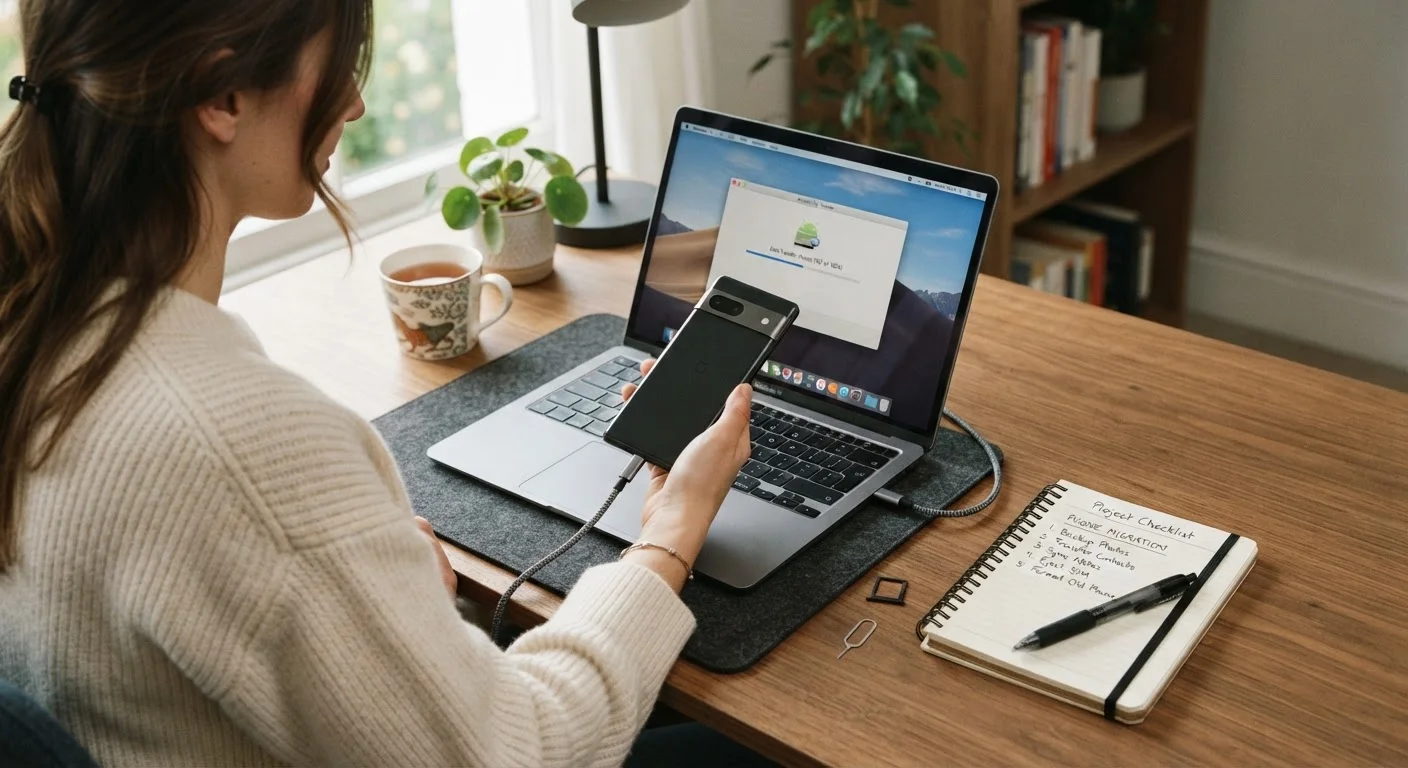
If you're thinking about moving between platforms, transferring your data to a new phone requires some advance planning regardless of which direction you're switching.
Privacy and App Permissions
Both Android and iOS have made significant investments in user privacy, but they surface controls differently. iOS tends to present privacy prompts more visibly — for example, asking whether an app can track your activity across other companies' apps. Android offers granular permission controls as well, including the ability to grant location access only while an app is actively in use.
Understanding what happens when an app requests access to your microphone, camera, or location matters on either platform. Our article on app permissions and when to be cautious explains how to read those requests confidently. You can also explore making sense of app permissions on your phone for a deeper walkthrough.
Switching Platforms Takes Planning
Moving from Android to iOS (or vice versa) is doable, but not everything transfers automatically. App purchases, some chat history, and certain media files may need manual migration. Contacts and photos generally move smoothly with the right tools. If you're considering a switch, review what you rely on most before committing to a new platform.
Neither platform is categorically more private than the other — the difference lies in how visible and accessible the controls are to everyday users. Both give you the tools; learning where to find them is what makes the difference.