How the Two Platforms Are Built Differently
Android is developed by Google and licensed to a wide range of device manufacturers — Samsung, Google itself, Motorola, OnePlus, and many others. That means Android phones vary considerably in hardware design, price, and even which version of Android they ship with. iOS, by contrast, is developed exclusively by Apple and runs only on Apple-made iPhones. That closed model gives Apple direct control over how hardware and software work together.
This foundational difference shapes almost every other distinction between the platforms. Android's openness encourages variety and experimentation; iOS's controlled environment prioritizes consistency and predictability. Neither approach is objectively superior — they reflect different philosophies about what a smartphone should be.
For a broader look at how operating systems differ across device types, see our comparison of Windows, macOS, and Chrome OS.
| Criterion | Android | iOS |
|---|---|---|
| Hardware variety | Many manufacturers, wide price range | Apple only, limited model lineup |
| Software update speed | Varies by manufacturer and carrier | Simultaneous across supported devices |
| Update longevity | Typically 2–4 years (varies by brand) | Typically 5–6 years |
| App sources | Play Store + sideloading allowed | App Store only (by default) |
| Customization depth | Highly customizable | More limited, improving gradually |
| File system access | Open file structure | Managed, mostly abstracted |
| Ecosystem integration | Best with Google services | Best with Apple devices and services |
| Privacy controls | Granular permissions | App tracking transparency + permissions |
App Ecosystems, Updates, and Everyday Use
Both the Google Play Store and Apple App Store carry millions of apps, and nearly every major application is available on both platforms. The practical differences tend to show up at the edges. iOS apps are sometimes released or updated first, particularly for creative and productivity tools, though this gap has narrowed significantly. Android's Play Store has historically been more permissive about what it accepts, and Android also allows users to install apps from outside the store entirely — a process called sideloading.
Software updates are where the platforms diverge most sharply in day-to-day impact. Apple pushes major iOS updates simultaneously to all supported devices, typically covering the last five or six years of iPhone models. Android updates are more fragmented: Google releases updates, but manufacturers and carriers often delay or modify them before they reach individual phones. A Google Pixel device tends to get updates faster than a phone from a third-party manufacturer.
~71%
Global smartphone OS market share held by Android
According to Statcounter data, Android accounts for roughly 71% of global smartphone operating system usage as of recent reporting periods.
~57%
U.S. smartphone market share held by iOS
In the United States, iOS holds a majority share, reflecting the strong uptake of iPhones among American consumers, per Statcounter estimates.
5–6 years
Typical iOS major update support window
Apple's official support history shows iPhones commonly receiving major software updates for five to six years after their release date.
File management is another practical gap. iOS uses a dedicated Files app but keeps the underlying system largely hidden from users. Android exposes its file structure more openly, which makes it easier to move files between apps or connect to a computer without special software. If you're deciding between a smartphone and a tablet running either platform, this guide on smartphone vs. tablet trade-offs covers how platform choice intersects with device type.
Privacy, Customization, and Ecosystem Lock-In
Both Android and iOS have made privacy a central feature in recent years. iOS introduced App Tracking Transparency, which requires apps to ask permission before tracking users across other apps and websites. Android has expanded its permissions system as well, offering granular controls over location access, camera, and microphone. The practical privacy experience on either platform depends partly on which apps you use and how you configure your settings — neither guarantees privacy automatically.
Customization is where Android maintains a clear lead. Users can change default apps for browsers, email, and even the phone dialer; install alternative launchers that completely restyle the home screen; and access system files more directly. iOS has expanded its customization options in recent years — allowing default browser and email app changes, for example — but it remains more opinionated about how the system looks and behaves.
Perhaps the biggest practical consideration for most people is ecosystem lock-in. Purchased apps, iMessage history, iCloud storage, and Apple-specific features like AirDrop don't travel with you if you switch to Android. Similarly, Google Photos libraries, Gmail habits, and Google Assistant integrations are more fluid on Android. The platform you choose becomes the center of gravity for your digital life, which is worth weighing carefully. For more on how the platforms compare in real daily use, see Android vs. iOS in daily use.
A Note on Switching Platforms
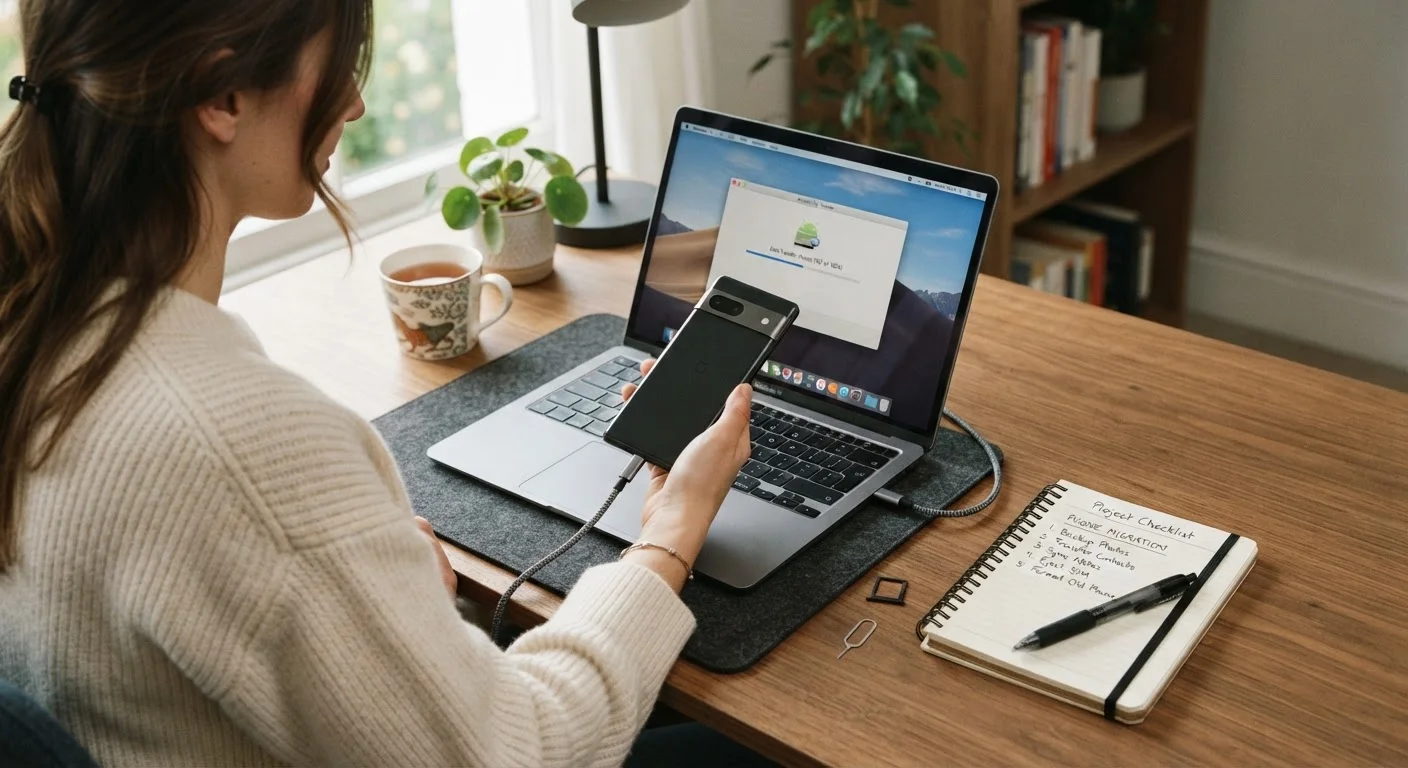
Moving from Android to iOS — or the reverse — involves more than personal preference. Purchased apps don't transfer between platforms, and some data tied to platform-specific services (iMessage, iCloud, Google Drive) may require manual migration. Both Apple and Google offer official tools to assist with the transition, but it's worth auditing what you'd need to move before committing. Our phone setup and transfer guide walks through the process step by step.