

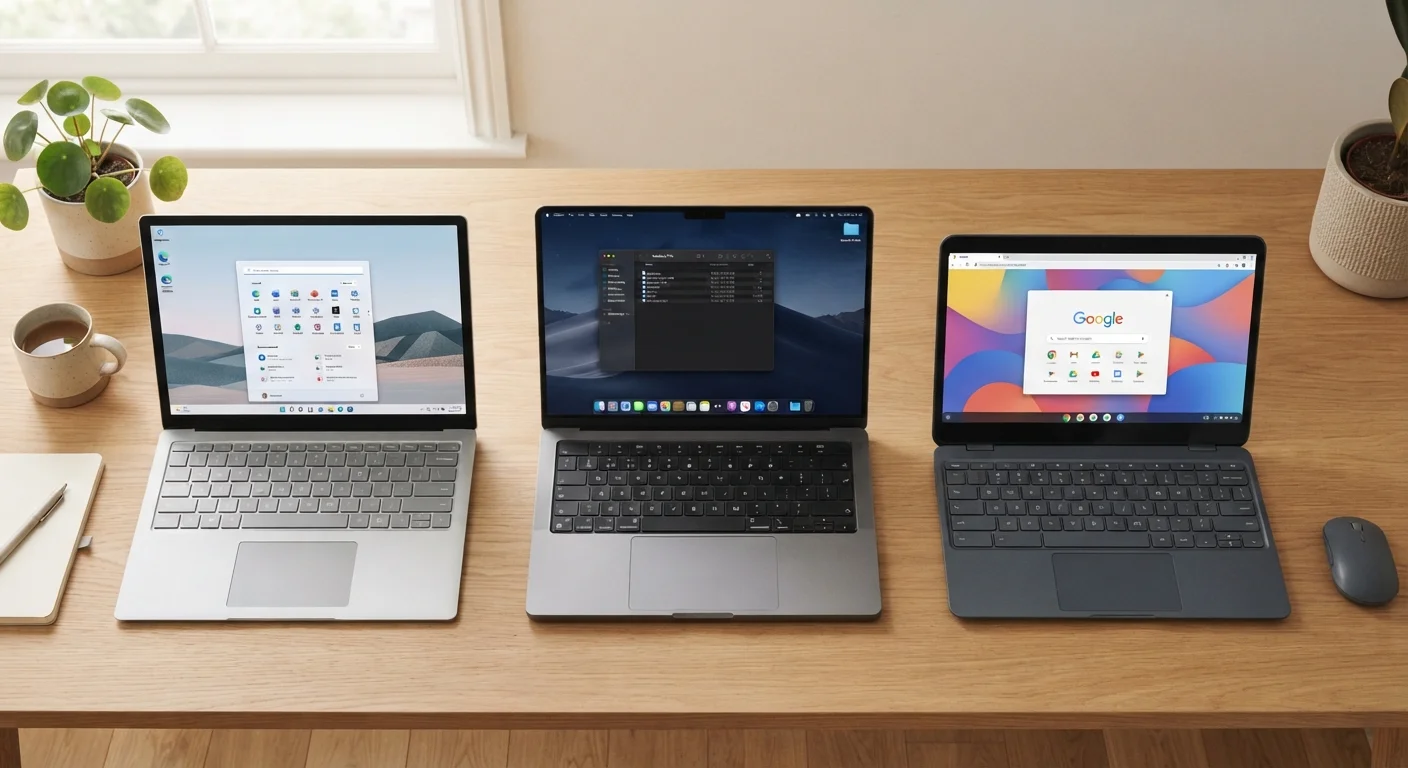
What an Operating System Actually Does
An operating system (OS) is the foundational software that manages your computer's hardware and provides the environment in which all other programs run. Think of it as the translator between you and your machine — it handles everything from displaying your desktop to managing files, connecting to Wi-Fi, and running apps.
When you choose a computer, you're also choosing an OS, and that decision shapes nearly every aspect of daily use: what software you can install, how your device gets updated, how well it plays with your phone, and how your data is stored. Understanding the core differences between Windows, macOS, and Chrome OS helps you match the right tool to your actual needs. If you're also weighing form factor decisions, our guide to laptops versus desktops covers that ground in depth.
How the Three Operating Systems Compare
Each OS has a distinct design philosophy that influences everything from app availability to security. Here's how they stack up across the criteria that matter most to everyday users.
| Windows | macOS | Chrome OS | |
|---|---|---|---|
| Hardware availability | Wide range of manufacturers | Apple devices only | Chromebook devices only |
| Software compatibility | Broadest library of desktop apps | Large library, Apple-optimized | Web and Android apps primarily |
| Offline functionality | Full offline capability | Full offline capability | Limited; improving over time |
| Ease of setup and maintenance | Moderate; more user configuration | Streamlined; less configuration | Very simple; mostly automatic |
| Security model | User-managed; antivirus common | Built-in protections, Gatekeeper | Sandboxed; verified boot |
| Ecosystem integration | Strong with Android/Google | Strong with iPhone/iPad | Strong with Google services |
| Typical price range | Budget to premium | Mid to premium | Budget to mid-range |
It's worth noting that Windows runs on hardware from dozens of manufacturers — giving you significant price and configuration flexibility. macOS runs exclusively on Apple-made hardware. Chrome OS is found primarily on Chromebooks, which tend to be more affordable devices, though premium options exist.
Windows: Flexibility at Scale
Windows is the most widely used desktop operating system in the world, and its longevity comes down to one core strength: broad compatibility. Whether you need industry-specific software, the latest games, or niche utilities, chances are there's a Windows version available.
Windows supports both local software installation and web-based apps, works with an enormous range of peripherals (printers, drawing tablets, external drives), and can be configured extensively by users who want that control. The tradeoff is complexity — more options mean more settings to understand, and Windows systems can accumulate software clutter over time if not managed.
Check Software Compatibility First
Before committing to any operating system, list the specific applications you rely on daily and verify they're available on that platform. Some professional tools exist only on Windows; others are Mac-exclusive. This single check can prevent buyer's remorse more reliably than any other factor.
For users who also own Android phones, Windows tends to offer smoother integration with Google services and Android apps than the alternatives, though this isn't exclusive.
macOS: Integration and Polish
macOS runs only on Apple computers, which means Apple controls both the hardware and the software. This tight integration produces a notably consistent experience — apps behave predictably, sleep and wake functions are reliable, and the system is engineered specifically for the chips inside each machine.
For users already using an iPhone or iPad, macOS offers features like Handoff (moving tasks seamlessly between devices), AirDrop (wireless file transfer), and iMessage on the desktop. Creative professionals in fields like video editing, audio production, and design often gravitate toward macOS because many industry tools are optimized for it.
The primary limitation is cost: Apple hardware commands a premium, and macOS cannot be legally installed on non-Apple computers. If you're comparing this platform to similar mobile ecosystems, the Android vs. iOS comparison illustrates how this closed-ecosystem approach plays out on smartphones too.
Chrome OS: Simplicity and the Cloud
Chrome OS takes a fundamentally different approach: it's built around the assumption that most of what you do happens in a web browser. Google's operating system loads quickly, updates automatically in the background, and requires minimal user maintenance. Because the system is streamlined, it also runs well on modest hardware, which keeps device prices low.
The practical limitation is offline capability. While Chrome OS has improved its offline functionality over the years — and now supports Android apps and a growing library of Linux applications — it still isn't the right fit for tasks requiring powerful local software like professional video editing or complex data modeling. For a balanced look at what Chromebooks genuinely do and don't deliver, see our Chromebook guide.
72%+
Global desktop OS market share held by Windows
According to StatCounter's global desktop operating system data, Windows has consistently held over 70% market share in recent years.
~15%
Global desktop share held by macOS
StatCounter data places macOS at roughly 15% of global desktop usage, with stronger representation in the US market.
Security is a notable strength: Chrome OS uses sandboxing and verified boot to make malware attacks considerably harder than on traditional desktop systems.
This article provides general educational information about operating systems and does not constitute advice tailored to your individual computing needs or circumstances.


