

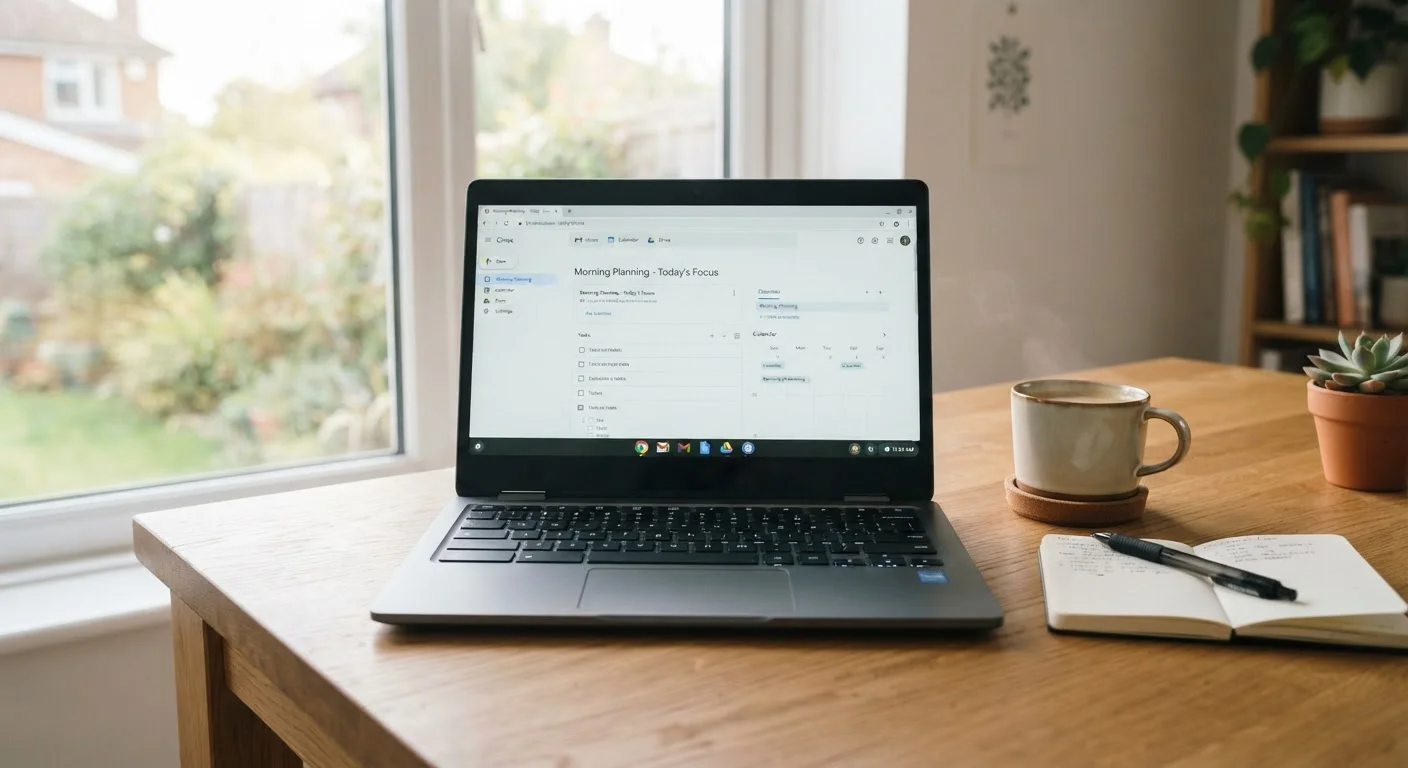
What Is a Chromebook, Exactly?
A Chromebook is a laptop that runs Chrome OS — Google's operating system built around the Chrome browser and cloud-based services. Rather than installing traditional desktop software, users rely primarily on web apps, Android apps (available on most modern Chromebooks), and Google's own suite of productivity tools. For a deeper comparison of how Chrome OS stacks up against other operating systems, see our Chrome OS side-by-side breakdown.
Because Chrome OS is intentionally lean, Chromebooks tend to use modest processors and less RAM than comparably priced Windows laptops — yet often feel responsive for the tasks they're designed to handle. Understanding this design philosophy is key to evaluating whether a Chromebook fits your needs.
The Genuine Advantages
Chromebooks have earned a loyal following for good reasons. Here are the areas where they genuinely shine.
Fast startup and smooth everyday performance
Chrome OS is lightweight, so most Chromebooks boot in seconds and remain responsive for web-based tasks even on modest hardware.
Low maintenance with automatic updates
Chrome OS updates silently in the background without requiring user intervention, reducing the maintenance burden compared to Windows or macOS.
Built-in security with sandboxing and verified boot
Chrome OS uses a verified boot process and sandboxes each tab and app, making it more resistant to many common malware threats than traditional operating systems.
Simple, accessible interface for non-technical users
The stripped-back interface has a short learning curve, making Chromebooks approachable for users who find Windows or macOS overwhelming.
Access to Android apps on most modern models
Many Chromebooks support the Google Play Store, expanding the available app library significantly beyond web apps alone.
The fast boot time alone surprises many first-time users — most Chromebooks go from off to usable in under 15 seconds. Because the operating system has a small footprint and updates happen silently in the background, there's no equivalent of a Windows update that hijacks your afternoon. For users who found traditional laptop maintenance frustrating, this is a meaningful quality-of-life improvement.
If you're weighing a Chromebook against a tablet, it's worth reviewing the real tradeoffs of using a tablet as your main device — Chromebooks typically offer a more comfortable typing experience and better multitasking for productivity work.
The Real Limitations
No device is right for everyone, and Chromebooks carry some genuine constraints that are worth understanding before you commit.
Cannot run traditional Windows or Mac software
Professional applications like full desktop versions of industry-standard creative, engineering, or accounting software do not run on Chrome OS, which can be a hard barrier for some users.
Offline functionality is limited
While core Google apps (Docs, Sheets, Gmail) work offline, many web-based tools and services become unavailable without an internet connection.
Fixed software support lifespan (AUE date)
Every Chromebook model has a set Auto Update Expiration date; once reached, the device stops receiving security updates, which can shorten its practical useful life.
Android app experience is often inconsistent
Many Android apps are optimized for touchscreens and small displays, and their behavior on a Chromebook's larger screen or with a keyboard and trackpad can feel awkward or limited.
Limited local storage on many models
Chromebooks typically ship with 32–128 GB of storage, which is adequate if files live in the cloud but can feel restrictive for users who store media or large files locally.
The software limitation is the most significant hurdle for many users. Video editors, graphic designers, musicians, and engineers who depend on specific professional-grade applications — such as the full desktop versions of Adobe's creative tools, specialized engineering software, or many accounting platforms — will find those programs simply don't run on Chrome OS. Android app versions sometimes exist but frequently lack full functionality.
The Auto Update Expiration (AUE) date is a less-discussed but important consideration. Google guarantees Chrome OS security updates for each device only up to a fixed date, which varies by model and typically ranges from five to eight years from manufacture. Once that date passes, the device no longer receives security patches. For a broader view of how Chromebooks compare to conventional laptops, our honest look at laptop tradeoffs provides useful context.
Check the AUE Date Before You Buy
Google publishes Auto Update Expiration dates for all Chromebook models on its official support pages. Before purchasing any Chromebook — new or refurbished — it's worth looking up the specific model's AUE date to understand how many years of guaranteed security support remain. A device with only one or two years of support remaining may not represent good long-term value, even if the hardware itself is in good condition.
Who Should — and Shouldn't — Consider a Chromebook
A Chromebook is likely a strong fit if your computing consists mainly of web browsing, video streaming, video calls, and cloud-based document work. Students working within a school's Google Workspace environment, remote workers whose entire toolkit lives in a browser, and households wanting a simple secondary machine often find Chromebooks meet their needs with minimal fuss.
On the other hand, a Chromebook is probably not the right primary device if you need to run Windows-only software, work offline regularly in demanding ways, play mainstream PC games, or expect to use the device for many years beyond its AUE date. For those users, a conventional laptop or desktop may be a better investment — see our desktop vs. laptop tradeoffs guide for help thinking through that decision.
5–8 years
Typical Chrome OS security update window
Google provides each Chromebook model with a fixed Auto Update Expiration (AUE) date from manufacture, generally falling within this range depending on the model.
~10 sec
Average Chromebook boot time
Chrome OS's lightweight design means most Chromebooks reach a usable state in roughly 10–15 seconds from a cold start.


