

The Core Trade-Off: Power vs. Portability
Every meaningful difference between desktops and laptops flows from one fundamental design constraint: laptops are built to be carried. That single requirement shapes everything — the size of the processor, the cooling system, the battery, and how much room there is for future changes.
Desktops, freed from portability requirements, can house larger components, run more aggressive cooling systems, and draw directly from wall power without worrying about battery drain. The result is typically more raw computing power for the same price point. If you run software that taxes the processor or graphics card consistently — video editing, 3D design, or simulation work — this gap is real and worth accounting for.
Laptops make deliberate compromises to achieve portability. Processors are designed to run efficiently at lower power draws. Cooling systems are thinner. There is usually no room for a discrete (separate) graphics card unless you are looking at a larger, heavier gaming or workstation laptop. Before you choose, consider how integrated and dedicated graphics differ — it is a key factor in both form factors.
| Criterion | Desktop | Laptop |
|---|---|---|
| Portability | Stationary only | Fully portable |
| Performance per dollar | Generally higher | Slightly lower |
| Upgradeability | High — most parts accessible | Low — many parts soldered |
| Repairability | Easier, lower cost | Harder, often costly |
| Space required | Dedicated desk setup | Minimal, stows away |
| Display flexibility | Any monitor, any size | Fixed built-in screen |
| Power source | Wall outlet only | Battery or plugged in |
| Thermal management | Larger fans, more airflow | Constrained by thin chassis |
Upgradeability and Long-Term Repairability
One of the most underappreciated differences between desktops and laptops is what happens after you buy them. Desktops are generally designed for access. Panels come off. RAM slots are reachable. Storage drives can be swapped out. In many cases, a user with basic comfort around tools can add memory or replace a failing drive without professional help.
Laptops are a different story. Manufacturers have increasingly moved toward designs where components — RAM, storage, even the battery — are soldered directly to the motherboard. This keeps the chassis thin and light but makes upgrades difficult or impossible. If a part fails outside of warranty, repair costs can rival the price of a replacement device. For a deeper look at what lives inside a laptop and how those parts interact, see our guide to laptop components.
~60%
US households with a laptop as primary PC
Laptop ownership has overtaken desktop ownership in US households, reflecting a long-term shift toward portable computing as a primary device.
3–5 years
Typical laptop battery replacement cycle
Lithium-ion batteries in laptops degrade with charge cycles; most will hold noticeably less capacity after several years of regular use.
The storage picture is worth understanding too. Whether you are buying a desktop or a laptop, knowing the difference between drive types matters for both speed and longevity. Our SSD vs. HDD breakdown covers the practical implications for everyday use.
Setup, Space, and Practical Ownership
Owning a desktop means committing to a physical footprint. You need a dedicated surface, a monitor (sold separately in most cases), a keyboard, and a mouse. Cables are part of the picture. For some users, this is a worthwhile trade-off — a larger monitor, an ergonomic keyboard, and a quality chair make for a genuinely comfortable long-term setup. For others, especially those in apartments or shared living spaces, assembling and maintaining a desktop workspace is impractical.
Laptops solve the space problem but introduce other practical considerations. Battery health degrades over years of charge cycles. Screen size is fixed. Keyboard and trackpad quality varies widely. If you want to dig deeper into what real-world laptop ownership looks like day to day, this honest look at laptop trade-offs covers the full picture.
Hybrid Setups Are a Valid Option
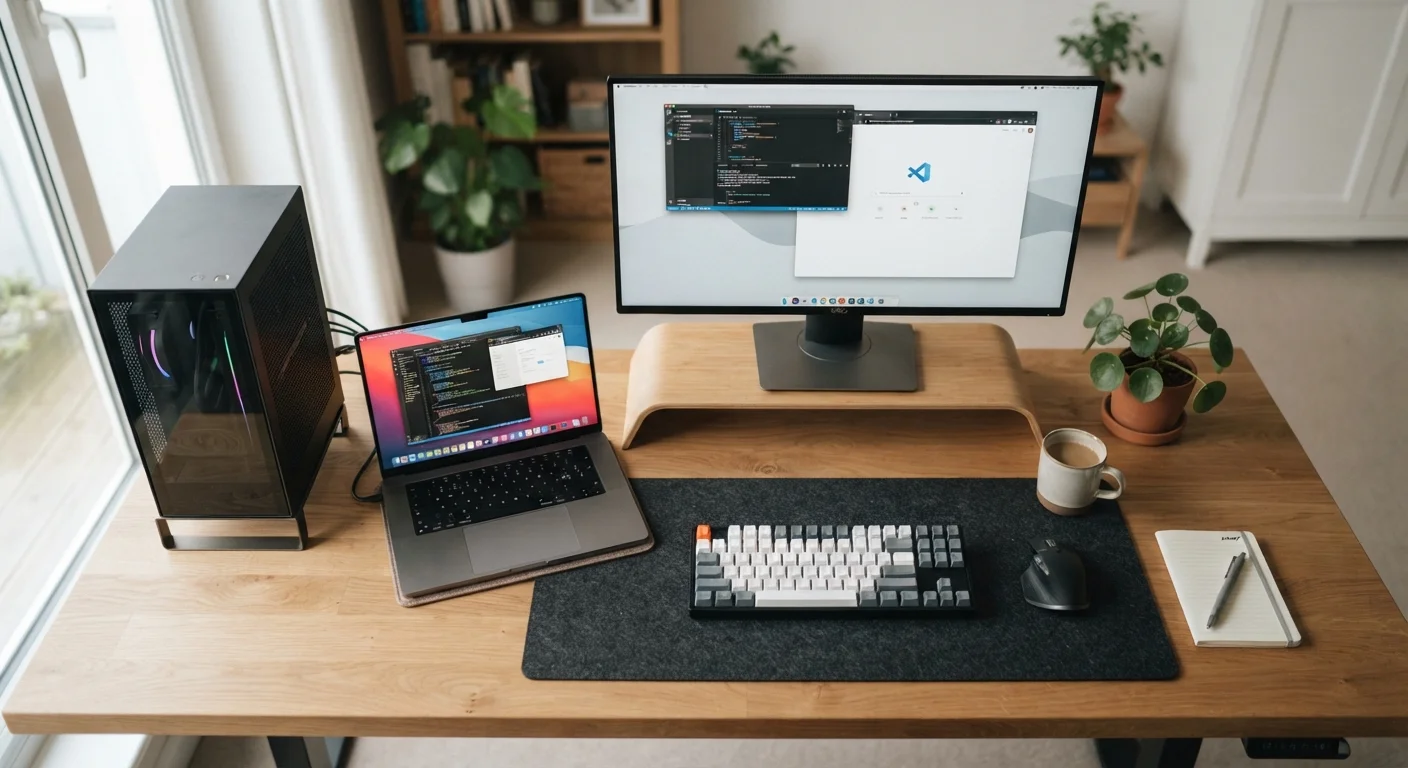
Many users find that a mid-range laptop paired with an external monitor and keyboard at home gives them meaningful portability without fully giving up a comfortable stationary workspace. This approach blurs the desktop-versus-laptop boundary and is worth considering if your needs span both categories. It does, however, add cost and cable management to the equation.
Before committing to either form factor, it is worth running through a structured evaluation. Our pre-purchase checklist for new computers helps you verify that specs and practical fit align with your actual needs.


