

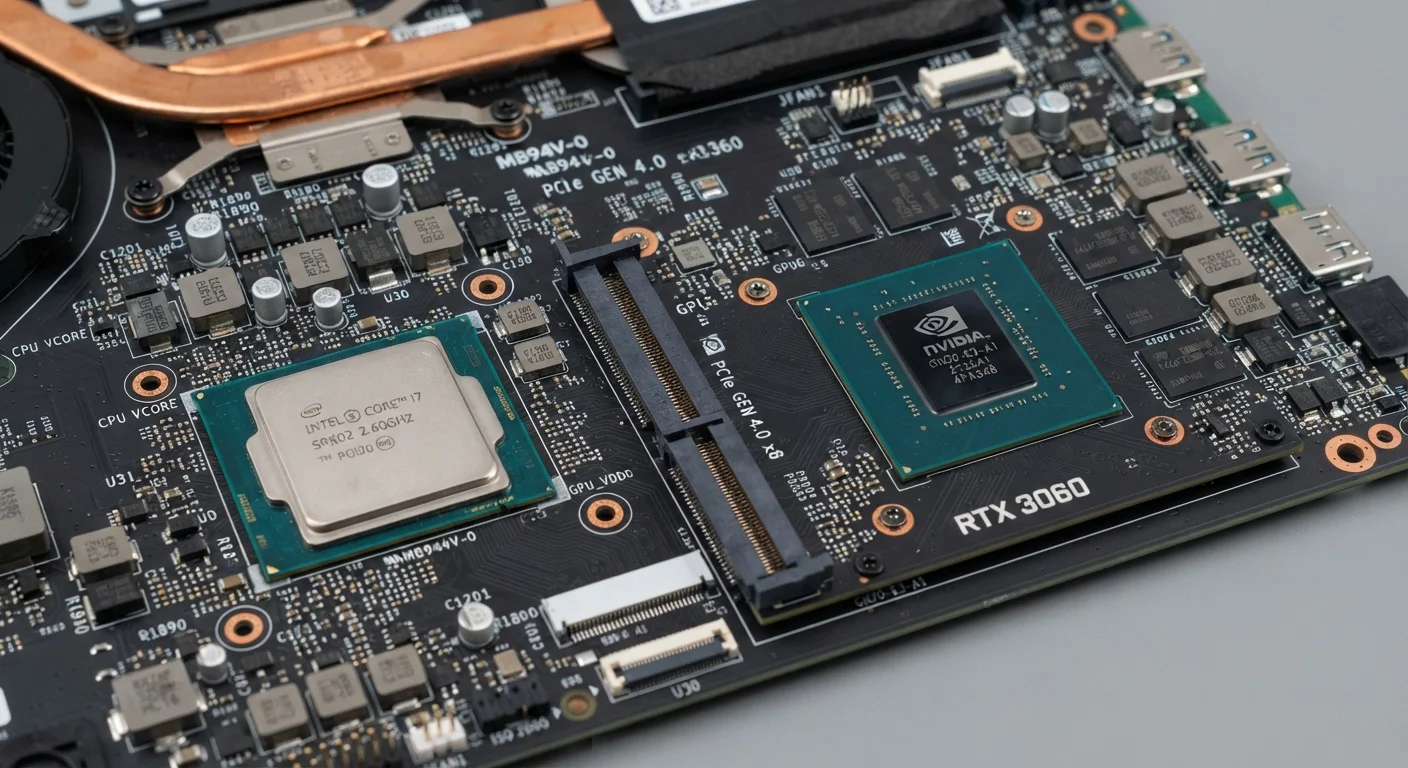
What Each Type of Graphics Actually Does
Every computer needs a way to display images on a screen. That job belongs to a graphics processing unit, or GPU. The debate is whether that GPU should be integrated into the main processor or exist as a separate, dedicated component.
Integrated graphics are built directly into the same chip as the CPU (central processing unit). They draw on the computer's main system RAM rather than having dedicated memory of their own. Because they're part of the same silicon and share existing resources, they add little cost or complexity — which is why virtually every mainstream laptop and many desktops include them by default.
Dedicated graphics cards (also called discrete GPUs) are separate hardware components with their own processor and their own high-speed memory, called VRAM. Because they aren't competing with the CPU for resources, they can handle significantly more complex visual calculations — rendering detailed game environments, processing high-resolution video timelines, or driving multiple high-resolution displays simultaneously.
For a deeper look at how the CPU, RAM, and storage each contribute to overall performance, see our guide to RAM, storage, and processing power.
| Criterion | Integrated Graphics | Dedicated Graphics (GPU) |
|---|---|---|
| Location | Built into the CPU | Separate hardware component |
| Memory | Shares system RAM | Dedicated VRAM (own memory) |
| Performance | Sufficient for everyday tasks | High-end visual and gaming tasks |
| Power consumption | Low — better battery life | High — shorter battery life |
| Cost impact | Minimal — included by default | Adds significant cost to device |
| Heat output | Low — thinner, lighter devices | Higher — requires active cooling |
| Ideal for | Browsing, office, streaming | Gaming, video editing, 3D work |
When Integrated Graphics Are Enough
For the majority of everyday users, integrated graphics are entirely sufficient. Modern integrated GPUs — including those found in recent generations of mainstream processors — have improved substantially over the past decade. They can handle:
- Web browsing, including video-heavy sites and social media
- Streaming services in HD and even 4K on supported hardware
- Word processing, spreadsheets, and presentations
- Light photo editing and casual image work
- Video calls and conferencing
The practical advantage goes beyond capability. Integrated graphics consume less power, which directly translates to longer battery life in laptops. They also generate less heat, allowing for thinner and lighter designs. And because no separate GPU component is required, devices with integrated-only graphics typically cost less.
~80%
Laptop shipments with integrated-only graphics
Industry analyst estimates consistently show the large majority of consumer laptops ship without a discrete GPU, reflecting the adequacy of integrated graphics for typical use.
2–4 hrs
Typical battery life reduction with dedicated GPU active
Switching from integrated to discrete GPU use in gaming laptops can reduce battery life by two to four hours depending on workload and display settings.
If you're weighing a laptop against a tablet for your daily routine, the tablet vs. laptop comparison explores how graphics capability fits into that broader decision.
When a Dedicated GPU Makes a Real Difference
There are specific workloads where integrated graphics hit a clear ceiling, and a dedicated GPU is genuinely necessary rather than merely convenient.
PC gaming is the most common reason everyday consumers consider a dedicated GPU. Games with detailed 3D environments, realistic lighting, and high frame rates require far more rendering power than integrated graphics can reliably provide. Trying to run demanding games on integrated graphics typically results in stuttering, reduced visual quality settings, or both.
Video editing and content creation is another clear case. Software used for editing video — especially at 4K resolution — relies heavily on GPU acceleration to preview footage smoothly and export finished files in reasonable time. Without dedicated VRAM, these applications frequently slow to frustrating speeds.
3D modeling, animation, and rendering applications are similarly GPU-intensive. Architects, designers, and animators often find that integrated graphics cannot keep pace with their software's demands.
It's worth noting that a dedicated GPU also draws considerably more power and produces more heat. In laptops, this means shorter battery life and heavier builds — trade-offs worth understanding before purchasing. The laptop vs. desktop comparison covers how these trade-offs play out across form factors.
GPU Marketing vs. Real-World Needs
Manufacturers frequently promote dedicated GPU specs even in laptops designed for general use. A discrete GPU label does not automatically mean the device will outperform a well-specified integrated-graphics machine for everyday tasks. As with CPU generations, it's worth reading marketing claims with appropriate skepticism — our article on processor generations and what they actually mean applies the same critical lens to chip marketing.


