

The Core Difference: Fixed vs. Flexible
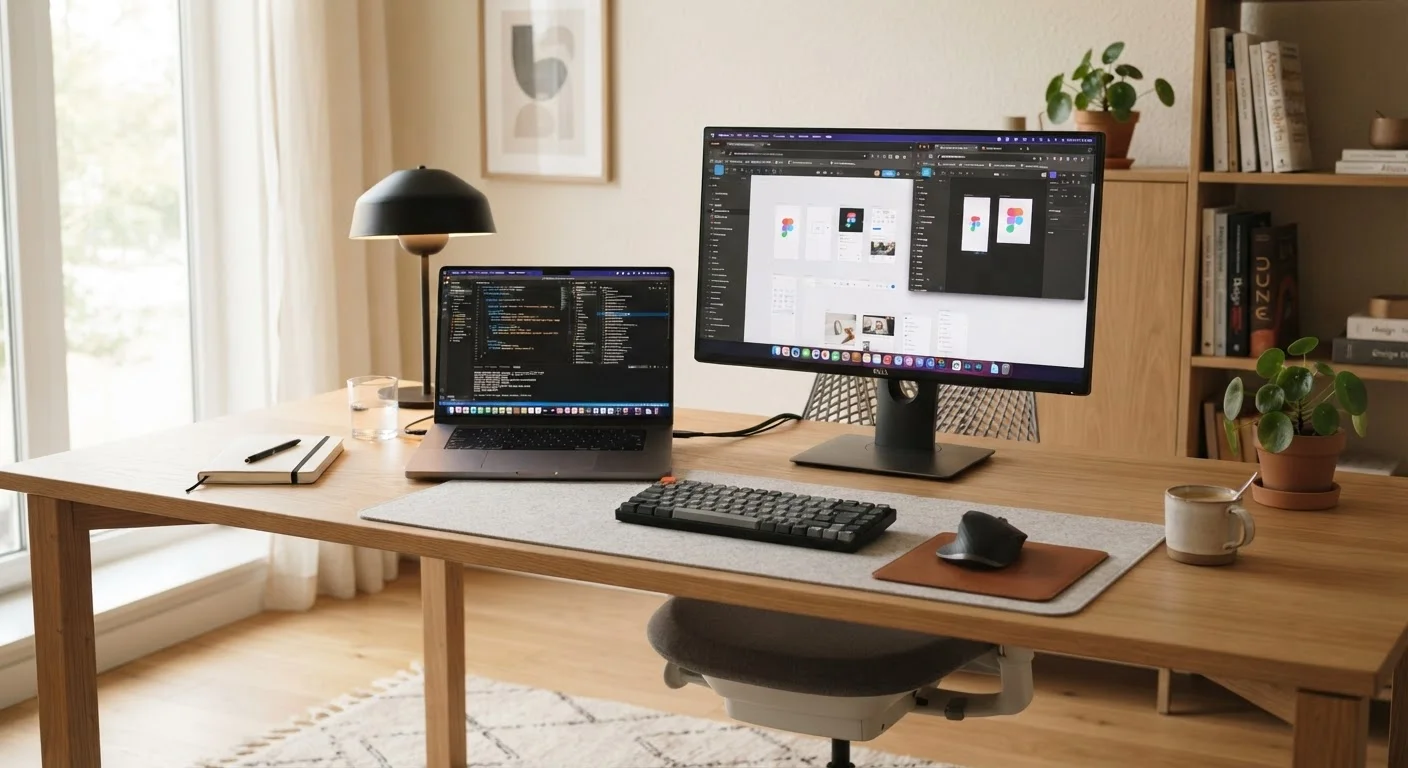
At the most fundamental level, a laptop and a desktop solve the same problem — giving you a machine to compute — but they make opposite assumptions about where and how you'll use it. A laptop assumes you move; a desktop assumes you stay put.
A laptop integrates every major component — processor, memory, storage, display, keyboard, trackpad, speakers, and battery — into a single portable chassis. That integration is its defining advantage, but also the source of its limitations. Because everything is packed tightly together, there's little room for heat dissipation or future upgrades.
A desktop separates its components into a tower (or compact case) that connects to a monitor, keyboard, and mouse. This modularity means each piece can be chosen, replaced, or upgraded independently. It also means the initial setup requires more physical space and a few extra purchases.
Before going further, it's worth reviewing the full scope of tradeoffs in our honest look at laptop tradeoffs, which covers where portability comes at a real cost.
Performance and Upgradability
When comparing equivalent price points, desktops generally offer more raw computing power. The components inside a desktop tower run cooler, which allows processors and graphics cards to sustain higher performance over longer periods without throttling — slowing down to manage heat.
Laptops have narrowed the gap considerably in recent years, and modern thin-and-light models handle everyday tasks like browsing, documents, video calls, and streaming without strain. But for sustained workloads — video editing timelines, software compilation, high-resolution gaming — desktops maintain a clear advantage.
| Criterion | Laptop | Desktop |
|---|---|---|
| Portability | Fully portable, battery included | Stationary, requires power outlet |
| Performance per dollar | Moderate | Higher at equivalent price |
| Upgradability | Limited; often soldered components | High; RAM, storage, GPU swappable |
| Built-in peripherals | Screen, keyboard, trackpad, webcam | None; all purchased separately |
| Heat management | Constrained; may throttle under load | Ample airflow; sustains peak speeds |
| Repairability | Difficult; compact design limits access | Generally straightforward |
| Lifespan with upgrades | Shorter if components can't be replaced | Longer with incremental part swaps |
Upgradability is one of the starkest differences. Most desktops allow straightforward RAM and storage upgrades, and many support graphics card swaps. Most consumer laptops, by contrast, have RAM and storage soldered directly to the motherboard, meaning what you buy is what you keep. If you expect your needs to grow, that distinction matters. Understanding the components involved is helpful — our guide to laptop components explains what each part does and why some can't be swapped out.
Cost: What You're Actually Paying For
A laptop's price includes the display, keyboard, trackpad, battery, and integrated webcam. A desktop's price covers only the tower itself — you'll need to budget separately for a monitor, keyboard, and mouse. That said, desktop hardware tends to deliver more performance per dollar once you account for comparable specs.
~30%
Average desktop performance premium at same price
Industry analysis consistently shows desktop components deliver meaningfully more processing and graphics power dollar-for-dollar compared to laptop equivalents at the same price tier.
5–7 years
Typical useful lifespan with component upgrades
Consumer technology research suggests desktop systems that receive periodic RAM and storage upgrades remain productive for significantly longer than laptops at equivalent price points.
Over a multi-year ownership period, desktop costs often level out favorably. Because components can be upgraded individually rather than replacing the whole machine, the long-term spend can be lower. If cost management is a priority, it's worth reading through general budgeting strategies before making any major electronics purchase.
Before finalizing any decision, run through the key questions covered in what to verify before buying a new computer — specs, compatibility, and real-world fit all deserve scrutiny.
Which Setup Actually Fits Your Life?
The honest answer depends less on specs and more on your physical routines. If you work from a fixed location every day — a home office, a dedicated desk, a studio — a desktop's advantages in performance, repairability, and screen size are genuinely useful. If your day involves coffee shops, classrooms, client sites, or multiple rooms of your home, a laptop's self-contained design removes real friction.
It's also worth considering whether a computer is your primary device or one of several. If you rely heavily on a smartphone or tablet for on-the-go tasks, a desktop at home may cover everything else comfortably. Our tablet vs. laptop comparison explores how these devices overlap — useful context if you're still sorting out your full setup.
Once you've made your choice, setting up your new computer correctly from day one ensures you start on solid footing — from security settings to backups.
Operating System Is a Separate Decision
Choosing between a laptop and a desktop doesn't lock you into a specific operating system. Both form factors are available with Windows, and desktops can also run Linux. Apple's macOS runs on both MacBooks (laptops) and Mac desktops. If you're unsure which OS suits your workflow, our operating systems comparison breaks down the real-world differences between Windows, macOS, and Chrome OS.


