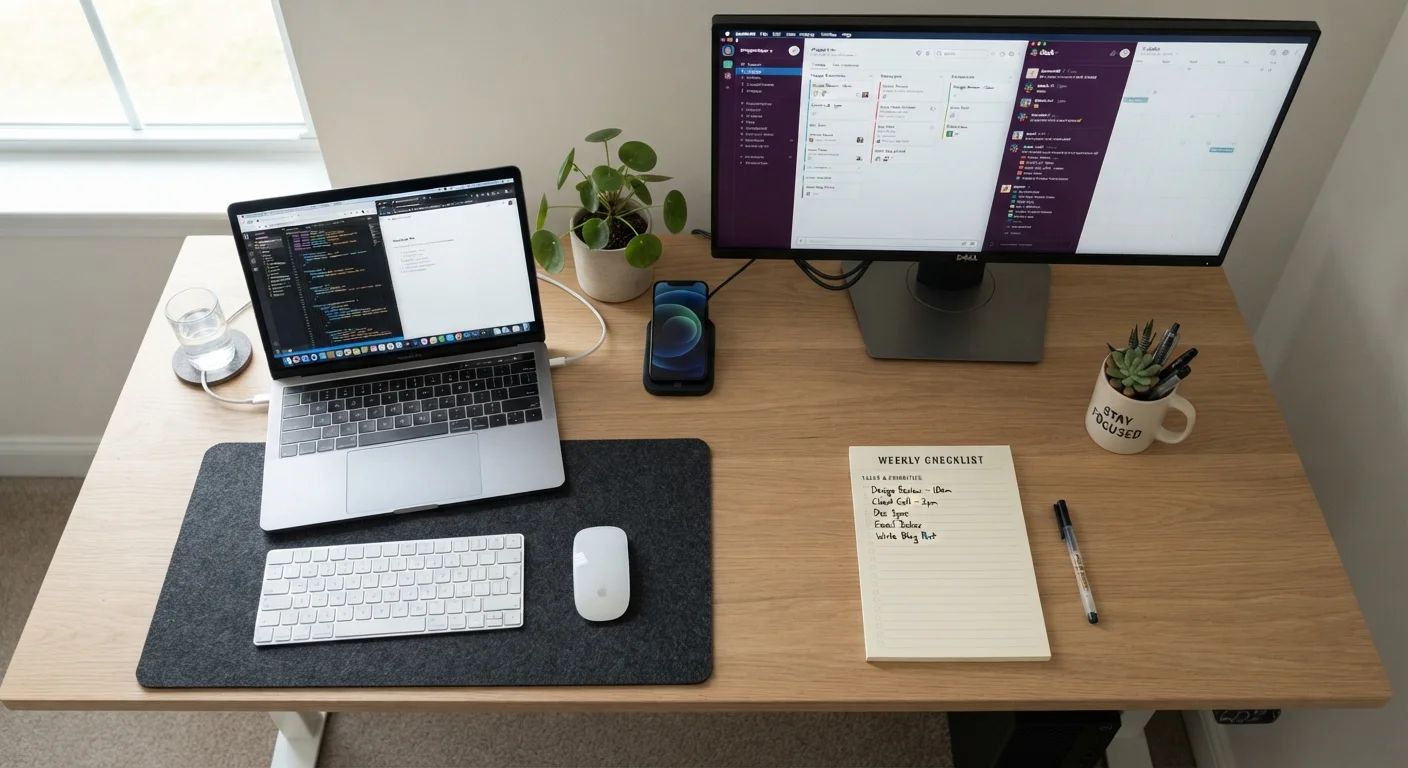
Use this checklist to evaluate specs, compatibility, and practical fit before settling on a new PC or laptop.
Key Takeaways
Matching specs to your actual workload prevents overspending and underperformance.
Compatibility with your existing software and peripherals is easy to overlook but critical.
Upgrade potential and warranty terms significantly affect long-term value.
Physical fit — port selection, size, and weight — matters as much as raw specs.
Verifying return and support policies before purchase protects you if something goes wrong.
Why a Pre-Purchase Checklist Matters
Buying a new computer is a meaningful investment, and the spec sheets can feel overwhelming. Processor generations, RAM types, storage formats — without a clear framework, it's easy to fixate on numbers that don't match your actual needs or miss details that will matter every single day.
This checklist walks you through the questions worth answering — and the details worth confirming — before you commit to any machine. Work through it methodically and you'll walk away with genuine confidence in your decision.
Required
Manufacturer specification page
Provides authoritative detail on processor, RAM, storage, and port specs for the exact model you're evaluating.
Required
Your software's system requirements page
Lists the minimum and recommended hardware and OS versions needed to run applications you depend on.
Required
A written list of your current peripherals
Helps you cross-check that existing monitors, printers, and accessories will connect to a new machine.
Required
Retailer return and warranty policy document
Clarifies your options if the computer doesn't meet expectations after purchase.
Optional
A notepad or spreadsheet for comparison notes
Lets you track how different machines score against each checklist item side by side.
The Verification Checklist
Work through each group below. Items marked must are non-negotiable for most buyers; should items are strongly advisable; nice to have items are worth considering if the option is available at no significant added cost.
Performance & Specs
Confirm the processor (CPU) generation is current enough to receive software and security updates for several years.Must
Verify RAM meets or exceeds the requirements of the software you use most — 8 GB is a common minimum, 16 GB is more comfortable for multitasking.Must
Check that storage capacity fits your files now with room to grow; prefer a solid-state drive (SSD) over a traditional hard drive for speed.Must
If you run creative, gaming, or data-intensive applications, verify that a dedicated graphics card (GPU) is included rather than relying on integrated graphics.Should
Confirm the display resolution and size are comfortable for the tasks you perform most — fine text, spreadsheets, and video editing each have different demands.Should
Software Compatibility
List every application you rely on and confirm each runs on the operating system that ships with the machine.Must
Check that specialised software (design tools, accounting programs, industry-specific apps) has a compatible version available.Must
Verify that any subscription software licences you already own allow installation on a new device.Should
Confirm browser extensions or plugins critical to your workflow are supported on the platform.Nice to have
Connectivity & Peripherals
Count the ports you need (USB-A, USB-C, HDMI, SD card, headphone jack) and confirm the machine has them — or that an adapter is a workable solution.Must
Check that your existing peripherals (monitors, printers, external drives, docks) are compatible with the connection types available.Must
Verify Wi-Fi generation (Wi-Fi 6 or later is preferable) and confirm Bluetooth is included if you use wireless accessories.Should
If you work in a wired office environment, confirm an Ethernet port is present or a compatible adapter is supported.Should
Upgrade Potential & Longevity
Check whether RAM and storage are soldered to the motherboard or accessible for future upgrades — soldered components cannot be replaced.Must
Confirm the operating system version is current and eligible for future major updates from the developer.Must
Review how long the manufacturer commits to providing security patches for this hardware generation.Should
Purchase & Support Terms
Read the return window and restocking fee policy before you buy, so you know your options if the machine isn't right.Must
Confirm the length and terms of the included warranty, and note what it does and does not cover (accidental damage is often excluded).Must
Check whether manufacturer or third-party support is available in your area and what the typical turnaround time is for repairs.Should
Review whether an extended warranty or protection plan is available and evaluate its terms independently before deciding.Nice to have
Soldered Components Cannot Be Upgraded Later
Many modern laptops — and some compact desktops — permanently attach RAM and storage to the motherboard during manufacturing. Once you own the machine, there is no way to add more memory or swap the drive. Always check the specification sheet or user manual for the phrase 'upgradeable' before assuming you can expand the machine's capabilities later.
Once you've confirmed you're satisfied on all counts, our guide to setting up a new computer the right way covers exactly what to do from the moment you power it on for the first time.
If your search has narrowed specifically to portable machines, see our focused laptop evaluation checklist for additional considerations unique to notebooks.
Tech & Electronics Editorial Team is the collective byline for our editorial team and contributor network. Articles published under this byline or an editorial pen name are researched, written, and reviewed according to our editorial standards for clarity, consistency, and independence before publication.
The content on this site is for informational purposes only and is not a substitute for professional advice. Always consult a qualified professional for guidance specific to your situation.