

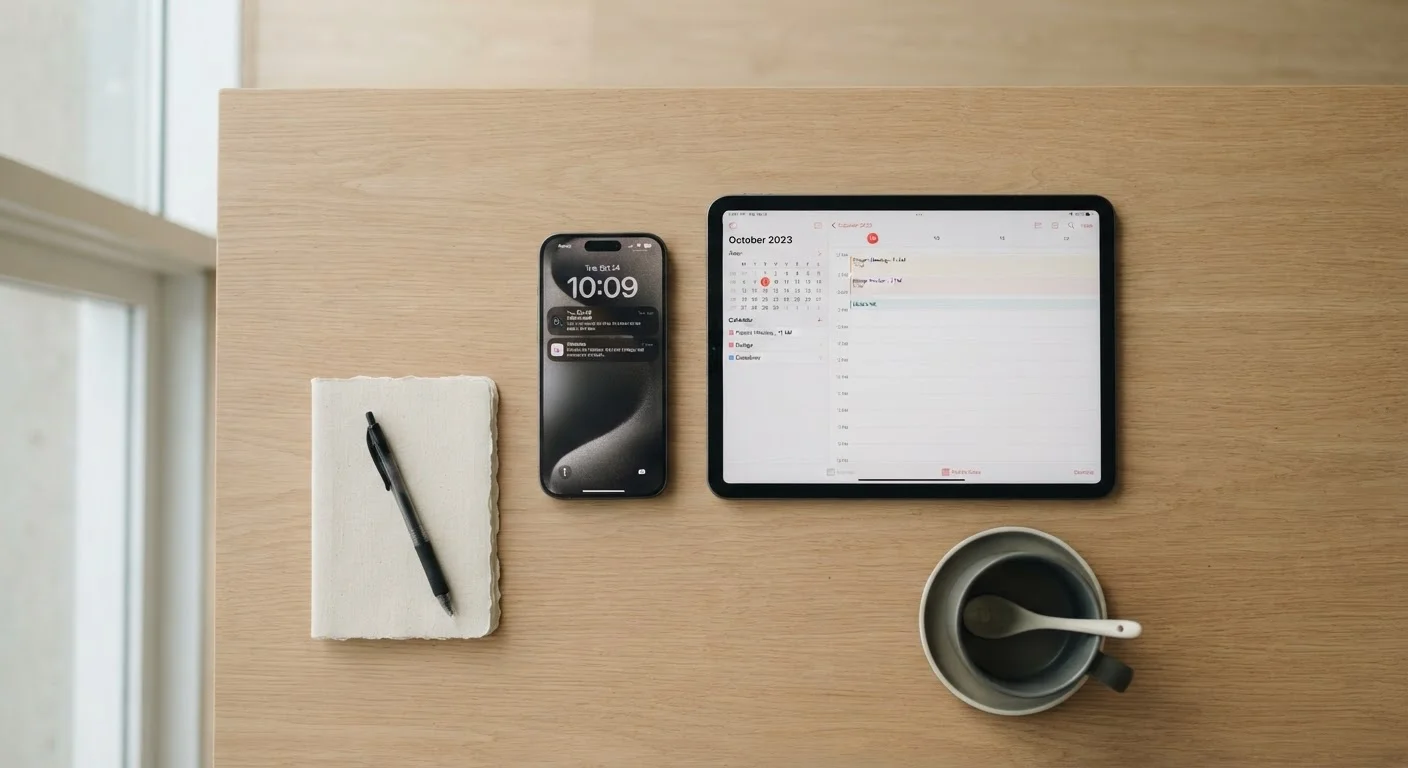
The Core Difference: Size and Connectivity
At their core, smartphones and tablets run very similar software — most apps are available on both. The meaningful differences come down to physical size, how you carry the device, and whether it can place a traditional phone call.
Smartphones typically have screens between 5.5 and 6.9 inches and are designed to fit in a pocket or small bag. They include a cellular radio that supports standard voice calls and text messages. Tablets generally range from 8 to 13 inches diagonally, making them more comfortable for reading and video but impractical to carry everywhere.
Most tablets are sold in Wi-Fi-only versions, meaning they connect to the internet through wireless networks but cannot make traditional phone calls or send SMS messages without a third-party app. Some tablets offer an optional cellular data plan, which provides mobile internet access — but even those models almost never support standard voice calls.
| Criterion | Smartphone | Tablet |
|---|---|---|
| Typical screen size | 5.5–6.9 inches | 8–13 inches |
| Fits in a pocket | Yes | No |
| Traditional phone calls | Yes (built-in) | Rarely (app-only) |
| Cellular data option | Standard | Optional add-on |
| Camera quality | Generally stronger | Usually more basic |
| Battery life | Typically 1–2 days | Often 8–12+ hours active use |
| Best for media consumption | Adequate | Significantly better |
| Portability | Very high | Moderate |
If you're new to mobile devices and want a broader foundation, the beginner's guide to smartphones covers essential concepts like apps, settings, and storage.
How Everyday Use Patterns Should Guide Your Choice
The most useful question isn't "which device is better?" — it's "how do I actually spend time with a screen?" Consider these common scenarios:
- Commuting or running errands: A smartphone fits in your pocket, supports tap-to-pay, and keeps you reachable. A tablet requires a bag and adds noticeable weight.
- Watching video at home: A tablet's larger display and front-facing speakers produce a noticeably more enjoyable experience than even a large-screened smartphone.
- Reading long-form content or e-books: Eye strain reduces significantly on a tablet-sized display, particularly for anyone who reads for extended periods.
- Video calls: Both devices support apps like FaceTime, Zoom, and Google Meet, but a tablet's larger screen makes participants easier to see and the wider-angle camera is better suited to a stationary position.
- Photography: Smartphones win decisively. Their camera systems are more advanced, and holding a large tablet up to take photos is awkward in practice. See how smartphone cameras actually work for a deeper look at what makes phone cameras capable.
~6 inches
Average smartphone screen size in the US market
Screen sizes have grown steadily over the past decade, narrowing the gap with small tablets.
8–10 hrs
Typical tablet battery life during active use
Manufacturers commonly rate mid-range tablets at eight to ten hours of mixed screen-on use.
2-in-1
Tablet users who also own a smartphone
Research consistently shows the majority of tablet owners use a smartphone as their primary communication device alongside it.
For readers weighing a tablet against a laptop rather than a phone, this comparison of tablets and laptops walks through the trade-offs in detail.
Cost, Lifespan, and the "Do I Need Both?" Question
Entry-level smartphones and entry-level tablets can cost a similar amount, but the ownership picture differs. Smartphones are frequently subsidized through carrier plans, which can lower the upfront cost. Tablets are more often purchased outright.
In terms of lifespan, both device types typically receive software updates for four to six years from reputable manufacturers, though this varies. Tablets often accumulate fewer miles — they're not dropped on pavement or handled hundreds of times a day — so they may physically last longer even if software support ends on a similar timeline.
Many households end up with both, and that's a rational outcome. A smartphone handles communication and portability; a tablet handles home media and reading. That said, if budget is a constraint, consider which use case dominates your actual daily life before buying a second device. The real drawbacks of using a tablet as your primary device is worth reviewing if you're considering going tablet-only.
Platform choice — Android or iOS — applies to both device types and can influence how well your devices work together. Android vs. iOS in daily use explains the practical differences if you're deciding between ecosystems.
Wi-Fi Calling Is Not the Same as a Cellular Plan
Some apps — including FaceTime Audio, WhatsApp, and Google Voice — allow tablet users to make voice calls over a Wi-Fi connection. This works well in many situations, but it requires an internet connection and a separate account or phone number. It is not a substitute for a standard cellular voice plan if you need reliable calling on the go.


