

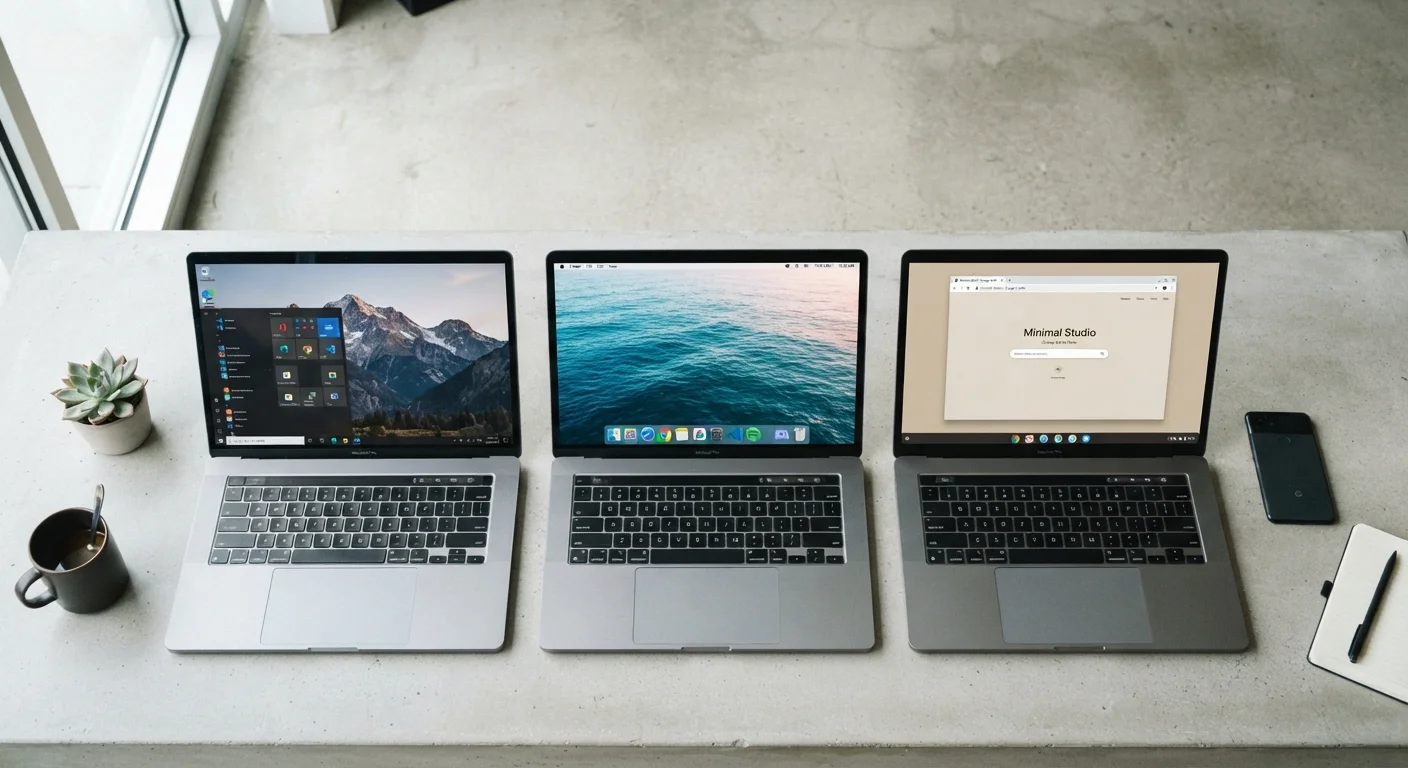
What an Operating System Actually Does
An operating system (OS) is the foundational software that manages your computer's hardware and gives you a way to interact with it. Every time you open an app, save a file, or connect to Wi-Fi, the OS is coordinating what happens behind the scenes. Think of it as the layer between you and the machine's physical components.
The three most common desktop operating systems in the US consumer market — Windows, macOS, and Chrome OS — each handle this role differently. They differ in where your files live, which applications you can run, how updates work, and how much ongoing configuration they require. Understanding those differences makes it much easier to evaluate which kind of computer will actually fit your life. For a deeper look at how the hardware underneath these systems works, see our guide to RAM, storage, and processing power.
Windows: Flexibility Across Hardware and Software
Windows, developed by Microsoft, runs on computers made by dozens of manufacturers — Dell, HP, Lenovo, ASUS, and many others. That hardware diversity means Windows machines span a wide price range and come in nearly every form factor, from budget laptops to high-end workstations.
The OS supports the broadest software library of the three. Most professional applications — including design tools, accounting software, and industry-specific programs — offer Windows versions as a baseline. It's also the dominant platform for PC gaming. That said, this breadth comes with some trade-offs: Windows systems can accumulate software over time, require more active security maintenance (antivirus, updates), and may feel less predictable across different device manufacturers.
Test Before You Commit
If possible, spend time using a device before purchasing. Many libraries and retail locations have display models. Even 15–20 minutes on an unfamiliar OS can reveal whether the interface feels natural to you. Switching operating systems later isn't impossible, but it does involve relearning habits and potentially replacing software.
If you're weighing a desktop versus a laptop running Windows, our desktop vs. laptop comparison walks through the practical trade-offs.
macOS: Integration and Consistency Within Apple's Ecosystem
macOS runs exclusively on Apple-made Mac computers — MacBooks, iMacs, and Mac minis. Apple controls both the hardware and software, which allows for tight optimization. Macs generally handle memory management efficiently and are known for consistent performance across their product line.
Where macOS particularly stands out is in cross-device continuity. If you use an iPhone or iPad, features like Handoff, AirDrop, and iCloud sync make moving between devices relatively seamless. macOS also has a strong reputation in creative fields — video editing, graphic design, and music production — partly because key professional applications have long been developed with Mac in mind.
The main constraints are cost and ecosystem lock-in. Mac hardware tends to sit at a higher price point, and macOS cannot be legally installed on non-Apple hardware. Users who don't already use Apple devices may see fewer immediate benefits from the ecosystem integration.
| Windows | macOS | Chrome OS | |
|---|---|---|---|
| Hardware availability | Many manufacturers, wide price range | Apple hardware only | Several manufacturers, mostly affordable |
| Software library | Broadest desktop app support | Strong creative and productivity apps | Primarily web and Android apps |
| Maintenance level | Higher — updates, security tools | Moderate — streamlined updates | Low — automatic and minimal |
| Ecosystem integration | Best with Microsoft 365 services | Excellent with Apple devices | Best with Google services |
| Typical price range | Budget to premium | Mid to premium | Budget to mid-range |
| Offline functionality | Full offline capable | Full offline capable | Limited offline support |
Chrome OS: Simplicity Built Around the Browser
Chrome OS, developed by Google, takes a fundamentally different approach. It's built around the Chrome browser, meaning most tasks happen online or through web apps. Local software installation is minimal by design — Google Docs, Gmail, YouTube, and similar services are the primary tools.
This architecture has real advantages: Chrome OS devices (called Chromebooks) start up quickly, receive automatic updates with minimal user action, and have a smaller attack surface for malware because so little runs locally. They're also typically among the more affordable computer options available.
The trade-off is clear: Chrome OS is a poor fit if your work depends on specific desktop software that doesn't have a web equivalent. Certain professional applications, offline-heavy workflows, or demanding tasks like video rendering aren't well-served by Chrome OS. For a fuller picture of what Chromebooks can and can't do, see a balanced look at Chromebook advantages and limitations.
~72%
Global desktop OS market share held by Windows
According to StatCounter's global desktop OS data, Windows consistently accounts for roughly 70–75% of desktop operating system usage worldwide.
~15%
Global desktop market share held by macOS
StatCounter data places macOS at approximately 15% of global desktop OS usage, with stronger representation in the US market.
Choosing the Right OS for Your Situation
The most useful question to ask isn't which OS is best in the abstract — it's which one matches your actual habits and needs. Consider these factors:
- Software requirements: Does your work or school depend on specific applications? Check whether they're available on the OS you're considering.
- Existing devices: If you use an iPhone daily, macOS integration may be genuinely useful. If you're invested in Android, that's less of a factor — for a parallel comparison, see how Android and iOS differ in daily use.
- Technical comfort level: Chrome OS requires the least ongoing maintenance. Windows requires the most active management. macOS falls somewhere in between.
- Budget: Chrome OS hardware tends to be least expensive. Windows hardware spans a wide range. macOS hardware is generally more expensive upfront.
No OS is universally superior. Each reflects a different philosophy about what a personal computer is for, and understanding those philosophies puts you in a much better position to make an informed choice.


