
Why the Method You Choose Actually Matters
Tracking your spending is widely recognized as the foundation of any working budget. As explored in our guide to where your money actually goes, most people underestimate their monthly outflows by a meaningful margin — and tracking closes that gap. But the tool you use shapes how consistently you'll do it.
Each approach — pen-and-paper logs, spreadsheets, and dedicated apps — carries distinct trade-offs in terms of time investment, accuracy, privacy, and flexibility. Understanding those differences helps you select a method that fits your habits, not just your intentions.
| Manual Log | Spreadsheet | Budgeting App | |
|---|---|---|---|
| Setup time | Minutes | Hours (initial build) | Minutes |
| Ongoing time per week | High (daily entries) | Medium (periodic entry) | Low (mostly automated) |
| Cost | None | None or low | Free to ~$15/month |
| Data privacy | Fully local | Fully local | Third-party dependent |
| Customization | Unlimited | Unlimited | Limited to app design |
| Automation | None | Formulas only | High (account sync) |
| Best for cash spending | Yes | Yes | Partial |
| Learning curve | Very low | Moderate | Low |
Manual Logs: Low Tech, High Awareness
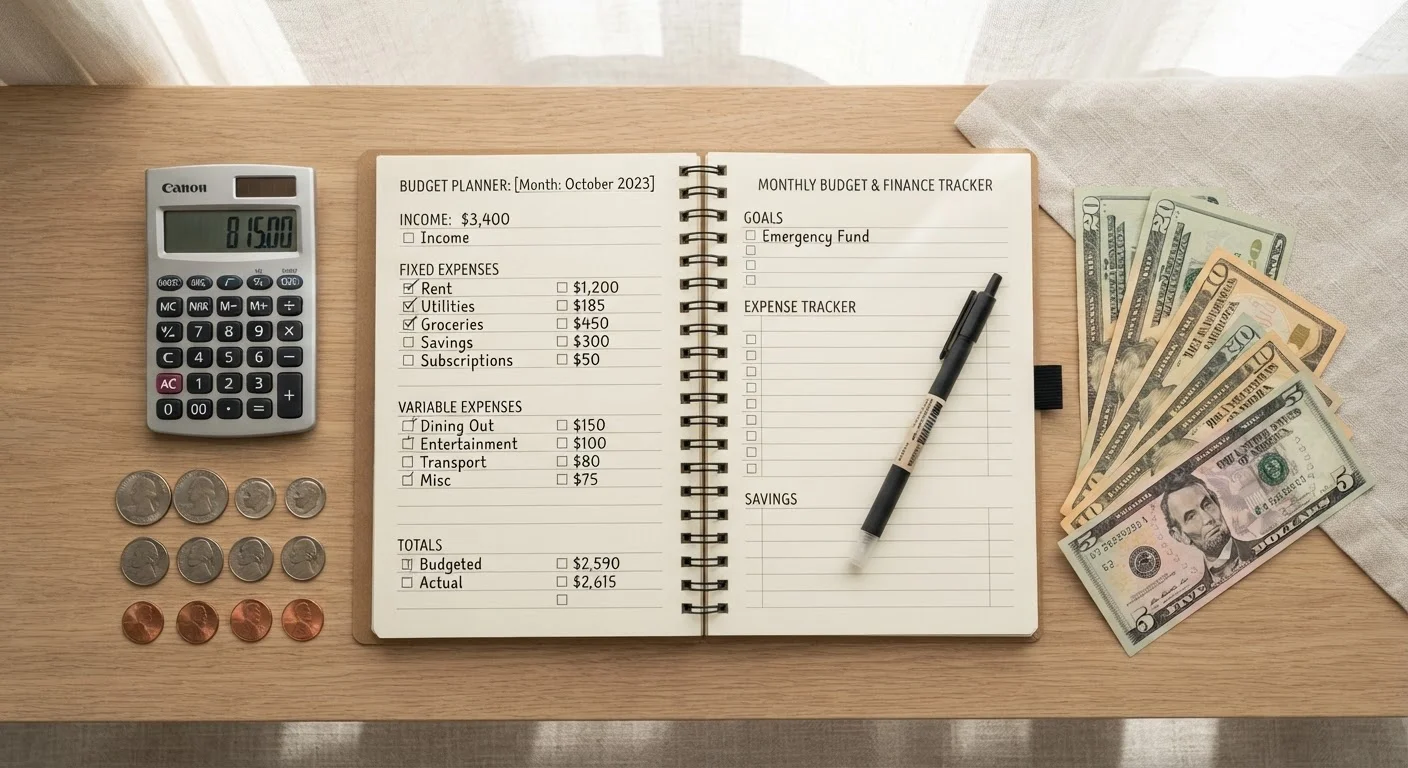
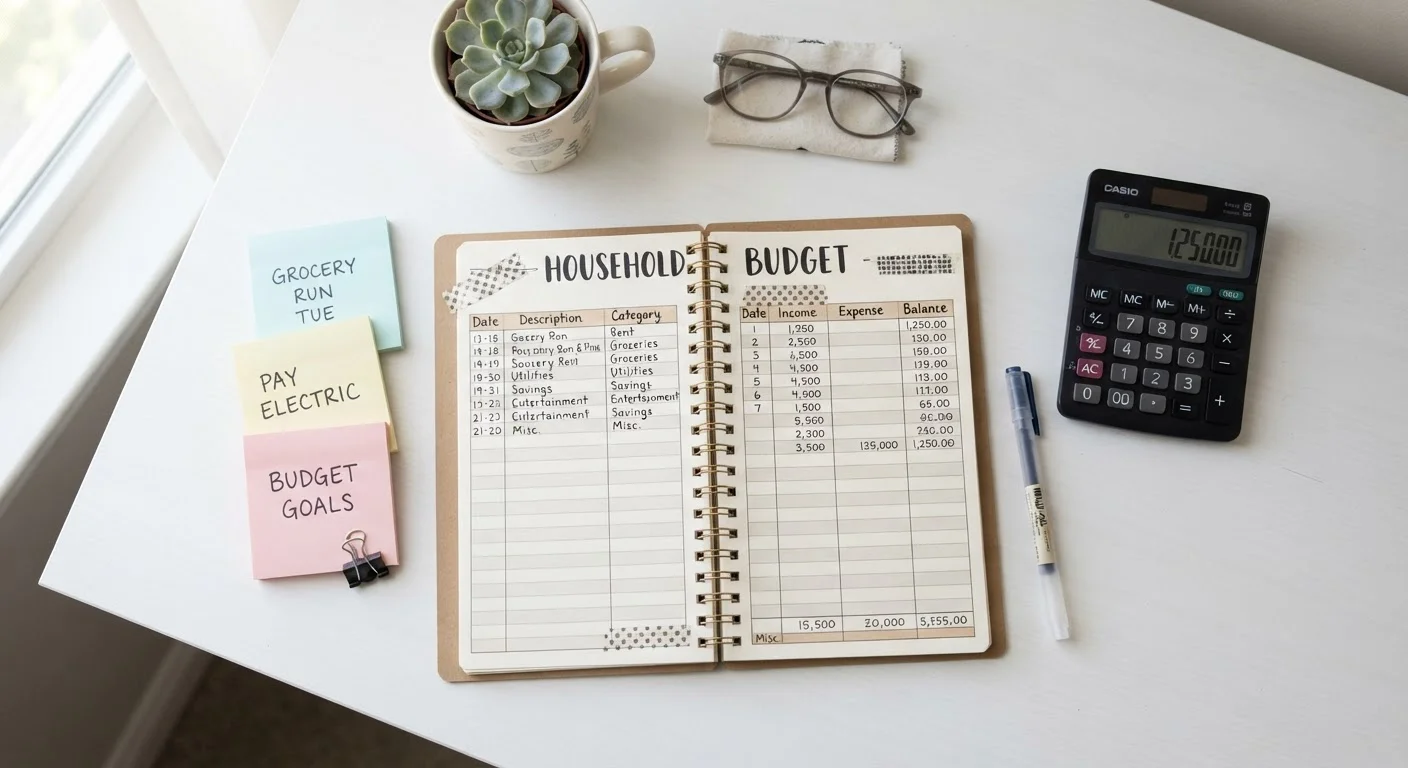
Writing down every transaction by hand is the oldest budgeting technique — and it still works. The act of physically recording a purchase creates a moment of conscious acknowledgment that digital automation skips entirely. Research in behavioral finance consistently notes that friction in spending decisions can reduce impulsive outflows.
The downsides are real, though. Manual logs are time-consuming, easy to let lapse after a busy week, and provide no automatic calculations or visualizations. Cash transactions are captured well; but if you forget to log a debit card purchase before the receipt disappears, that data is gone. Manual logs also do not scale easily — tracking a household with multiple earners becomes cumbersome quickly.
Best suited for: People starting fresh with budgeting who benefit from slowing down and engaging directly with each transaction. Also useful for those with primarily cash-based spending.
Make Manual Logging a Daily Habit
Keep your log — whether a notebook or a simple notes app — in the same place you review receipts. Logging transactions at the end of each day, rather than trying to reconstruct a week's worth, dramatically improves accuracy. Even five minutes before bed can make a manual system reliable.
Spreadsheets: Full Control, Real Commitment
A well-built spreadsheet gives you complete ownership over your financial data — no third-party servers, no subscription fees, no data-sharing agreements. Tools like Excel or Google Sheets allow you to create custom categories, automate running totals with formulas, build month-over-month trend charts, and structure everything around your actual life rather than a template someone else designed.
The trade-off is setup time and ongoing manual data entry. You still need to input transactions yourself (or import bank exports periodically), and the system is only as accurate as the effort you put in. For those who enjoy working with data, this is a satisfying process. For others, it becomes a chore that gets skipped.
Privacy-conscious users often prefer spreadsheets precisely because financial account credentials are never shared with any app. For a broader look at how spreadsheets fit into a full budgeting approach, see our detailed method comparison.
Budgeting Apps: Automation With Trade-Offs
Dedicated budgeting apps connect directly to your bank, credit card, and investment accounts, automatically pulling and categorizing transactions in near real-time. This removes most manual entry and makes it easy to check your spending status in under a minute. Many apps also offer alerts, goal tracking, and spending trend reports that would take significant spreadsheet work to replicate.
However, automation comes with considerations. Linking financial accounts to a third-party app means your credentials — or read-only access tokens — are held by that provider. Review an app's data-sharing and security policies before connecting accounts. Some apps are free; others charge monthly or annual fees. Automatic categorization is also imperfect: subscriptions may land in the wrong bucket, and one-off purchases often need manual correction.
Review App Data-Sharing Policies Carefully
Before linking bank or credit card accounts to any budgeting app, read its privacy policy and terms of service. Understand how your data is stored, whether it is sold or shared with third parties, and what happens to your information if you close your account. Using a read-only connection (where available) limits exposure compared to sharing full login credentials.
For those ready to move from tracking to full planning, our comprehensive budgeting introduction covers how to layer spending limits on top of tracked data.
Making Your Choice — and Sticking With It
The comparison above highlights functional differences, but consistency is the variable that most determines results. A simple manual log used every day outperforms a sophisticated app opened once a month. When evaluating which method fits you, consider these questions:
- How much time can you realistically dedicate weekly? Apps demand the least; spreadsheets and logs require more.
- Do you spend primarily in cash or digitally? Cash-heavy spending is better served by manual methods.
- How important is data privacy to you? Spreadsheets and logs keep all data local.
- Do you want customization or convenience? Spreadsheets offer the former; apps deliver the latter.
Once you have consistent tracking in place, pairing it with a monthly review process is the natural next step. The monthly budget review checklist provides a structured way to audit your numbers and adjust your plan before small gaps widen. This kind of regular review transforms raw spending data into actionable financial progress.
This article is for general informational and educational purposes only and does not constitute personalized financial advice. Consult a qualified financial professional for guidance specific to your circumstances.