Why the Method You Choose Actually Matters
Choosing a budgeting method isn't just a matter of preference — it shapes how consistently you engage with your finances. Research in behavioral economics consistently shows that people who actively track their spending tend to overspend less, not because the tracking is magic, but because awareness alone shifts behavior. If you're new to budgeting altogether, this foundational guide covers the core concepts before you choose a tool.
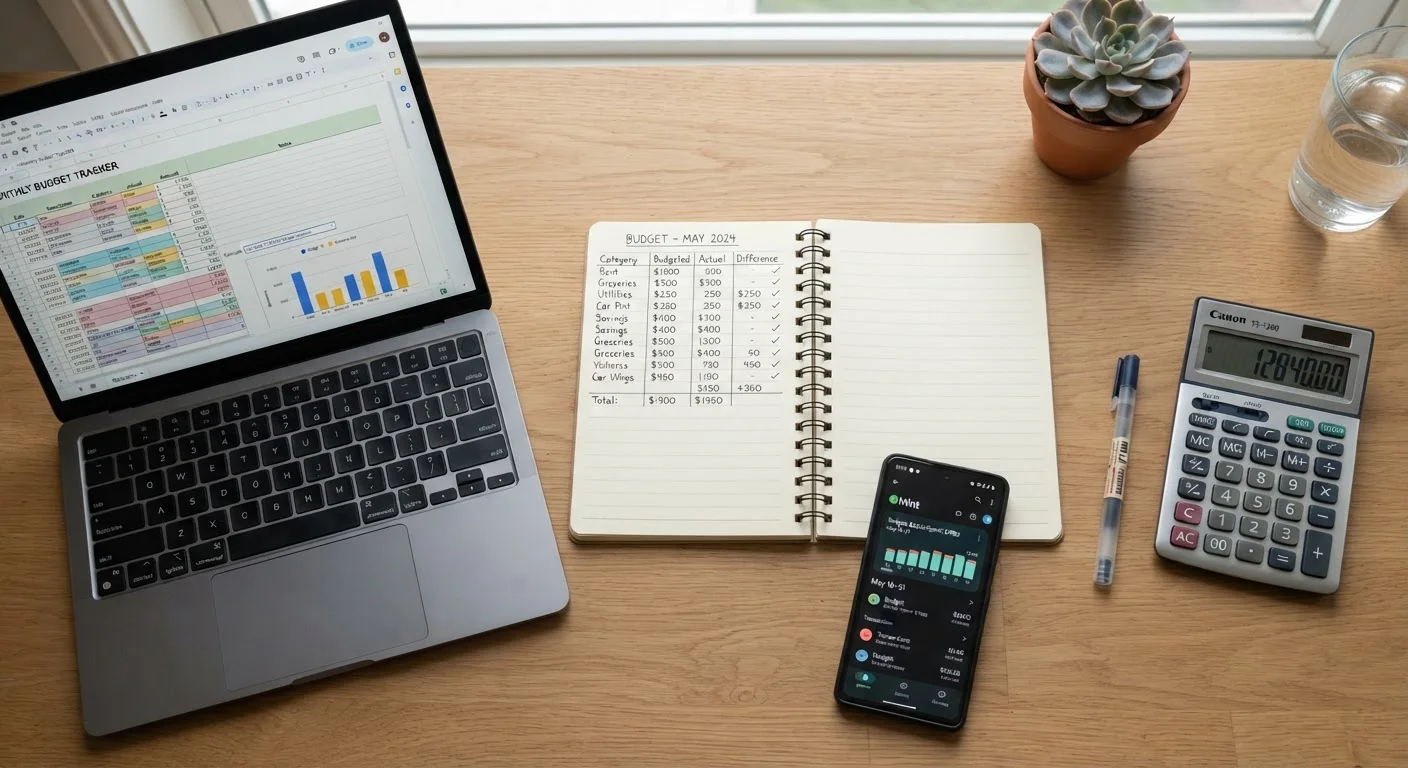
The three most common approaches — pen-and-paper, spreadsheets, and apps — each support different personalities, schedules, and financial goals. Understanding their real trade-offs helps you choose a system you'll actually maintain rather than abandon after two weeks.
Pen-and-Paper Budgeting: Low Tech, High Intention
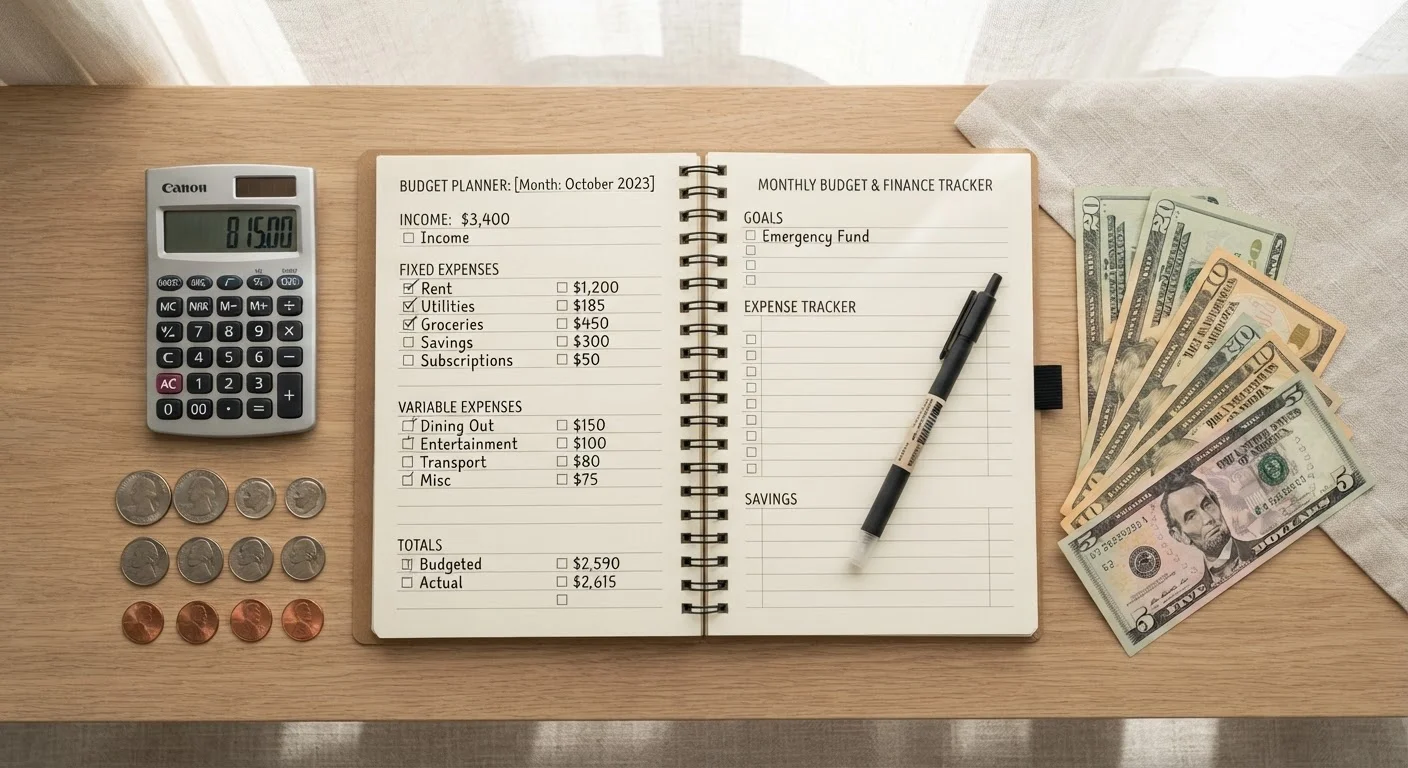
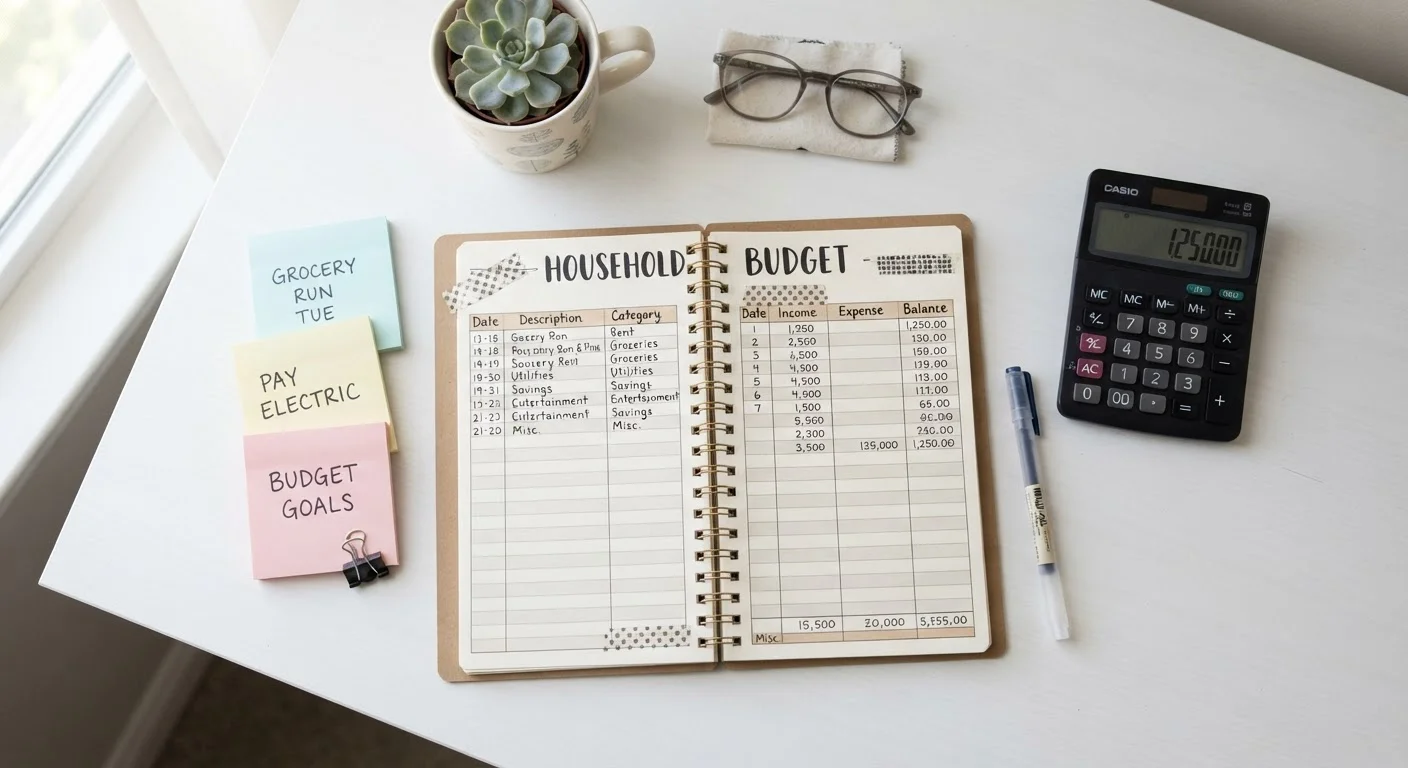
Writing down income and expenses by hand is the oldest budgeting method, and it remains surprisingly effective. The physical act of recording a number tends to reinforce its significance — a dynamic that purely digital tools can undercut when transactions feel abstract.
Strengths:
- Zero cost — a notebook and pen are all you need
- No learning curve; accessible to anyone
- No privacy risk from linking financial accounts
- Encourages deliberate, mindful engagement with spending
Limitations:
- Time-consuming to maintain manually, especially with many transactions
- Easy to fall behind; no automation or reminders
- Calculations must be done by hand, increasing error risk
- Difficult to generate historical comparisons or spending trends
This method works well alongside cash-based systems. The envelope method pairs naturally with a written budget log, since both emphasize tangible, intentional handling of money.
Make Pen-and-Paper Work Harder
Consider a simple two-column layout: planned amounts on the left, actual spending on the right. Reviewing the gap between the two each week builds sharper awareness of where money actually goes versus where you intend it to go. Even a five-minute weekly review dramatically improves how useful your written budget becomes.
Spreadsheets: Power and Flexibility on Your Terms
Spreadsheet budgets — built in programs like Google Sheets or Microsoft Excel — occupy a middle ground between the tactile simplicity of paper and the automation of apps. They allow deep customization: you can design categories, build formulas, create charts, and tailor the layout to your exact financial situation.
Strengths:
- Highly customizable to any budgeting framework
- Formulas automate math and reduce calculation errors
- Free or low-cost (Google Sheets is free with a Google account)
- No bank account linking required; privacy stays in your hands
- Easy to archive and review historical data month over month
Limitations:
- Requires an initial time investment to set up correctly
- Basic formula knowledge needed to use it effectively
- Data entry is still manual unless you export bank statements
- No automatic transaction syncing or real-time balance alerts
Spreadsheets are particularly well-suited to frameworks like zero-based budgeting, where every dollar of income is assigned a purpose. See how zero-based budgeting compares to the envelope method to decide which structure fits your spreadsheet design.
| Pen-and-Paper | Spreadsheet | Budgeting App | |
|---|---|---|---|
| Cost | Free | Free to low cost | Free to subscription-based |
| Setup Time | Minutes | Moderate (hours) | Minutes to moderate |
| Automation | None | Partial (formulas) | High (bank syncing) |
| Customization | Unlimited | Unlimited | Limited by app design |
| Privacy Risk | Very low | Low | Moderate to higher |
| Best for Beginners | Yes | Moderate | Yes |
| Historical Reporting | Manual only | Strong with setup | Built-in dashboards |
Budgeting Apps: Automation With Trade-Offs
Dedicated budgeting apps have grown significantly in sophistication. Many can link directly to bank accounts and credit cards, categorize transactions automatically, send overspending alerts, and produce visual spending summaries — all with minimal manual input.
Strengths:
- Automatic transaction imports reduce data-entry burden
- Real-time alerts when approaching category limits
- Visual dashboards make spending patterns easier to spot
- Many offer goal-tracking features (emergency funds, debt payoff)
Limitations:
- Linking financial accounts raises legitimate data security questions
- Some apps charge monthly or annual subscription fees
- Automation can reduce financial mindfulness — swiping feels cheaper when the app handles the math
- Category auto-assignments are sometimes inaccurate and need correction
Anyone who chooses an app should review its privacy policy carefully before linking accounts, particularly around data sharing with third parties. For a detailed look at how these tools compare specifically for expense tracking, this comparison of spending trackers explores the nuances further.
App Security: Read Before You Link
Before connecting any bank or credit card account to a budgeting app, review the app's privacy policy to understand how your data is stored, used, and shared. Look specifically for language about selling or sharing data with third-party advertisers. If you're not comfortable with what you find, a spreadsheet or paper budget achieves the same goal without requiring account access.
Choosing What Works for You
There is no objectively correct budgeting method. The question is which approach reduces friction enough that you'll actually use it consistently. A few practical considerations:
- If you're just starting out: Pen-and-paper removes every technical barrier and gets you tracking within minutes. Building the habit matters more than the tool at this stage.
- If you want detailed control: A spreadsheet lets you design exactly the system you need, whether that's a simple income-minus-expenses tracker or a detailed multi-category allocation model.
- If consistency is your biggest challenge: An app's automation and reminders may be the nudge that keeps you engaged, provided you're comfortable with the privacy trade-offs.
Some people combine approaches — using an app for real-time transaction tracking while maintaining a monthly paper review to set intentions. Others weigh the pros and cons of a granular budgeting approach before committing to any system.
Once a method clicks and saving becomes a habit, the next natural step is putting those savings to work. Investing Essentials covers the foundational concepts for understanding how everyday investing works.
This article is for general informational and educational purposes only and does not constitute personalized financial advice. Consider consulting a licensed financial professional for guidance tailored to your individual circumstances.