

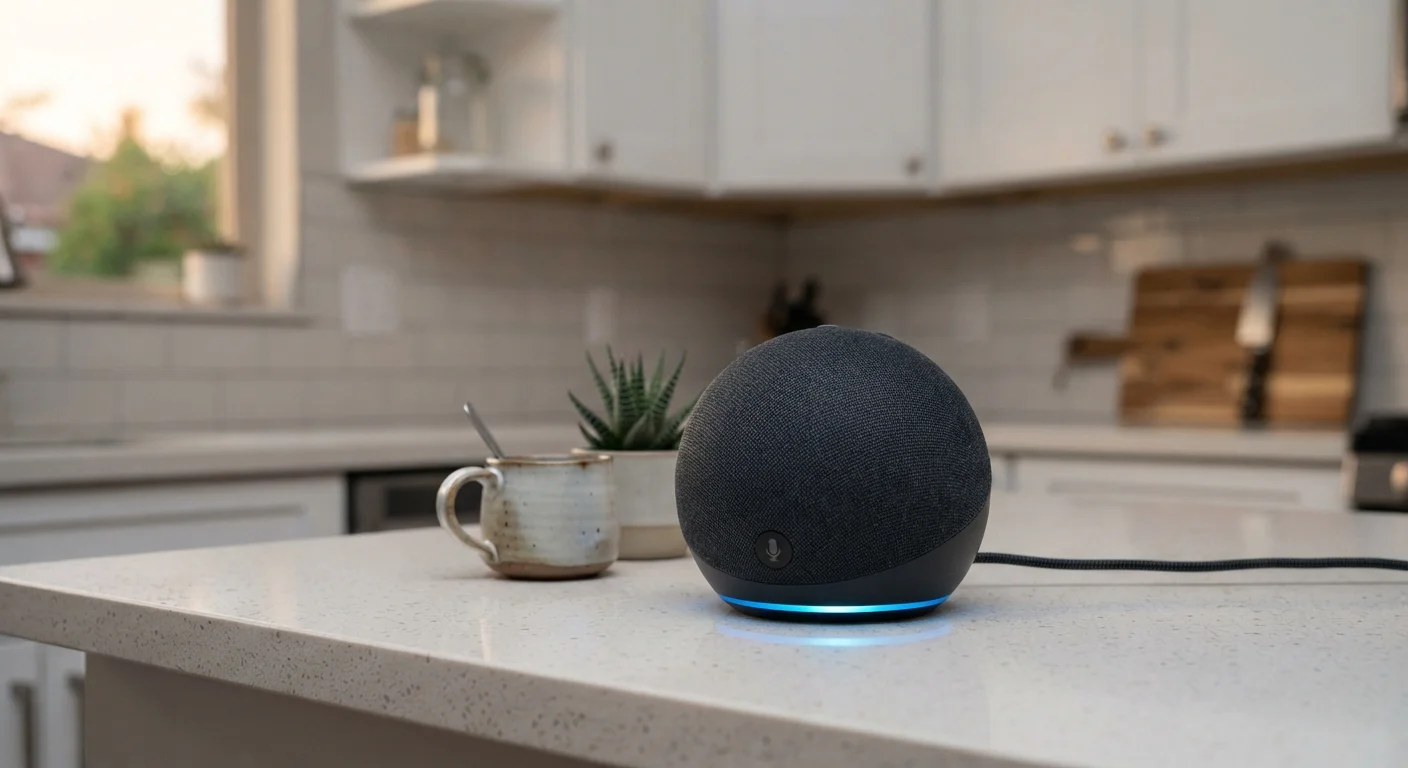
How Smart Speakers Actually Work
The core mechanism in every smart speaker is a two-stage process: local detection followed by cloud processing. The device runs a lightweight model on its own processor that scans incoming audio patterns around the clock — but this model is only trained to recognize one thing: the wake word. Think of it as a very narrow filter rather than a full recording system.
When the wake word is detected, the device activates, captures the command that follows, and sends that audio snippet to the manufacturer's servers. Those servers apply far more sophisticated language processing to understand and respond to your request. The response travels back to your speaker within seconds.
This architecture means the vast majority of ambient sound in your home — conversations, background TV, arguments about dinner — never leaves your device. The potential for privacy exposure lies in two specific moments: when a wake word is correctly detected, and when a false activation occurs.
On-Device vs. Cloud Processing: A Key Distinction
When privacy concerns about smart speakers arise, it helps to separate on-device processing from cloud processing. Local wake word detection involves no data leaving your home. Cloud processing — which happens after activation — does involve your audio traveling to external servers. Knowing which stage a privacy concern applies to helps you evaluate it more accurately.
False Activations: The Real Privacy Gap
No wake word detection system is perfect. Sounds that resemble the trigger phrase — whether from a TV commercial, a podcast, or a nearby conversation — can cause the device to activate unintentionally. When this happens, the speaker records a short clip of whatever followed the accidental trigger and sends it to the cloud for processing.
Researchers and journalists have documented this phenomenon across major smart speaker platforms. The clips captured during false activations are typically brief, but they can contain fragments of private conversation the user had no intention of sharing.
~19%
False activation rate in independent testing
Researchers studying major smart speaker platforms have reported false activation rates that vary by device and environment, with some studies finding roughly 1 in 5 activations unintended.
Seconds
Typical duration of a false-activation clip
Clips captured during false activations are generally very short — often just a few seconds — but may still capture ambient audio in the room.
Understanding this risk helps put it in perspective: false activations are real but episodic. They are not the same as continuous surveillance. Still, if your device wakes up unexpectedly, checking your voice history in the companion app can confirm whether a recording was made — and you can delete it.
What Happens to Your Voice Data
After a command is processed, the resulting audio clip is stored on the manufacturer's servers and associated with your account. All major platforms have disclosed — in privacy policies and through press coverage — that a portion of these clips is reviewed by human contractors. The stated purpose is to identify errors in voice recognition and improve the underlying models.
“Consumers should understand that voice assistants record and store data about interactions — and they have the right to access, review, and delete those records. Transparency from manufacturers about retention practices and third-party data sharing is essential to informed consent.”
— Federal Trade Commission, U.S. Consumer Protection Agency
Users generally have several tools available to manage this data. Most companion apps include a voice history section where you can listen to recorded clips, delete individual entries, or clear your entire history. Some platforms allow you to set automatic deletion windows — for example, recordings older than three or eighteen months can be erased on a rolling basis.
For a broader look at how data permissions work across your devices, see how app permissions function on your phone — many of the same principles apply.
Practical Controls You Can Use Today
Smart speaker privacy is not an all-or-nothing situation. Several straightforward controls can meaningfully reduce your exposure without requiring technical expertise.
- Use the hardware mute button. On most devices, this physically cuts power to the microphone, making it impossible for the speaker to detect any audio. It is more reliable than a software mute setting.
- Review and delete your voice history. Open your speaker's companion app, find the voice or activity history section, and delete clips you are not comfortable retaining. Set up automatic deletion if that option is available.
- Opt out of human review where possible. Most platforms now offer an explicit opt-out for having your recordings reviewed by contractors. Check your account's privacy settings.
- Position the device thoughtfully. Placing a smart speaker away from bedrooms or spaces where sensitive conversations frequently occur reduces the consequence of accidental activations.
For a broader set of habits that protect your connected home, practical smart home security steps covers device-level security alongside privacy considerations.
Check Your Voice History Regularly
Most companion apps make it easy to audit what your smart speaker has recorded. Setting a monthly reminder to review and clear your voice history is a low-effort habit that keeps your stored data to a minimum. Some platforms also send activity summaries that make this even simpler.
If you are evaluating whether a smart speaker fits your household in the first place, an honest look at what smart speakers can and cannot do may help you weigh that decision.


