

Why Smart Home Security Deserves Attention
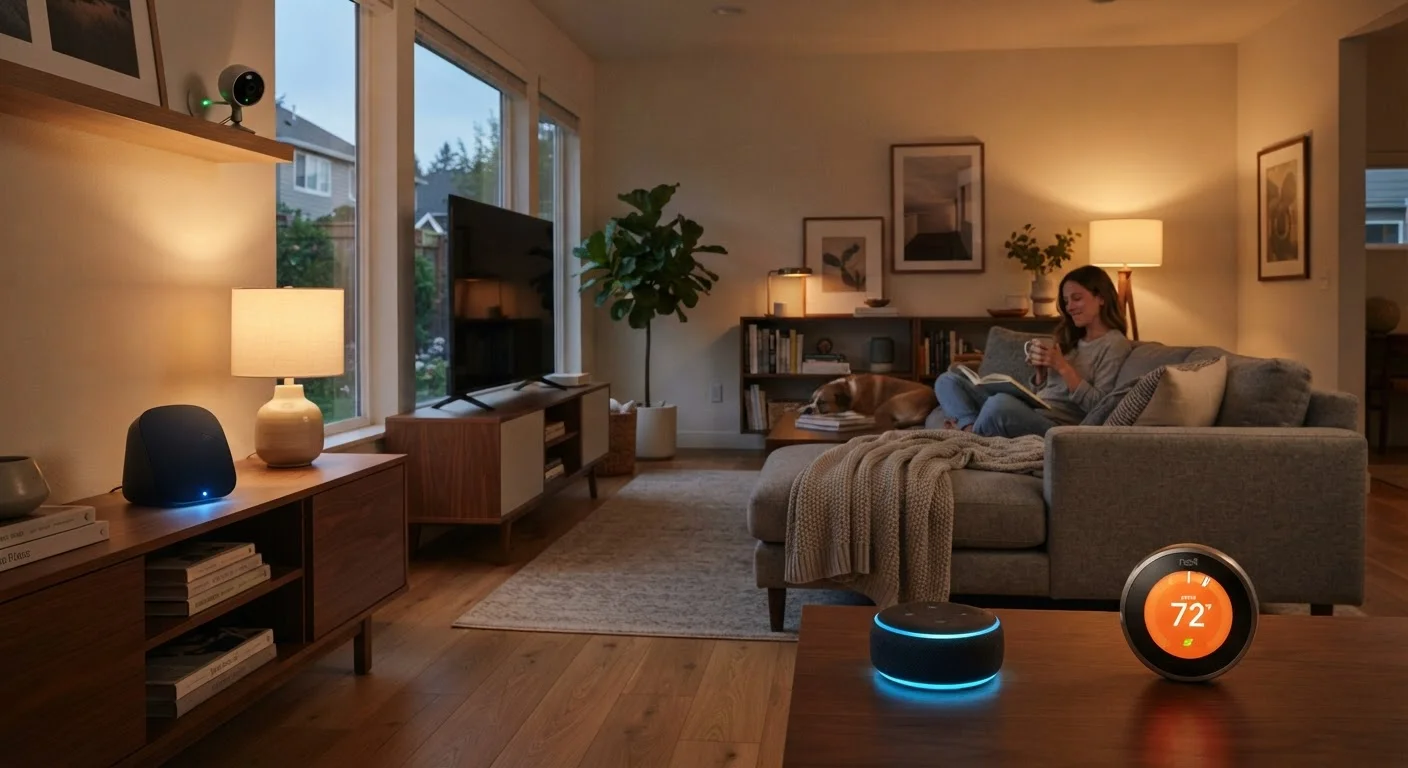
Smart home devices — thermostats, doorbells, speakers, plugs, and locks — are designed for convenience, but each one is essentially a small computer connected to your home network. That connection is useful, and it's also a potential entry point for unauthorized access.
Most households don't experience a dramatic breach. The more common risks are subtler: a device quietly sending more data than expected, weak credentials allowing unauthorized control, or an outdated device becoming a foothold on your broader network. None of these require technical sophistication to address — they mostly come down to consistent habits. Before you add more devices to your setup, it's worth understanding the trade-offs involved. Our article on smart home privacy considerations covers what to weigh before installing.
Practical Security Habits That Make a Real Difference
The following practices are not theoretical. They address the most common, documented vulnerabilities in consumer smart home setups and can be implemented without specialized knowledge.
Change the default username and password on every smart device immediately after setup.
Device manufacturers ship products with generic credentials that are publicly known and indexed online. Leaving them unchanged is one of the most common and exploited vulnerabilities in home networks. Changing them removes an obvious entry point.
Enable automatic firmware updates on all smart home devices.
Firmware updates frequently include patches for real security flaws discovered after a device ships. Devices running outdated firmware are known to be vulnerable in specific, documented ways. Automatic updates mean you're protected without having to remember to check manually.
Set up a separate Wi-Fi network (often called a guest network) specifically for smart home devices.
If a smart device is compromised, an attacker can potentially see other devices on the same network — including laptops, phones, and tablets that hold sensitive information. Isolating smart devices onto their own network limits what an attacker can reach from any single compromised device.
Disable features you don't use — especially remote access, voice activation, and data sharing options.
Every active feature is a potential surface for exploitation or unintended data collection. Microphones, cameras, and open remote-access ports that you never actually use provide no benefit while carrying real risk. Disabling unused features reduces your exposure without affecting your day-to-day experience.
Use strong, unique passwords for the accounts tied to your smart home apps.
Smart home devices are often managed through cloud accounts. If that account is breached using a reused password from another service, an attacker gains control of your devices remotely. A password manager makes it practical to use different, complex passwords for every account.
Periodically audit which devices are connected to your network and remove ones you no longer use.
Old devices that are no longer actively maintained by their manufacturers may stop receiving security updates, turning them into persistent vulnerabilities. Devices you've forgotten about may still be running, connected, and unpatched.
Quick Actions You Can Take Today
You don't need to overhaul your entire setup at once. Starting with a few targeted actions delivers real protection quickly. The same logic applies to your phone — see our guide on phone security habits for complementary steps.
A Note on Smart Home Hubs and Centralized Risk
If you use a smart home hub to unify your devices, that hub becomes a particularly important thing to secure — it controls, or has visibility into, everything connected to it. Our coverage of the ups and downs of smart home hubs goes deeper on how centralization affects both convenience and risk.
Physical Security Matters Too
Digital habits are important, but don't overlook the physical side. Routers and smart home hubs placed in accessible areas of your home can be reset by anyone with physical access, which can bypass software-level protections. Keep your router in a less publicly accessible location, and be aware that guests on your Wi-Fi can interact with devices on the same network. For more on protecting the physical hardware itself, see our guide on keeping home electronics safe.
The goal isn't a perfectly locked-down home — it's a home where basic, well-understood protections are consistently in place. Most vulnerabilities that affect everyday households are the result of skipped defaults, not sophisticated attacks.


