
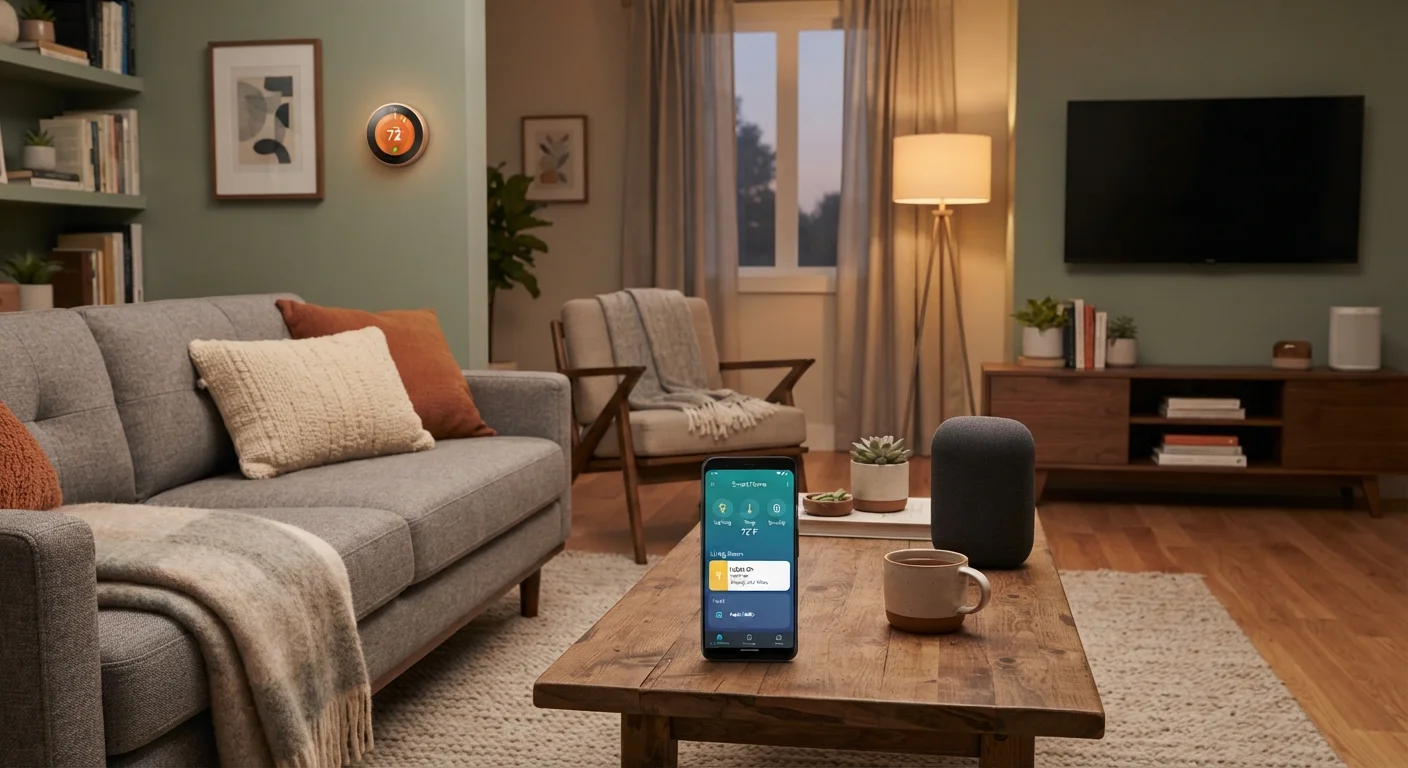
What Smart Home Devices Actually Do
Smart home devices are internet-connected hardware products designed to give you remote or automated control over household systems. Common categories include smart thermostats, plugs, door locks, lighting, doorbells, and security cameras. They typically connect over Wi-Fi or a low-power protocol like Zigbee or Z-Wave, and most are managed through a smartphone app or a central hub.
The appeal is straightforward: adjust your thermostat from your phone before you get home, or check whether you left the garage door open without driving back. For a deeper look at how these devices fit together, the Home Tech Basics hub covers smart home fundamentals in full. If you're weighing whether to add a hub to tie devices together, how smart home hubs work and whether you need one is a useful starting point.
Remote control from anywhere with Wi-Fi
Adjust thermostats, check locks, or turn off lights from your phone regardless of location, reducing unnecessary trips home and small daily friction.
Scheduling reduces energy waste
Smart thermostats and plugs can be programmed to operate only when needed. This can contribute to lower utility bills when used consistently, though results depend on prior usage habits.
Automation simplifies repetitive tasks
Routines — like turning off all lights when you leave — can be set once and run automatically, reducing the cognitive load of managing a household.
Real-time monitoring adds awareness
Smart doorbells, sensors, and cameras provide visibility into what's happening at home without requiring physical presence, which many households find reassuring.
Accessibility benefits for some users
Voice control and remote operation can meaningfully reduce barriers for people with mobility limitations or other accessibility needs.
The Real Downsides to Know Before You Buy
The same connectivity that makes smart devices convenient also introduces complications. Privacy is a significant one: most devices collect usage data, and what companies do with that data varies. A smart thermostat knows when you're home; a smart lock records every entry and exit. Reading the privacy policy before purchasing is practical, not paranoid.
Security is a related concern. Every device added to your home network is an additional access point. Devices with weak default passwords or infrequent firmware updates can be exploited. For parallel context on digital security hygiene, everyday phone security habits translate directly to smart home thinking.
Standby power draw is another factor many buyers overlook. Smart devices stay connected around the clock, and those idle watts add up on your electricity bill. which home electronics draw the most power when idle breaks this down by device type.
Data collection is extensive and often opaque
Most smart home devices collect behavioral data — usage patterns, schedules, presence detection — and share it under terms many users never read. Privacy policies vary significantly between manufacturers.
Each device adds a network security exposure
Connected devices with outdated firmware or weak default credentials can be exploited as entry points into a home network. Older devices that no longer receive security updates are a particular concern.
Ecosystem incompatibility creates fragmentation
Devices built for different platforms may not interoperate smoothly, resulting in multiple apps and unreliable automation across a mixed-brand setup.
Constant standby power draw adds to electricity costs
Smart devices maintain a persistent connection and draw power continuously. Over time, the combined standby load of several devices creates a measurable addition to monthly energy bills.
Dependence on internet and app availability
Many smart devices function poorly or not at all if the internet goes down or the manufacturer's app server experiences an outage, creating reliability concerns for critical systems like locks.
Setup and troubleshooting require technical comfort
Initial configuration, Wi-Fi pairing, and resolving device conflicts can be time-consuming. Less tech-comfortable users may find the ongoing maintenance overhead outweighs the convenience gains.
Ecosystem Lock-In and Compatibility Pitfalls
One of the most frustrating aspects of smart home devices is that they don't always work together. Products built for one ecosystem — say, one major voice assistant platform — may not integrate smoothly with devices from a different platform. The Matter standard, a newer cross-platform protocol, is improving this, but compatibility still requires verification before purchasing.
The Matter Standard: What It Means for Compatibility
Matter is an open-source connectivity standard backed by major technology companies that aims to let smart home devices from different brands work together more reliably. Devices certified for Matter can communicate across participating ecosystems without requiring a specific brand's hub. However, not all existing devices support it, and implementation quality still varies. Before purchasing, verify whether a device carries a Matter certification if cross-platform compatibility is a priority for your setup.
Before adding devices, confirm they share a common connectivity standard or hub. A piecemeal setup can result in multiple apps, inconsistent automations, and significant troubleshooting overhead. The pros and cons of owning a smart home hub article examines how hubs help — and where they add complexity.
Making a Practical Decision
The case for smart home devices depends heavily on your household's specific needs. A smart thermostat is a low-friction entry point with clear utility and relatively modest privacy exposure. A smart lock or indoor camera involves more sensitive data and warrants closer scrutiny of the manufacturer's data practices.
~25%
U.S. homes with at least one smart device
Estimates from industry research suggest roughly one in four American households has at least one internet-connected smart home device installed.
8–12 watts
Typical smart hub standby draw
According to general energy measurement data, many smart home hubs and always-on devices draw between 8 and 12 watts continuously, adding several dollars monthly to electricity costs.
Approach it as a category-by-category decision rather than an all-or-nothing commitment. Start with one or two devices in areas where remote control or scheduling delivers obvious value. Secure your home Wi-Fi with a strong password and keep device firmware updated — both are basic steps that meaningfully reduce risk. For broader guidance on evaluating home technology purchases, Smart Shopping Tips offers practical frameworks for confident decision-making.
Smart home devices are tools, not upgrades in themselves. When they solve a real problem in your household, they're worth the trade-offs. When they're solving a problem you don't have, the added complexity and privacy considerations rarely justify the install.