

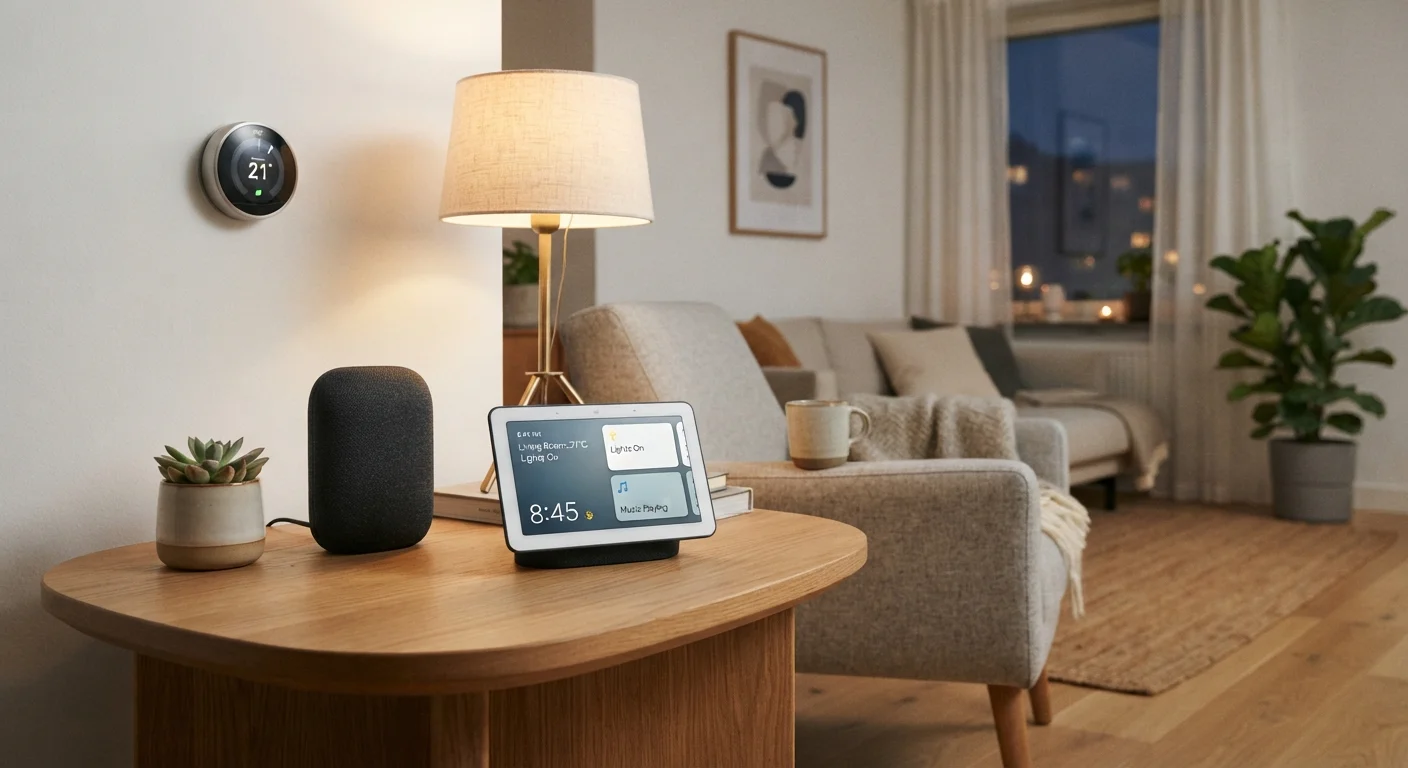
What a Smart Home Hub Actually Does
At its core, a smart home hub solves a communication problem. Smart home devices — lights, door locks, thermostats, sensors — don't all speak the same wireless language. Some use Wi-Fi, some use Zigbee, and others use Z-Wave. Without a hub, devices that rely on different protocols simply can't talk to each other. For a plain explanation of why those differences matter, see our guide to Wi-Fi, Zigbee, and Z-Wave .
A hub bridges those gaps. It connects to your home network and acts as a central coordinator, receiving signals from one device and relaying instructions to another. Practically, this means you can set up automations like: when the front door lock is engaged, turn off the living room lights and set the thermostat back — even if those three devices come from completely different manufacturers.
Hubs also typically provide a single control interface, either through a dedicated app or a web dashboard, so you're not juggling five separate apps for five separate devices.
Hubs Are Not the Same as Routers
A smart home hub and a Wi-Fi router are different devices with different jobs. Your router connects your home network to the internet. A smart home hub coordinates communication between smart devices — often using protocols like Zigbee or Z-Wave that don't rely on Wi-Fi at all. Some modern routers include limited hub-like features, but they're not interchangeable.
Hub vs. No Hub: When You Actually Need One
The honest answer is that many households don't need a hub at all. If you own a small number of devices that all connect via Wi-Fi and share a compatible app platform, you already have a workable ecosystem. Voice assistants and smart speakers can handle basic control tasks in these setups — though it's worth understanding what smart speakers can and cannot actually do before relying on them as a hub substitute.
A dedicated hub becomes genuinely useful when:
- You own devices that use Zigbee or Z-Wave, which don't connect directly to Wi-Fi routers.
- You want to build complex automations that trigger across multiple devices and brands.
- You're concerned about bandwidth — Zigbee and Z-Wave devices communicate through the hub rather than crowding your Wi-Fi network.
- You want local processing, meaning commands execute without needing an internet connection.
If your setup is still taking shape, our plain-language starting point for smart home devices can help you map out what you actually need before adding complexity.
Start Small Before Adding a Hub
If you're new to smart home devices, consider building out a Wi-Fi-based setup first and seeing whether it meets your needs. Many households find a hub unnecessary until they start mixing devices that use different wireless protocols. Adding a hub later is straightforward once you know what your setup requires.
The Trade-Offs Worth Knowing Before You Set One Up
A hub adds capability, but it also adds complexity. Setup typically requires more technical steps than plugging in a single smart bulb. You'll need to pair each device to the hub individually, and troubleshooting connectivity issues can involve multiple layers — the hub itself, the device firmware, and the app.
There's also the single-point-of-failure risk. If your hub loses power or its software encounters a problem, any devices that route through it may become unresponsive. Cloud-based hubs face additional exposure: if the manufacturer discontinues their service — which has happened in the industry — your setup could stop working entirely.
3+
Wireless protocols a typical hub supports
Most dedicated smart home hubs support Zigbee, Z-Wave, and Wi-Fi simultaneously, allowing devices from different ecosystems to coexist.
Matter
New cross-brand compatibility standard
The Matter standard, backed by major tech companies, aims to reduce the need for protocol bridging by creating a shared language for smart home devices.
For a fuller look at both the advantages and the downsides, see The Ups and Downs of Owning a Smart Home Hub. And if security is a concern — which it should be — practical steps to keep smart home devices secure are worth reviewing before expanding any connected setup.


