

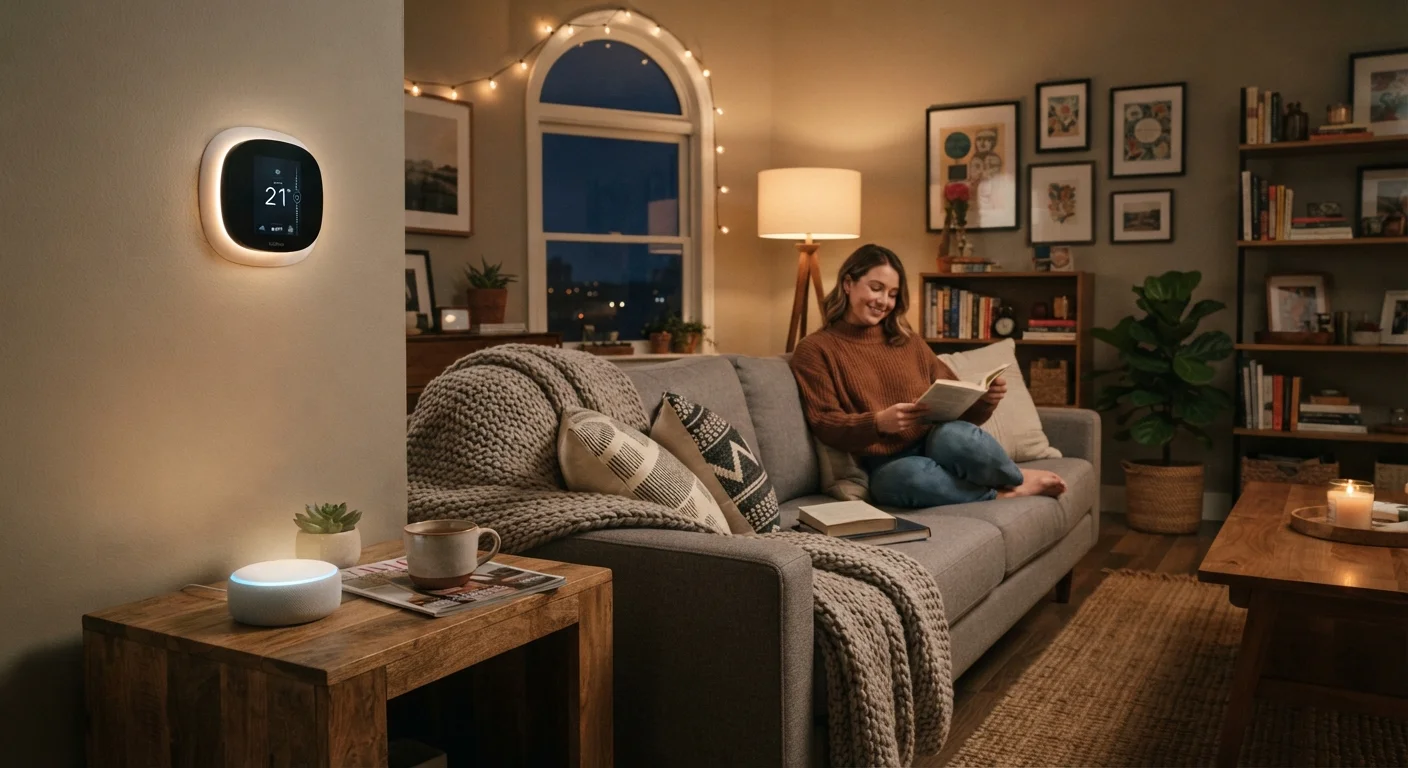
What Is a Smart Home Device, Really?
A smart home device is any household gadget that can connect to the internet and be controlled remotely — typically through a smartphone app or a voice assistant. The word "smart" simply means the device can communicate beyond its physical buttons.
A standard lamp turns on when you flip a switch. A smart bulb can be turned on from across the house, dimmed from your phone, or scheduled to turn off automatically at bedtime. The underlying hardware is similar; the difference is connectivity and software.
Smart devices don't require a technology background to use. They're designed for everyday households, and the majority arrive ready to connect in under fifteen minutes. The first-time setup process is more straightforward than many people expect.
Wi-Fi
A wireless connection that lets devices communicate with your home internet router without cables. Most smart home devices use this to send and receive data.
Companion app
The smartphone application provided by a device's manufacturer. You use it to set up, control, and customise the smart device.
Voice assistant
Software — like Amazon Alexa or Google Assistant — that responds to spoken commands and can control compatible smart home devices.
Firmware
Built-in software that runs inside a device. Manufacturers release firmware updates to fix bugs and improve security, similar to how a phone receives software updates.
Hub
A central device that connects and manages multiple smart home gadgets, particularly those that don't use standard Wi-Fi. Not required for basic Wi-Fi-based setups.
Smart plug
An adapter that fits into a standard wall outlet and makes any plugged-in appliance remotely controllable via an app. Often the simplest first smart device to own.
How Smart Devices Connect to Your Home
Nearly all consumer smart home devices connect using one of three methods: Wi-Fi, Bluetooth, or a low-power wireless protocol called Zigbee or Z-Wave.
- Wi-Fi is the most common. The device connects directly to your home router, just like a laptop or phone. No extra hardware required.
- Bluetooth works well for short-range devices like smart locks or speakers. It connects directly to your phone but typically only works when you're close by.
- Zigbee/Z-Wave are used in more advanced setups and usually require a separate hub — a small box that bridges these devices to your home network.
For first-timers, Wi-Fi devices are the easiest starting point. You'll need a working home broadband connection and a smartphone with the device's companion app installed.
Start with one device, not a system
Resist the urge to buy several devices at once before you've lived with one. A single smart plug or bulb teaches you how the app ecosystem works, what your Wi-Fi coverage is like, and whether the convenience genuinely fits your habits — at minimal cost and complexity.
Common Device Types and What They Actually Do
The smart home category covers a wide range of products. Here are the most common types a beginner is likely to encounter:
- Smart speakers
- Voice-activated devices that answer questions, play music, set timers, and control other smart devices through spoken commands. For an honest picture of their capabilities, see what smart speakers can and cannot do.
- Smart plugs
- Adapters that slot into a standard outlet and make any ordinary appliance remotely controllable. A good, low-cost entry point.
- Smart thermostats
- Replace your existing wall thermostat. They learn your schedule over time and can be adjusted remotely, which may help reduce energy use.
- Smart lighting
- Bulbs or switches that can be dimmed, colour-changed, or scheduled via app.
- Smart locks and doorbells
- Allow keyless entry and let you see or speak to visitors remotely. These involve more significant privacy considerations than simpler devices.
You don't need all of these. A single smart plug is a legitimate smart home setup.
What to Realistically Expect from Your First Setup
Most smart device setups follow the same pattern: download the app, plug in the device, follow the in-app instructions to connect it to your Wi-Fi. For the majority of Wi-Fi devices, this takes under twenty minutes.
That said, realistic expectations matter:
- Occasional re-pairing: Devices sometimes lose their connection after a router restart or internet outage and need to be reconnected.
- App updates: Companion apps update periodically, sometimes changing interface layouts.
- Multiple apps: Devices from different manufacturers each have their own app. A home with five different brands may mean five separate apps — though voice assistants can often unify control.
- Wi-Fi dead spots: Devices installed far from your router may have unreliable connections. A Wi-Fi range extender can help.
If you already use a smartphone comfortably, the learning curve for a first smart device is generally modest. For broader tech context, the first-timer's guide to personal computers covers transferable concepts about apps, accounts, and connectivity.
Platform compatibility matters early on
If you already own a smart speaker or plan to use voice control, check that any new device is listed as compatible with that assistant before purchasing. Compatibility is usually stated clearly on the product packaging and the manufacturer's website. Mixing incompatible ecosystems is one of the most common frustrations for new smart home users.
Privacy and Security: Know Before You Plug In
Smart home devices are genuinely useful, but they do collect data. A smart speaker listens for a wake word. A smart doorbell records video. A thermostat logs when you're home. Understanding this trade-off is part of an informed decision.
Before installing any device, it's worth reading the manufacturer's privacy policy — specifically what data is collected, where it's stored, and whether it's shared. This isn't paranoia; it's a reasonable step for any internet-connected product you bring into your home.
For a fuller look at protecting yourself after setup, see practical steps to keep smart home devices secure. And if you want to think through data and convenience trade-offs before purchasing, smart home devices: convenience, privacy, and what to consider before installing lays out the key questions clearly.
At minimum: use a strong, unique password for your home Wi-Fi, keep device firmware updated, and use the official app from the manufacturer rather than third-party alternatives.
Home Essentials Hub
A curated collection of guidance on choosing and maintaining household products, including smart home tech. Useful for seeing how smart devices fit into broader home decisions.
Smartphones & Tablets Hub
Plain-language explainers on everyday smartphone use — directly relevant since your phone is the primary controller for most smart home devices.


