

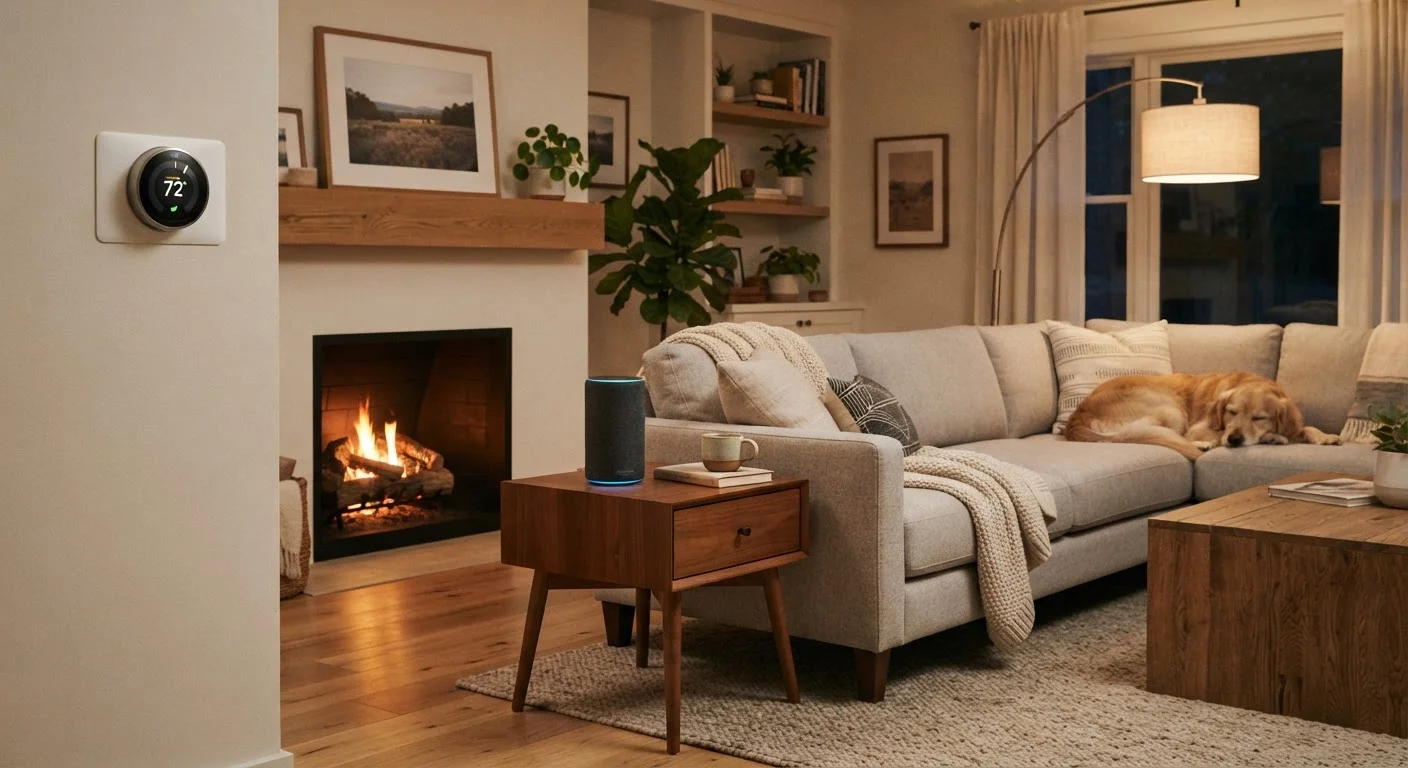
What Is a Smart Home, Really?
A smart home is simply a house where some of the everyday devices — lights, locks, thermostats, speakers — can be controlled remotely or automatically through an app or voice command. That's it. There's no single required setup, no minimum number of devices, and no threshold you must cross before it counts.
The term can sound intimidating, but the underlying idea is practical: instead of walking across the room to adjust the thermostat, you tap your phone. Instead of wondering whether you left a light on, you check an app. Smart home technology is about small conveniences adding up over time — not a futuristic overhaul of your living space.
If you're furnishing or settling into a new place, it helps to handle the basics first. Our room-by-room essentials guide for new homeowners is a good starting point before layering in smart devices.
Smart device
Any household item — a bulb, plug, lock, or thermostat — that connects to your home Wi-Fi and can be controlled through an app or voice command.
Smart home hub
A central device or software platform that coordinates communication between different smart devices in your home, letting them work together.
Voice assistant
A software program (accessed through a speaker or phone) that responds to spoken commands and can control compatible smart devices in your home.
Matter
A widely supported technical standard designed to let smart home devices from different manufacturers work together on the same network without compatibility issues.
Firmware
Built-in software that runs on a device. Manufacturers release firmware updates to fix bugs and close security vulnerabilities — similar to software updates on your phone.
Pairing
The process of connecting a new smart device to your Wi-Fi network and your account so that it shows up in the app and responds to your commands.
The Foundation: Wi-Fi and a Hub
Before buying a single smart device, check your home's Wi-Fi setup. Every smart device communicates through your wireless network, so a weak or inconsistent signal will cause frustrating problems regardless of how good the device is. If your router is old or your signal doesn't reach all rooms, that's worth addressing first.
Beyond Wi-Fi, many smart devices connect through a smart home hub or a voice assistant platform — think of it as the central coordinator that lets different devices talk to each other and respond to your commands. Common platforms include those built around voice assistants or smartphone-based apps. You don't need to commit to a complex hub right away; many beginner devices connect directly to your phone's Wi-Fi and an app, with no additional hardware required.
Your Phone Is Already a Smart Home Remote
If you have a smartphone, you already have the primary tool for managing a smart home. Most devices are controlled entirely through apps and don't require a dedicated display or control panel. A tablet works equally well if that's what you prefer.
A newer standard called Matter is making it easier for devices from different manufacturers to work together on the same network. When shopping, look for Matter compatibility if you want flexibility to mix devices across brands.
Where to Start: Three Beginner-Friendly Devices
The easiest way to avoid overwhelm is to pick one category and start there. Here are three device types that are well-suited to first-time smart home users:
- Smart plug: This is the lowest-stakes entry point. You plug it into an existing outlet, connect it to an app, and then anything plugged into it becomes controllable remotely — lamps, fans, coffee makers. No installation, no wiring, no commitment.
- Smart bulb: Screw it in like a regular bulb, connect via the app, and control brightness or color from your phone or with your voice. It's a visible, satisfying change that doesn't alter anything permanent in your home.
- Smart thermostat: A slightly more involved installation (usually requiring turning off power at your breaker), but one of the most practical upgrades — especially if you want to control your home's temperature remotely or set schedules.
For a broader look at what these devices involve before you commit, see our guide on smart device trade-offs worth knowing first.
Stick to One Ecosystem at First
Many smart devices are designed to work best within a specific platform or ecosystem. When you're starting out, it's easier to choose devices that work with the same app or voice assistant rather than managing multiple separate apps. Once you're comfortable, you can evaluate whether to expand or mix platforms.
Setting Up Your First Device Step by Step
Setup steps vary by device, but the general process is consistent across most beginner products:
- Download the manufacturer's app on your smartphone before unboxing the device.
- Create an account — you'll need an email address and a password. Use a strong, unique password.
- Plug in or install the device following the included instructions. For smart plugs and bulbs, this is as simple as it sounds.
- Follow the in-app pairing steps. The app will guide you through connecting the device to your Wi-Fi network. You'll need your Wi-Fi password handy.
- Test it. Toggle the device on and off from the app to confirm it's working before moving on.
If you get stuck, the manufacturer's support page or a quick search for your specific device model usually surfaces clear troubleshooting steps. You're also not alone — our plain-language smart home starting point walks through how these devices work at a fundamental level if you want more context.
Privacy and Security: What You Should Know Early
Smart devices are always connected to your home network, which means they represent an additional point of entry worth paying attention to. This doesn't mean smart devices are inherently dangerous — millions of households use them without incident — but a few habits established early make a meaningful difference.
- Keep device firmware updated. Manufacturers release security patches through app updates; don't ignore them.
- Use a strong, unique password for your router and for each smart home app account.
- Consider placing smart devices on a separate guest network, so they're isolated from computers and phones that hold sensitive information.
For a more complete picture of practical steps that don't require technical expertise, our follow-up guide on keeping smart home devices secure is a natural next read after you've gotten your first device up and running.
Default Passwords Are a Common Weak Point
Many routers and some smart devices ship with generic default passwords that are publicly known. Changing your router's admin password during initial setup is one of the simplest and most effective security steps you can take. Never leave a device on its factory default credentials.


