

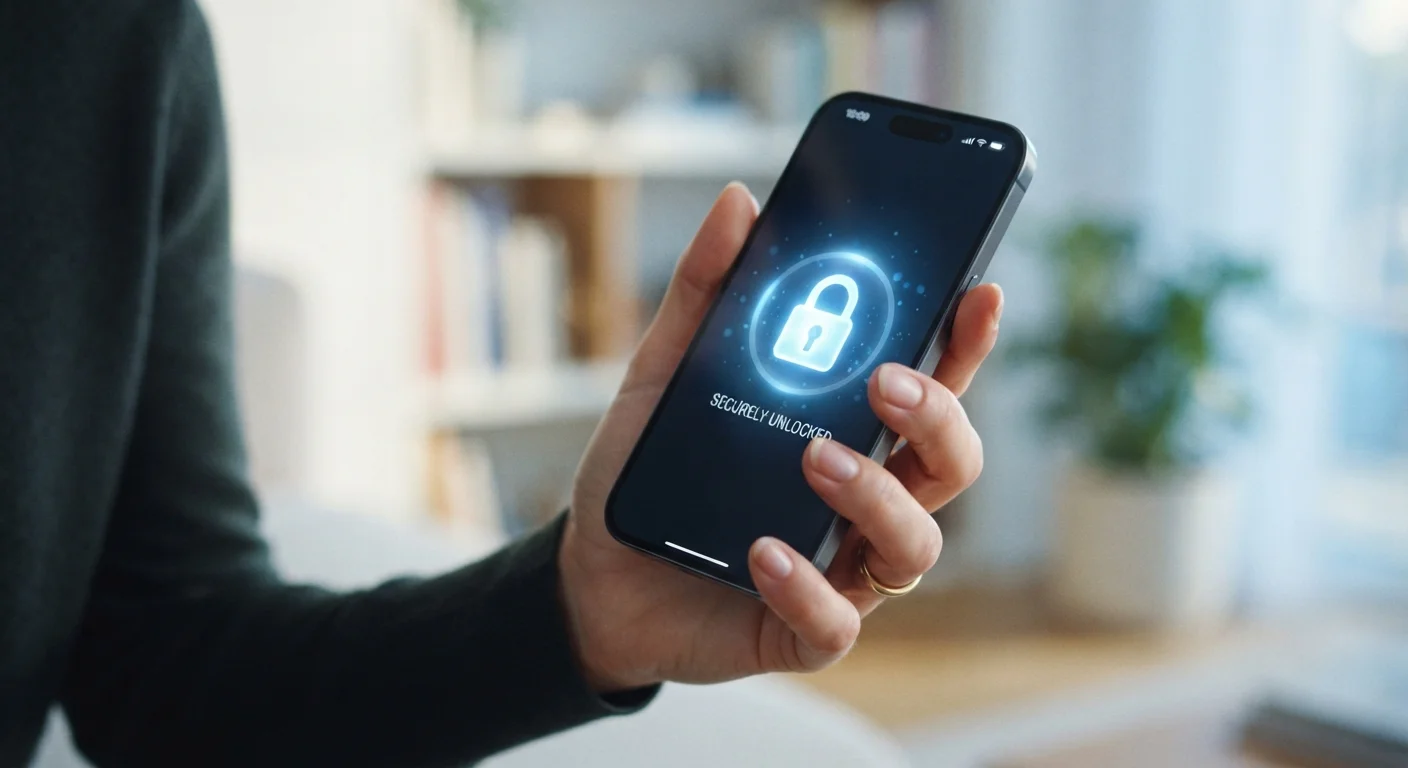
Why Phone Security Is an Everyday Practice, Not a One-Time Setup
Most people set up their phone once and assume it's secure. In reality, mobile security is closer to hygiene — something that requires consistent, small habits to stay effective. Your phone holds your email, banking apps, photos, and contacts. When those details fall into the wrong hands, the consequences can range from identity theft to financial loss.
The good news is that meaningful protection doesn't require technical expertise. The habits outlined here are practical, low-effort, and applicable to virtually any modern smartphone. If you're new to smartphones in general, the beginner's guide to smartphones provides a useful foundation before diving into security specifics.
Use a strong, unique PIN or passphrase instead of a short numeric code.
A four-digit PIN has only 10,000 possible combinations, which automated tools can cycle through quickly. A longer PIN (six digits or more) or an alphanumeric passphrase dramatically increases the number of combinations an attacker must try. This is the simplest upgrade with the highest baseline impact.
Enable two-factor authentication (2FA) on every account that supports it.
Two-factor authentication requires a second form of verification — typically a code sent to your phone or generated by an authenticator app — in addition to your password. Even if a password is exposed in a data breach, 2FA makes it much harder for an attacker to access your account.
Audit app permissions quarterly and revoke anything unnecessary.
Apps accumulate permissions over time, and many request access to data they don't need to function. Unused permissions are unnecessary exposure points. Reviewing them regularly keeps your data footprint as small as possible.
Keep your operating system and apps updated promptly.
Security patches are released in response to discovered vulnerabilities. The longer you delay installing an update, the longer known weaknesses remain accessible. Attackers actively target devices running outdated software.
Avoid logging into sensitive accounts on public Wi-Fi without a VPN.
Public networks are shared environments where data can sometimes be intercepted. Banking, email, and health app sessions are particularly sensitive. A VPN encrypts your traffic so that other users on the network cannot read it.
Enable remote wipe and verify your device backup is working.
If your phone is lost or stolen, remote wipe lets you erase all data before someone can access it. Regular backups ensure that wiping the device doesn't mean losing your photos, contacts, and app data permanently.
Permissions, Updates, and the Networks You Trust
Two of the most overlooked security habits involve things most people set and forget: app permissions and software updates.
Apps frequently request access to your location, microphone, camera, and contacts — sometimes for features you never use. Auditing those permissions every few months is a meaningful privacy step. For a deeper look at what app permissions actually mean and how to manage them, see this guide to app permissions.
Software updates are equally important. When your phone's operating system releases a patch, it often addresses known security flaws that attackers are already aware of. Delaying updates keeps those vulnerabilities open. Enable automatic updates where possible so this happens in the background.
Public Wi-Fi networks — in coffee shops, airports, and hotels — are convenient but carry real risk. Other users on the same network can potentially intercept unencrypted data. A virtual private network (VPN) encrypts your traffic on these networks, making interception significantly harder. When you're on cellular data, this risk is lower, but public Wi-Fi warrants extra caution.
Preparing for the Unexpected: Lost Devices and Handoffs
Even with good habits, phones get lost or stolen. Remote wipe features — available on both major mobile platforms — let you erase your device's data from another device if it goes missing. Make sure this feature is enabled and that you know how to access it from a computer or a family member's phone.
If you're planning to sell or give away an old device, the steps matter just as much. Signing out of all accounts and performing a factory reset are non-negotiable before your phone changes hands. The checklist for handing off or selling your phone walks through every step in the right order.
It's also worth noting that phone security connects to a broader digital environment. If you use smart home devices, many of the same principles apply — account hygiene, strong credentials, and regular reviews. Practical steps for securing smart home devices covers that territory in detail.
No Security Habit Guarantees Complete Protection
These practices significantly reduce your risk, but no single measure eliminates it entirely. Security is about reducing exposure and making your device a harder target, not achieving an impossible standard of perfect safety. Layering multiple habits together — strong PIN, 2FA, updated software, careful permissions — is more effective than relying on any one approach alone.


