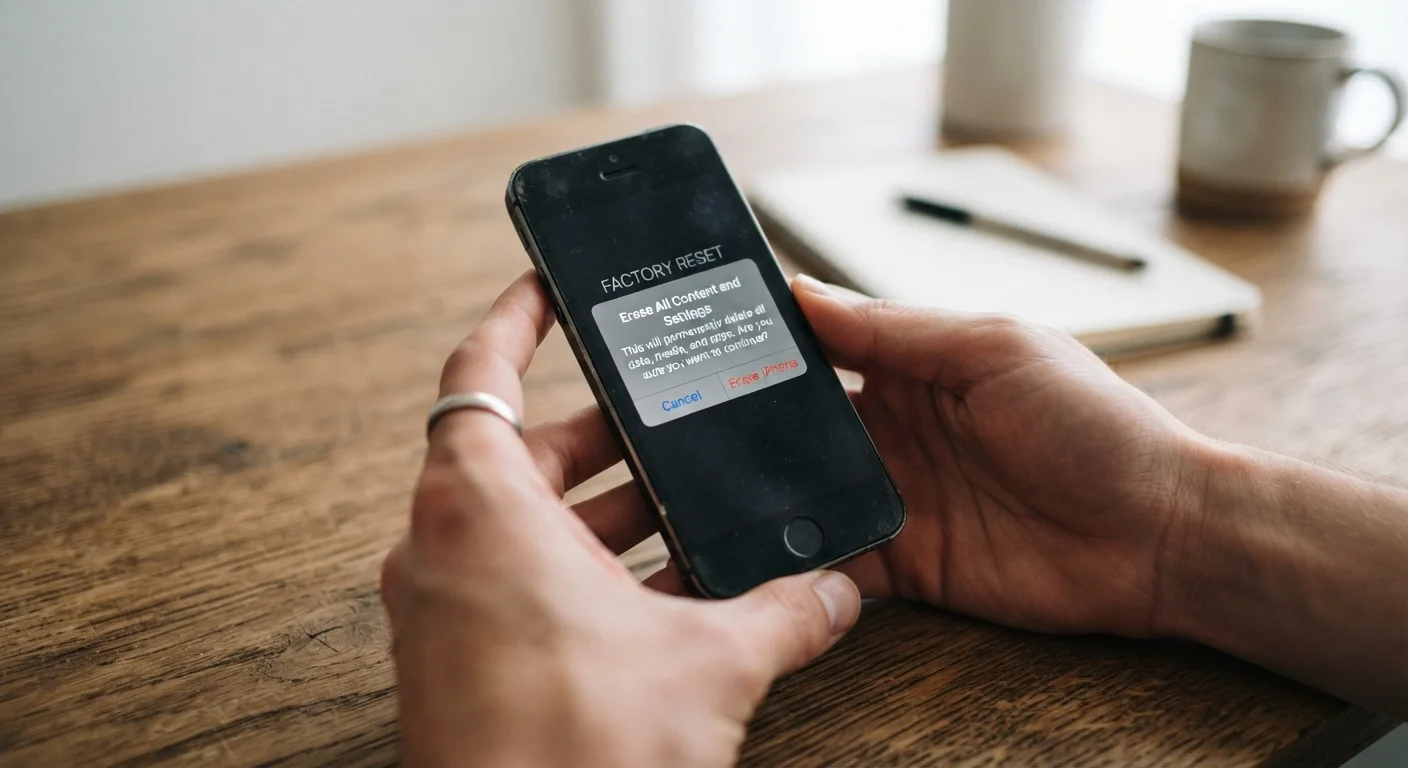
Selling or gifting your old phone? Run through this checklist to make sure your accounts, data, and personal info are fully removed first.
Key Takeaways
Back up your data before doing anything else — a factory reset is irreversible.
Signing out of accounts like Apple ID or Google is required before resetting, not after.
Removing your SIM card is a simple step that's easy to forget but critical to privacy.
Activation Lock and Find My must be disabled so the next owner can set up the device.
A factory reset wipes the phone's storage — skip it and personal data remains accessible.
Why This Matters Before the Phone Leaves Your Hands
Passing along an old phone — whether you're selling it, gifting it to a family member, or trading it in — feels simple. But a phone that hasn't been properly prepared carries real risks: saved passwords, payment methods, personal photos, and account access can all remain accessible to whoever picks it up next.
This checklist walks you through every step worth completing before your device changes hands. If you're simultaneously setting up a replacement, follow our data transfer guide to move your content over before you wipe the old phone.
Do Not Reset Before You Back Up
A factory reset permanently deletes everything stored on the device — photos, messages, app data, and saved passwords. There is no undo. Always confirm your backup is complete and accessible on another device before you initiate a reset.
What You'll Need
Before you start, gather the following tools. Most are already on your phone or in your home — nothing specialized is required.
Required
Cloud storage account (iCloud or Google Photos)
Used to back up photos, videos, and contacts before the device is wiped.
Required
SIM card removal tool or small paperclip
Used to eject the SIM tray so you can retrieve your SIM card.
Optional
Computer or external hard drive
Provides an additional backup destination for large photo libraries or local files.
Required
Original phone charger
Keeps the phone powered during the factory reset process to prevent interruptions.
The Full Pre-Handoff Checklist
Work through each group in order. The sequence matters: backing up before resetting, and signing out before wiping, prevents data loss and avoids locking the next owner out of the device.
Back Up Your Data
Back up your photos and videos to cloud storage (iCloud, Google Photos) or a computer before doing anything else.Must
Sync your contacts and calendar to your Google or Apple account so they're available on your new device.Must
Export or note any app data that doesn't sync automatically, such as authenticator app codes or notes stored locally.Must
Confirm the backup completed successfully by checking backup settings before proceeding.Must
Sign Out of Accounts
Sign out of your Apple ID (iPhone: Settings → your name → Sign Out) or Google account (Android: Settings → Accounts) before resetting.Must
Turn off Find My iPhone or Find My Device — this also disables Activation Lock, which would otherwise prevent the next user from activating the phone.Must
Sign out of any payment apps, banking apps, or shopping accounts individually before wiping.Must
Remove the device from your carrier account's registered device list if prompted or applicable.Should
Remove Physical Items
Eject and remove your SIM card using the SIM tray tool (or a straightened paperclip) — it holds your phone number and carrier identity.Must
Remove any microSD card if your phone has an expansion slot, as it may contain photos, files, or app data.Must
Remove any phone case, screen protector, or accessories you intend to keep.Nice to have
Perform a Factory Reset
Navigate to your phone's reset option (iPhone: Settings → General → Transfer or Reset iPhone; Android: Settings → General Management → Reset) and select Factory Reset or Erase All Content.Must
Allow the reset process to complete fully — do not interrupt it once started.Must
Verify the phone boots to the initial setup screen, confirming the wipe was successful.Must
Final Checks
Confirm your account is no longer associated with the device by checking your Apple ID devices list or Google account connected devices.Should
Deregister iMessage if you're switching from an iPhone to Android, to avoid missing future text messages.Should
Note the phone's IMEI number (found in Settings or on the original box) for your own records before handing it over.Nice to have
Activation Lock Can Make a Phone Unusable
On iPhones, if you perform a factory reset without first signing out of your Apple ID and disabling Find My, Activation Lock remains active. The person receiving the phone will be unable to set it up without your Apple ID credentials. Always disable Find My before wiping — this step is required, not optional.
Once you've completed every step, power the phone off, package it with any original accessories if applicable, and hand it over with confidence. For a deeper look at security basics on a smartphone, see our beginner's guide to smartphone settings and security.
Tech & Electronics Editorial Team is the collective byline for our editorial team and contributor network. Articles published under this byline or an editorial pen name are researched, written, and reviewed according to our editorial standards for clarity, consistency, and independence before publication.
The content on this site is for informational purposes only and is not a substitute for professional advice. Always consult a qualified professional for guidance specific to your situation.