

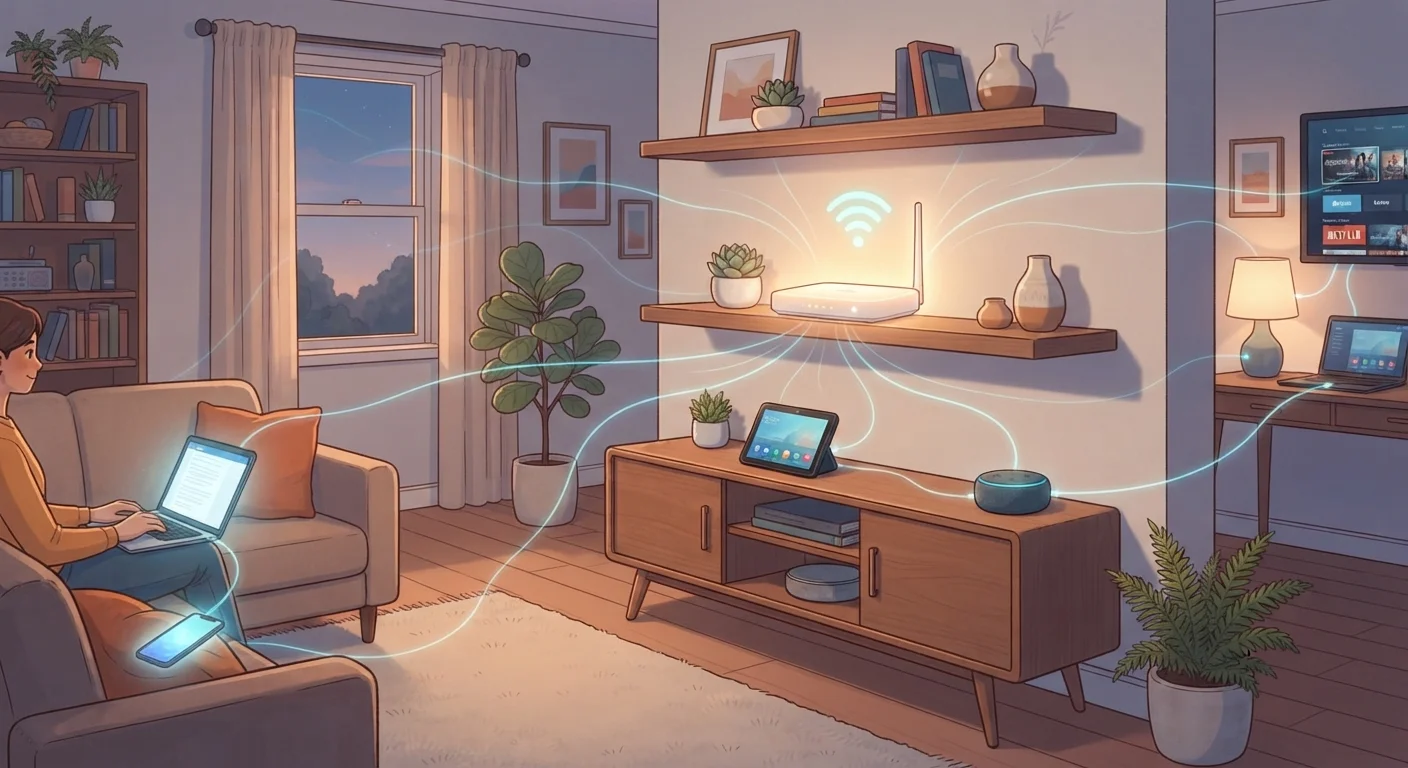
The Two Devices at the Heart of Your Network
Nearly every home internet setup relies on two core pieces of hardware working together: a modem and a router.
The modem is your home's gateway to the internet. It communicates directly with your internet service provider (ISP) and converts the incoming signal — whether delivered via cable, fiber, or phone line — into data your devices can use.
The router takes that data and distributes it throughout your home. It manages traffic between all your connected devices and assigns each one its own internal address so data reaches the right destination. Most routers broadcast a wireless signal (Wi-Fi) and also include physical ethernet ports for wired connections.
Many ISPs provide a single combo unit that serves as both modem and router. While convenient, these all-in-one devices sometimes offer fewer features than dedicated hardware. If you ever notice network performance limitations, understanding this distinction helps you identify where the issue might lie.
Check Your Router Placement First
Before troubleshooting slow internet, try moving your router to a more central location in your home, away from walls, metal objects, and appliances. Placement alone can make a measurable difference in both speed and coverage. Elevated positions — like a shelf rather than the floor — also help the signal travel more evenly.
Bandwidth, Speed, and Why They're Not the Same Thing
Bandwidth is one of the most misunderstood terms in home networking. It refers to the total capacity of your connection — how much data can travel through it at once — rather than the speed any single device experiences.
Think of bandwidth like lanes on a highway. More lanes allow more vehicles to travel simultaneously without slowing each other down. When your household streams 4K video, joins a video call, and plays an online game all at once, each activity uses a portion of that shared capacity.
Internet plans are typically sold by bandwidth tiers, measured in megabits per second (Mbps) or gigabits per second (Gbps). A household with many simultaneous users or data-intensive devices generally benefits from higher bandwidth. For context, streaming high-definition video typically requires roughly 5–25 Mbps per stream, depending on quality level.
~25 Mbps
FCC minimum recommended broadband speed per household
The U.S. Federal Communications Commission has defined broadband as a connection of at least 25 Mbps download for basic household use, though many households benefit from significantly higher speeds.
16+
Average connected devices per U.S. household
Research from Deloitte and similar analysts has estimated that the average American household has well over a dozen internet-connected devices, underscoring how much home networks are relied upon.
For a deeper look at how Wi-Fi compares to mobile data connections, see our breakdown of mobile data and Wi-Fi.
Wi-Fi Coverage: Why Signals Fade and What to Do About It
Wi-Fi signals travel as radio waves, and like all radio signals, they weaken over distance and struggle to pass through dense materials. Concrete walls, brick, metal appliances, and even large fish tanks can all reduce signal strength between your router and your devices.
Most routers broadcast on two frequency bands:
- 2.4 GHz — Travels farther and penetrates walls better, but carries less data at once. Better for devices far from the router or in adjacent rooms.
- 5 GHz — Transfers data faster but has a shorter range. Best for devices close to the router that need higher throughput, like streaming devices or laptops.
If certain rooms in your home have weak or unreliable Wi-Fi, repositioning your router to a more central location is the simplest first step. Elevating it off the floor also helps the signal radiate more evenly.
The 2.4 GHz Band Gets Crowded
The 2.4 GHz frequency is also used by many household devices — including microwave ovens, baby monitors, and older Bluetooth devices — which can cause interference. If you notice your Wi-Fi becoming less reliable in the kitchen or near certain appliances, switching that device to the 5 GHz band (if supported) may improve performance.
Understanding coverage issues also becomes important when setting up connected devices throughout your home. Our guide to how home electronics connect and communicate explains this further.
Mesh Systems and When They Make Sense
A mesh Wi-Fi system replaces or supplements a traditional router with multiple nodes — small devices placed at different points around your home. Each node communicates with the others to create one unified network rather than separate overlapping signals.
The main advantage is consistent coverage. Instead of one strong zone near the router and weaker zones elsewhere, a mesh system aims to deliver reliable signal throughout the home. Devices automatically connect to whichever node offers the strongest signal as you move around.
Mesh systems are worth considering if your home is large (typically over 1,500 square feet), has multiple floors, or has a floor plan with many walls and turns that limit signal travel. For a smaller apartment or open-plan home, a single well-placed router is usually sufficient.
Once your network is solid, you'll be better prepared to add connected devices. Our plain-language guide to smart home devices is a practical next step.


