

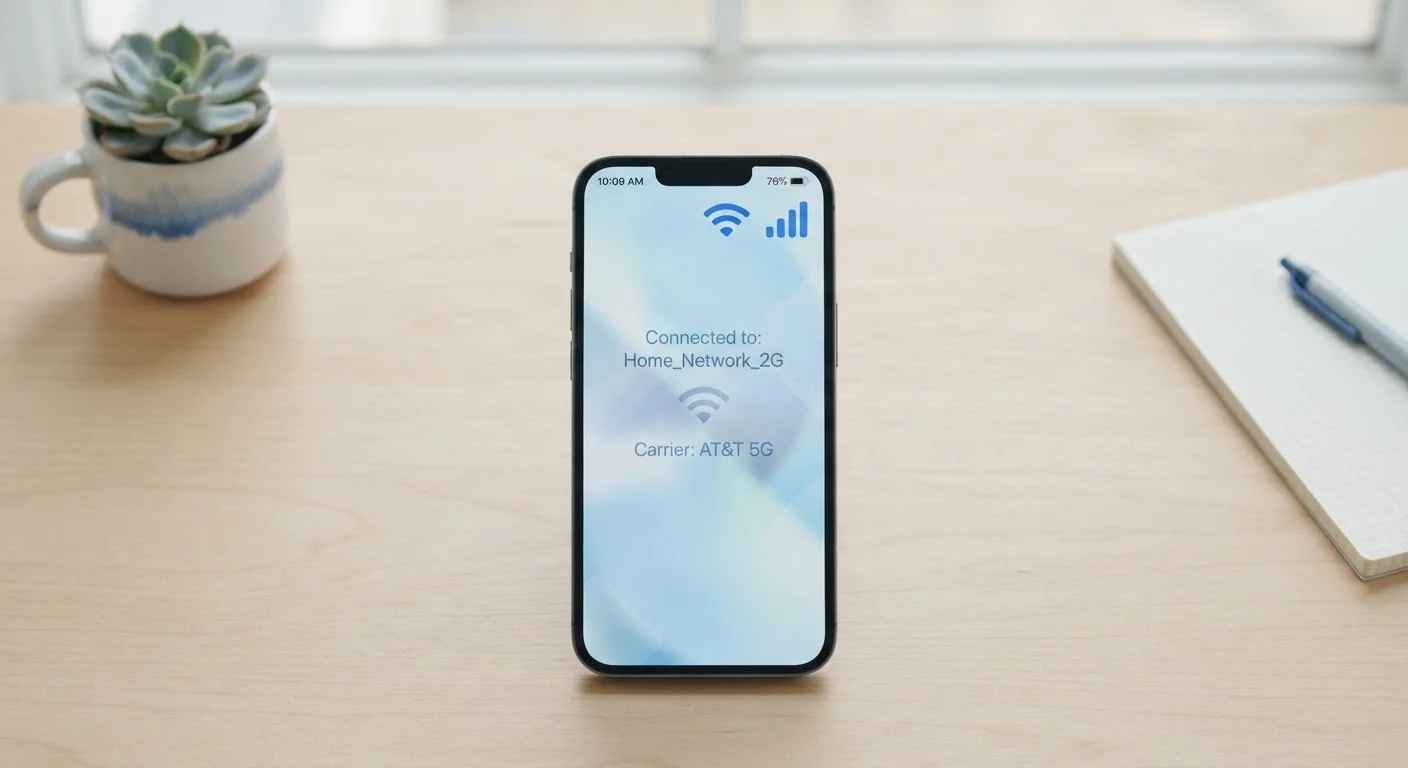
The Three Ways Your Phone Gets Online
Every time you load a webpage, stream a video, or send a message, your phone is using one of three connection types: mobile data, Wi-Fi, or a mobile hotspot. Each works differently, costs differently, and suits different situations. Knowing which one your device is using — and why — puts you in control of your connectivity and your data bill.
| What is mobile data? | Internet access delivered via your carrier's cellular towers, counted against your plan's data cap. |
| What is Wi-Fi? | A wireless connection to a local router linked to a home or business internet service. |
| What is a mobile hotspot? | A feature (or dedicated device) that shares a phone's cellular data connection with other nearby devices. |
| Does Wi-Fi use your data plan? | No. Wi-Fi traffic goes through your internet provider, not your cellular carrier's data allocation. |
| Does hotspot use your data plan? | Yes. Hotspot usage draws from your cellular data plan unless your carrier specifies otherwise. |
| Which connection is typically fastest? | Home Wi-Fi on a wired broadband service usually offers the fastest and most consistent speeds. |
For a deeper look at how your phone decides which connection to use at any given moment, see our explainer on why your phone switches between mobile data and Wi-Fi.
Mobile Data: Your Carrier's Cellular Network
Mobile data is the internet connection provided by your wireless carrier — companies that operate nationwide cellular towers. When you're away from home without a Wi-Fi network nearby, mobile data is what keeps your phone connected.
Your carrier assigns you a data plan measured in gigabytes (GB). Streaming video, downloading large files, and video calls consume data quickly; browsing text-heavy pages or checking email uses far less. If you exceed your plan's data cap, your carrier may slow your speeds or charge overage fees, depending on your plan terms.
Mobile data travels over cellular radio frequencies. The generation of cellular technology your phone uses — 4G LTE or 5G — affects how fast that connection can be. What 5G actually means for everyday phone use is worth understanding before assuming faster bars always equal a faster experience.
Mobile data
Internet connectivity delivered wirelessly through a cellular carrier's network of towers. It's measured in gigabytes and governed by your phone plan.
Wi-Fi
A short-range wireless technology that connects devices to a local router. It does not consume your cellular data plan.
Mobile hotspot
A feature on a smartphone — or a standalone device — that broadcasts a Wi-Fi signal using the phone's cellular data connection, allowing other devices to get online.
Data cap
The maximum amount of cellular data included in a given phone plan per billing cycle, measured in gigabytes (GB).
Router
A device that distributes an internet connection from a modem or ISP gateway to Wi-Fi-enabled devices in a home or business.
LTE / 4G
Long-Term Evolution — the cellular network standard widely used before 5G. It provides reliable mobile data speeds for most everyday tasks.
Wi-Fi: A Local Wireless Network at Home or in Public
Wi-Fi connects your phone to a local router — a device that bridges your home internet service (from a cable, fiber, or DSL provider) to your wireless devices. When you're at home or in a café, library, or airport, you're typically on Wi-Fi.
Wi-Fi generally offers faster, more stable speeds than mobile data and does not count against your cellular data plan. This makes it the preferred connection for large downloads, video calls, and streaming when you're in a fixed location.
Public Wi-Fi networks — at hotels, airports, and coffee shops — are convenient but carry security considerations. Because many public networks are unencrypted, data you transmit on them can potentially be intercepted. Using a VPN on public Wi-Fi adds a layer of encryption. For context on how your home network works at a deeper level, see Home Network Basics Every Household Should Understand.
Security on Public Wi-Fi Networks
Public Wi-Fi hotspots in hotels, airports, and cafés are often unsecured, meaning data you send and receive could be visible to others on the same network. Avoid logging into banking or sensitive accounts on public Wi-Fi when possible. A VPN (Virtual Private Network) encrypts your traffic and reduces this exposure, though no solution is completely risk-free.
Mobile Hotspots: Sharing Your Phone's Data Connection
A mobile hotspot lets your phone act as a portable Wi-Fi router, sharing its cellular data connection with nearby devices — a laptop, tablet, or another phone. Other devices connect to your phone's hotspot just as they would connect to a home Wi-Fi network.
Hotspot usage typically draws from your existing mobile data plan. Some carriers count hotspot data separately or restrict speeds after a certain threshold, so it's worth reviewing your plan's hotspot policy before relying on it heavily.
~15 GB
Average monthly mobile data used per US smartphone user
According to industry research from Ericsson's Mobility Report, North American smartphone users consumed roughly 15 GB of mobile data per month on average.
70%+
Share of smartphone internet traffic carried over Wi-Fi
Cisco's annual internet traffic analysis has consistently found that the majority of smartphone data globally is offloaded to Wi-Fi rather than cellular networks.
Standalone hotspot devices — sometimes called mobile Wi-Fi hotspots or MiFi devices — work the same way but are dedicated hardware rather than a feature on your phone. They're useful for households or travelers who need to connect multiple devices in locations without fixed broadband.
If you're building out coverage at home and want to understand the router side of things, our guide on Mesh Wi-Fi vs. a Single Router explains when a more advanced home network setup might make sense.


