

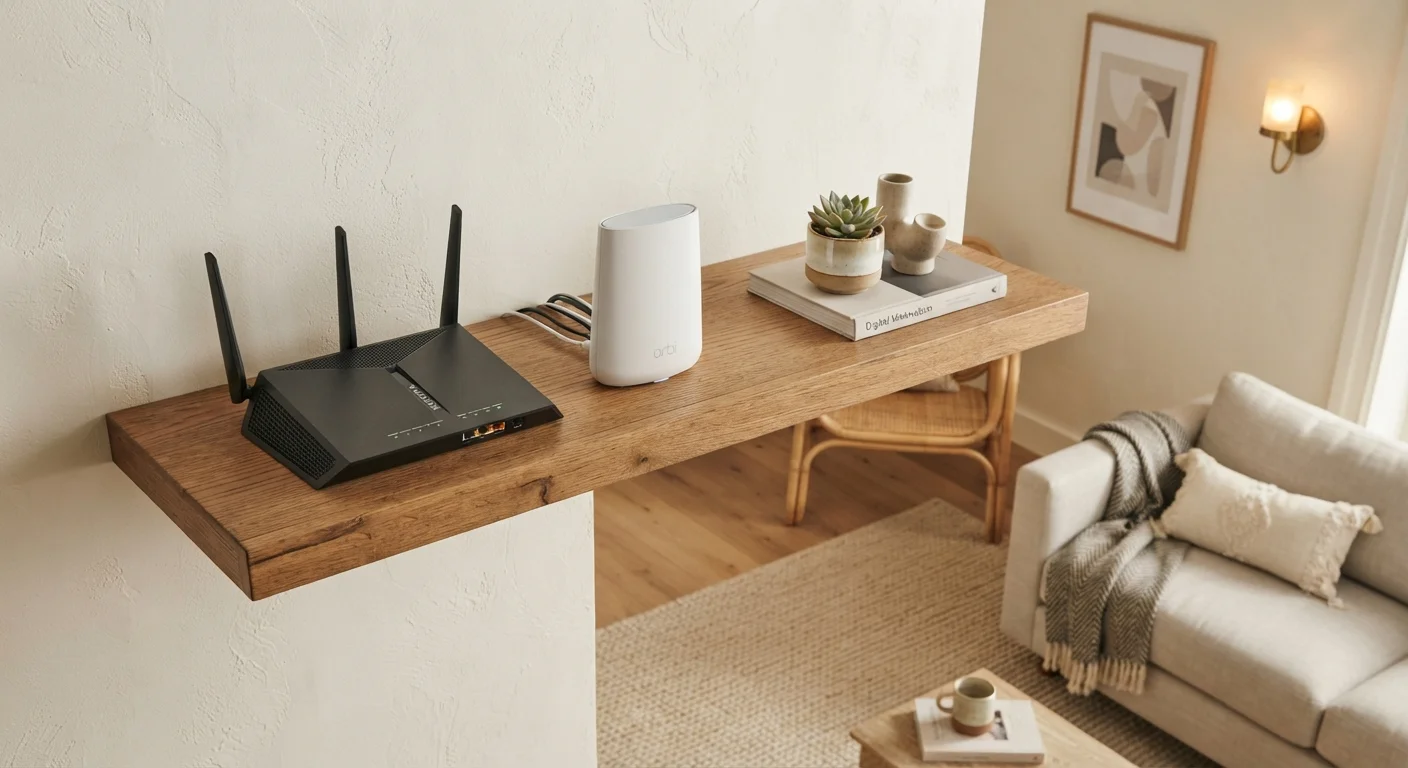
How Each System Actually Works
A single router is a device that connects to your modem (or combines both functions), then broadcasts a Wi-Fi signal outward in all directions from one fixed point. The further a device is from that router — or the more walls in the way — the weaker the signal becomes. For a solid foundation on how these components fit together, see our home network basics guide.
A mesh Wi-Fi system works differently. Instead of one central broadcast point, it uses multiple units — typically called nodes or satellites — placed around the home. These nodes communicate with each other and with your modem to form a single, seamless network under one name. When you walk from room to room, your phone or laptop automatically connects to the nearest node without you doing anything.
The key distinction: a single router is a soloist; a mesh system is an ensemble. Both can deliver strong, fast Wi-Fi — the question is whether one central point can physically reach every corner of your space.
| Criterion | Single Router | Mesh Wi-Fi System |
|---|---|---|
| Coverage approach | One central broadcast point | Multiple nodes, distributed coverage |
| Ideal home size | Under ~1,500 sq ft | 1,500 sq ft and above |
| Dead zone risk | Higher in larger or complex layouts | Low — nodes fill gaps |
| Typical upfront cost | Lower | Higher (multiple units) |
| Setup complexity | Simple — one device | Moderate — multiple nodes to place |
| Network name | Single SSID | Single SSID across all nodes |
| Best for thick walls | Limited penetration | Nodes placed closer compensate |
| Roaming between rooms | Manual reconnection may occur | Seamless automatic handoff |
When a Single Router Is Enough
Square footage alone doesn't tell the whole story, but it's a useful starting point. In most apartments and homes under roughly 1,500 square feet with an open floor plan, a single router placed centrally — not tucked in a closet or basement — can provide reliable coverage throughout.
Signal range also depends on where the router sits. Placing it on an interior wall at roughly mid-height, away from large appliances and interference sources, helps it reach farther. If most of your devices — laptops, phones, smart TVs — are in two or three rooms near the center of the home, a single router is often perfectly adequate.
Cost is another factor. Single routers tend to be less expensive than mesh kits, and they're simpler to configure. If you're setting up a network from scratch, our guide to setting up a home Wi-Fi network without a technician walks through the process step by step.
~1,500 sq ft
Typical effective range of a mid-range single router
Range varies by router model, home construction, and placement; open floor plans generally allow greater coverage than segmented layouts.
2–3 nodes
Nodes in a typical starter mesh kit
Most entry-level mesh systems include two or three nodes, which manufacturers generally rate for homes between 3,000 and 5,000 square feet.
30–50%
Signal strength reduction through a single interior brick wall
Building material density is one of the primary factors affecting Wi-Fi signal penetration, according to general RF propagation principles.
When a Mesh System Makes a Real Difference
Mesh systems earn their keep in homes where a single router consistently fails to deliver: multi-story layouts, homes over 2,000 square feet, or spaces with thick concrete, brick, or tile walls that absorb Wi-Fi signal before it can travel far.
Dead zones — areas where the signal drops to nearly nothing — are the most common complaint mesh systems address. If you've ever had a video call cut out in the bedroom while the living room gets full bars, that's a dead zone in action. A mesh node placed in or near that bedroom closes the gap.
Mesh systems are also well suited to households with many connected devices spread across different rooms: smart thermostats, security cameras, wireless speakers, and streaming sticks all benefit from a nearby node rather than a distant router. For a look at how the wireless protocols behind smart home devices interact with your network, see our breakdown of Wi-Fi, Zigbee, and Z-Wave.
It's also worth knowing that mesh isn't the only way to extend coverage. Range extenders and powerline adapters are alternatives, each with their own trade-offs — our article on extending Wi-Fi coverage at home compares all three approaches side by side.
Mesh Nodes Work Best When Placed Correctly
For a mesh system to perform well, nodes need to be within a reasonable range of each other — typically no more than one or two rooms apart. Placing a node too far from its neighbor degrades the backhaul connection (the link between nodes), which can actually make performance worse than a single router. Most mesh systems include a companion app that shows signal strength between nodes and recommends better placement if needed.
The One Thing Neither System Changes
A common misconception is that upgrading to a mesh system — or a newer, higher-end router — will make your internet faster. It won't, if your internet plan is the bottleneck. The speed delivered to your home is set by your ISP (Internet Service Provider) and your subscription tier. A router or mesh system can only distribute that bandwidth efficiently; it cannot create more of it.
What a better network setup can do is ensure that the speed you're paying for actually reaches every device consistently, rather than being degraded by distance or interference. If streaming 4K video stutters at the far end of the house, a mesh node nearby may eliminate the problem — not by increasing your plan speed, but by delivering it more reliably to that spot. For more on wired versus wireless performance for streaming specifically, see our comparison of Wi-Fi vs. wired connections for streaming.


