

Why Home Electronics Fail Before Their Time
Consumer electronics are engineered to operate within defined ranges of voltage, temperature, and airflow. When those conditions are violated — even gradually and invisibly — internal components degrade faster than they should. The result is a device that seems to "just die" after a few years, when preventable stress was actually building up from day one.
The three most common environmental threats to home electronics are power surges, heat accumulation, and dust buildup. Each one operates quietly, and none requires a dramatic event to cause damage. Understanding what each threat does helps make the protective habits below feel less like extra effort and more like obvious common sense.
If you're applying similar thinking to your laptop, see our guide to extending laptop life for habits that translate well to portable devices too.
Proven Practices to Protect Your Devices
The following practices address each of the major threat categories. None require tools, technical knowledge, or significant cost — just consistent attention.
Plug electronics into a quality surge protector, not directly into a wall outlet.
Voltage spikes from lightning strikes, grid fluctuations, or even large appliances cycling on can send damaging surges through your home wiring in milliseconds. A surge protector acts as a buffer, absorbing excess voltage before it reaches sensitive components. Without one, a single strong surge can silently degrade or destroy a device.
Ensure every device has at least two to four inches of clearance on all sides for airflow.
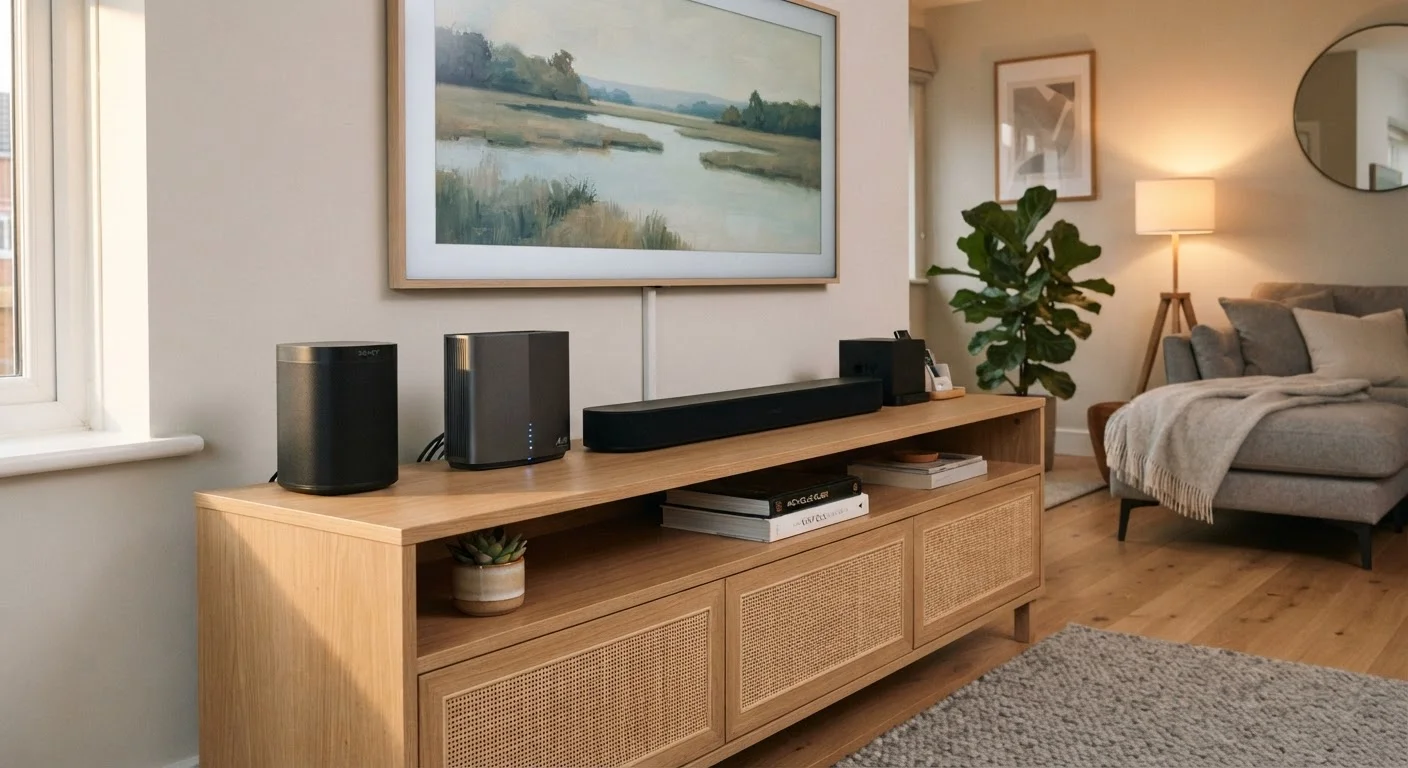
Electronics generate heat during normal operation, and they rely on convection — air moving freely around the chassis — to stay within safe temperature ranges. When devices are packed into tight cabinets or stacked on top of each other, heat accumulates and components age faster or fail prematurely.
Dust vents and rear panels every two to three months using a can of compressed air.
Dust acts as insulation, trapping heat inside device enclosures where it would otherwise escape. Over time, even a thin layer of dust on internal vents or fan intakes meaningfully reduces cooling efficiency. Regular, brief cleanings prevent this accumulation before it becomes a problem.
Unplug devices during extended absence or severe electrical storms.
Surge protectors reduce risk significantly, but a direct or very close lightning strike can overwhelm even a high-rated protector. Physically disconnecting devices removes them from the circuit entirely, which is the only complete protection. This is also a low-effort way to eliminate standby power draw while you're away.
Keep devices away from heat sources, direct sunlight, and high-humidity areas.
Ambient environmental conditions compound the heat electronics generate internally. A TV placed near a south-facing window, a router sitting beside a heating vent, or a speaker in a humid bathroom all face conditions that accelerate component wear. Stable, moderate environments are simply easier on electronics.
Surge Protectors vs. Power Strips
Not every power strip offers surge protection — many are simply extension cords with multiple outlets. Look for a strip that explicitly lists a joule rating (the higher, the more protection it can absorb). A dedicated surge protector is a different product from a basic power strip, and the distinction matters for your devices.
Quick Wins You Can Do Today
You don't need to overhaul your entire setup at once. These three actions take under ten minutes combined and address the highest-impact risks immediately.
For a broader look at what your devices are doing when you're not actively using them — including how much power they consume at rest — our article on standby energy use in home electronics is a useful companion read.
Building a Simple Long-Term Routine
Individual habits matter, but the real protection comes from consistency over time. A practical routine doesn't need to be complicated:
- Every month: Visually check that vents on your TV, router, and any streaming devices are clear of objects and have adequate space around them.
- Every three months: Use compressed air to clear dust from vents on devices that run continuously — routers, cable boxes, and smart home hubs are the most important.
- Annually: Inspect your surge protectors. Most have a protection-status indicator light; if it's out, the device has absorbed its capacity and needs to be replaced.
“Most consumer electronics failures we see in the field trace back to three root causes: power quality problems, thermal stress, and contamination — primarily dust. All three are addressable with basic preventive care.”
— Consumer Electronics Repair Association, Industry trade organization for electronics service professionals
Thinking about the broader picture of home maintenance? Our overlooked homeowner maintenance tasks article covers related habits that protect other household systems the same way. And if you've extended your thinking to smart home devices, securing your smart home devices is worth reading alongside this guide.


