

Resolution: What Those Numbers Actually Count
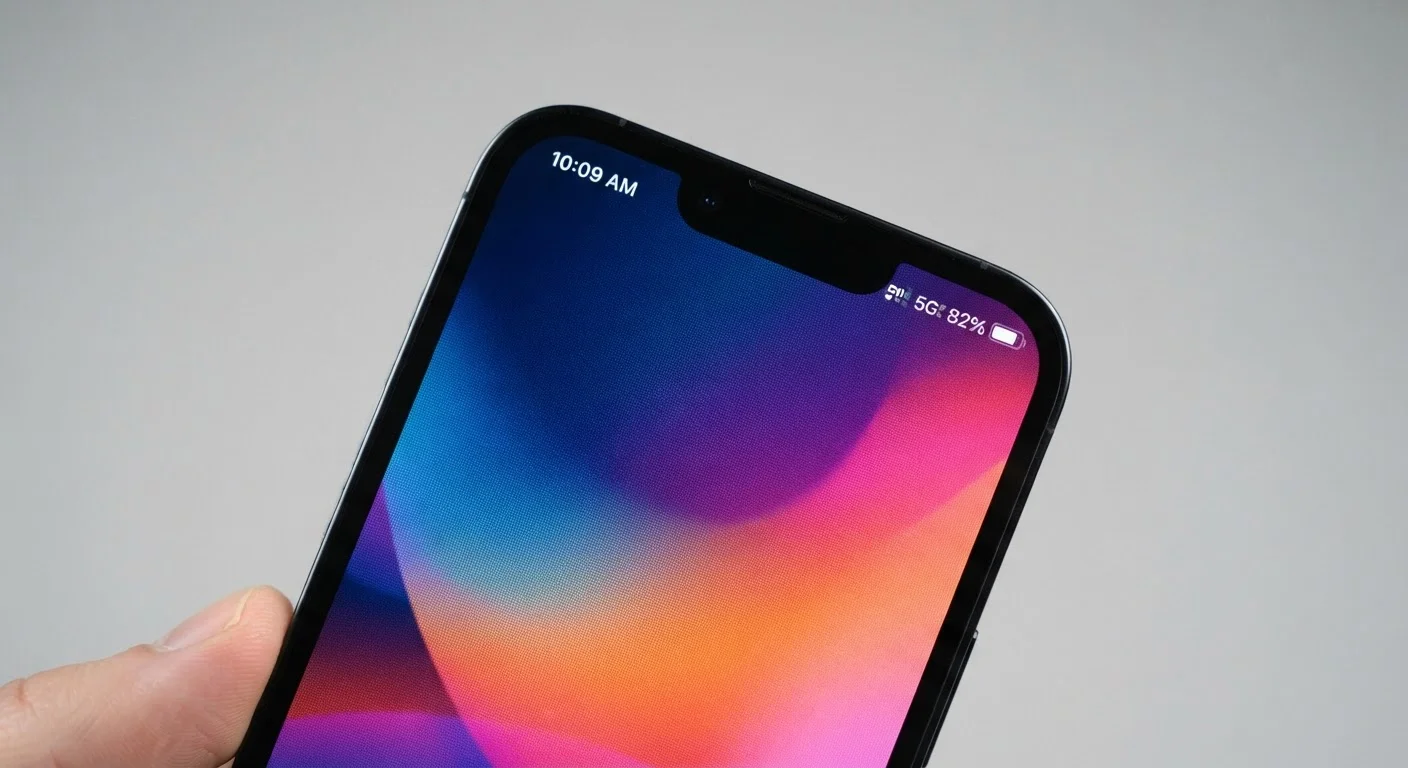
When a phone listing says "1080 × 2400," it's telling you the exact number of tiny light-emitting dots — called pixels — that make up the screen. The first number is the width; the second is the height. Multiply them together and you get the total pixel count.
What matters more in practice is pixel density, expressed as PPI (pixels per inch). A 1080p screen on a 5-inch phone will look noticeably sharper than the same resolution on a 6.8-inch phone, because the pixels are packed more tightly. Most people stop being able to detect individual pixels at around 300 PPI when holding a phone at a normal reading distance.
| Common smartphone resolutions | FHD+ (1080p) and QHD+ (1440p) |
| Standard refresh rate | 60Hz |
| High refresh rate (gaming/flagship) | 90Hz, 120Hz, or 144Hz |
| Typical indoor brightness | 400–800 nits |
| Outdoor sunlight brightness threshold | 1,000+ nits recommended |
| PPI considered sharp at arm's length | ~300 PPI or higher |
Common resolution labels you'll encounter: HD (720p), FHD or FHD+ (1080p), and QHD or QHD+ (1440p). The "+" simply means the screen is taller than a traditional 16:9 aspect ratio. For most everyday tasks — browsing, social media, video calls — FHD+ is more than adequate. See how these concepts differ on larger screens in our TV resolution explainer.
Refresh Rate: Why Scrolling Feels Different
Refresh rate measures how many times per second the screen redraws the image it's showing. At 60Hz, that's 60 redraws per second — the long-standing standard. At 120Hz, it doubles, making motion, scrolling, and animations appear noticeably smoother and more fluid to most people.
Higher rates such as 90Hz, 144Hz, or even 165Hz are increasingly common on mid-range and flagship phones. The trade-off is battery consumption: a display running at 120Hz continuously draws more power than one at 60Hz. Many phones address this through adaptive refresh rate technology, which automatically scales the rate down when you're reading a static page and back up when you're scrolling or watching video.
Specs on Paper vs. Real-World Use
A higher number doesn't always mean a better experience for every user. A 1440p screen looks nearly identical to a 1080p screen at normal phone-viewing distances. Similarly, a 144Hz display consumes more battery than 60Hz, so whether the trade-off makes sense depends entirely on how you use your phone.
For gaming and video, refresh rate matters most when the content itself supports it. Standard video streams at 24–60 frames per second, so a 120Hz screen won't transform a 30fps video. It makes the biggest visible difference in scrolling through apps and in supported mobile games. Our full display terms guide covers additional panel technologies like OLED and AMOLED alongside these specs.
Brightness: The Spec That Matters Most Outdoors
Screen brightness is measured in nits (technically candelas per square meter, or cd/m²). The higher the nit count, the brighter the screen can get. This spec has the most direct, immediately noticeable impact when you step outside.
120Hz
Refresh rate at which scrolling feels visibly smoother to most users
Display industry benchmarks consistently show that users perceive a noticeable difference between 60Hz and 120Hz during scrolling and animation.
~300 PPI
Pixel density where text sharpness plateaus at normal viewing distance
Beyond roughly 300 PPI at typical arm's length, the human eye has difficulty distinguishing individual pixels, making further increases less perceptible.
1,000+ nits
Peak brightness needed for comfortable outdoor use in direct sunlight
Display engineers generally cite 1,000 nits as the practical floor for readable screens in bright outdoor environments.
Typical phones manage 400–800 nits for everyday indoor use, which is comfortable in most environments. In direct sunlight, however, a display below roughly 1,000 nits can become difficult to read. Many current flagship phones advertise peak brightness levels of 1,500–2,000 nits or more, though those peaks are usually brief and triggered automatically in high-ambient-light conditions.
HDR support is a related brightness-adjacent spec. HDR-compatible screens can display a wider range between light and dark within a single frame, making compatible streaming content look more vivid and true-to-life. Not all content is HDR-encoded, so this spec mainly matters if you watch a lot of streaming video from services that deliver HDR streams.
Resolution
The total number of pixels arranged in a grid on a screen, expressed as width × height (e.g., 1080 × 2400). More pixels generally means a sharper, more detailed image.
Pixels Per Inch (PPI)
A measure of pixel density — how many pixels are packed into one inch of screen. Higher PPI produces finer detail and smoother edges on text and images.
Refresh Rate
How many times per second the display redraws its image, measured in hertz (Hz). A 120Hz display updates 120 times per second, making motion appear smoother than a 60Hz display.
Nits
The unit used to measure screen brightness. One nit equals one candela per square meter. Higher nit values mean the screen can get brighter, which is critical for outdoor visibility.
HDR (High Dynamic Range)
A display standard that expands the range between the darkest shadows and brightest highlights on screen. HDR content looks more lifelike when viewed on a compatible display.
Adaptive Refresh Rate
A feature that automatically adjusts the refresh rate based on what is being displayed — lowering it during static content to save battery, and raising it for fast-moving video or gaming.
Understanding brightness alongside resolution helps clarify overall screen quality. For a broader look at what other phone specs mean in practice, the camera spec guide applies the same plain-language approach to photography numbers. If you're evaluating a used device, see our refurbished phone grading guide for what to check on the display specifically.


