

How Wi-Fi Calling Actually Works
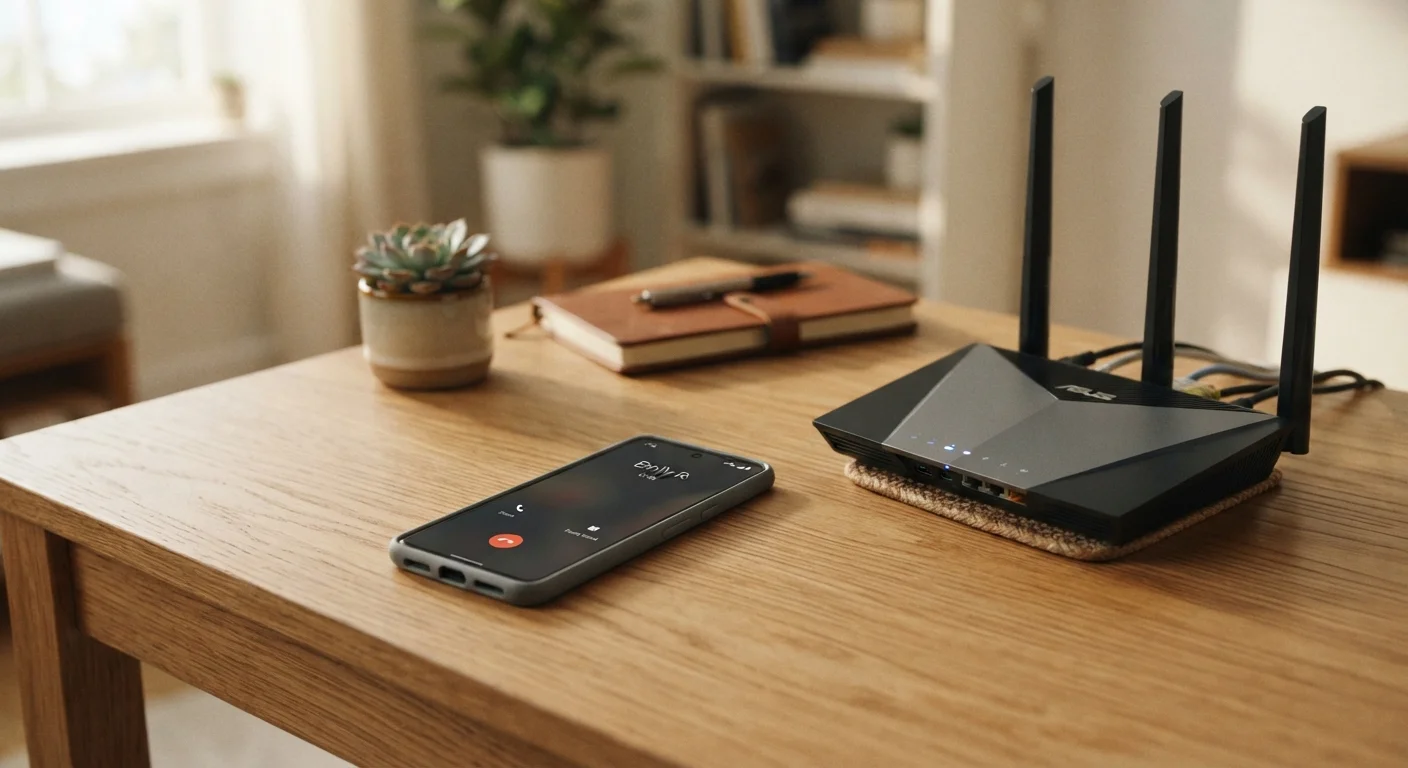
When you make a phone call, your phone normally communicates with a nearby cell tower operated by your carrier. That tower relays your voice to the recipient. Wi-Fi calling swaps out that first step: instead of using a cell tower, your voice is converted into data packets and sent over your home or office Wi-Fi network — the same connection your laptop uses to load a webpage.
Those packets travel through your internet service provider to your carrier's network, which connects the call to the other person's phone just like any other call. From the recipient's perspective, nothing looks different. They see your regular phone number, and neither party needs a special app.
To understand how your phone decides between Wi-Fi and cellular connections more broadly, see our explainer on why your phone switches between Wi-Fi and mobile data.
Wi-Fi Calling vs. Internet Calling Apps
Wi-Fi calling is different from voice or video calling through apps that run over your data connection. Wi-Fi calling uses your regular phone number and routes through your carrier's infrastructure — just over the internet instead of a cell tower. App-based calls operate entirely outside the traditional phone network and require both parties to use the same app.
When Does Your Phone Switch to Wi-Fi Calling?
Your phone doesn't randomly decide to use Wi-Fi calling — it follows a priority order. In most cases, your device prefers a strong cellular connection. Wi-Fi calling typically activates in one of two situations:
- Weak or no cell signal: If your phone detects that cellular signal is too poor to sustain a call, it will shift to Wi-Fi calling automatically — provided the feature is enabled.
- Manual preference: Some phones let you set Wi-Fi calling as your default, meaning it will use Wi-Fi even when a cellular signal is available.
The switch usually happens seamlessly. You may notice a small icon (often labeled "Wi-Fi" or a Wi-Fi symbol) appear in your status bar when Wi-Fi calling is active.
~1 Mbps
Bandwidth needed for a Wi-Fi voice call
Voice calls require very little internet bandwidth, meaning Wi-Fi calling works on most standard home internet connections without noticeable impact on other activities.
911
Emergency calls still supported
The FCC requires carriers offering Wi-Fi calling to support 911 calls, though users must register their address with their carrier for location accuracy.
How to Enable Wi-Fi Calling on Your Phone
Wi-Fi calling is typically turned off by default and must be switched on manually. The exact path varies slightly by device and operating system, but the general steps are similar across most phones:
- Open your phone's Settings app.
- Navigate to Phone (on iPhone) or Calls / Connections (on most Android devices).
- Look for a Wi-Fi Calling toggle and switch it on.
- If prompted, confirm your registered address for emergency services (911).
Your carrier must also support Wi-Fi calling for the feature to work. All four major US carriers — and most regional carriers — support it on qualifying devices. If the option doesn't appear in your settings, your device or current plan may not be compatible.
A reliable home network makes Wi-Fi calling work better. If you're setting one up or improving your current setup, our guide on setting up a home Wi-Fi network without a technician covers the basics.
Register Your Address Before You Need 911
When you enable Wi-Fi calling, your carrier will typically ask you to confirm a registered address for emergency services. Make sure this address is current and accurate. Unlike a standard cellular call, your physical location may not be automatically transmitted to 911 dispatchers when you call over Wi-Fi.
What Affects Wi-Fi Call Quality?
Wi-Fi calling quality is tied directly to the strength and stability of your internet connection. A fast, uncongested Wi-Fi network will generally produce clear calls. A slow or heavily loaded network — such as one with many devices streaming video simultaneously — may produce choppy audio or dropped calls.
Key factors that influence call quality include:
- Signal strength: The further you are from your router, the weaker your Wi-Fi signal becomes. This can affect call clarity.
- Network congestion: Too many devices competing for bandwidth can degrade performance.
- Internet plan speed: Voice calls require very little bandwidth — generally under 1 Mbps — so even a modest internet plan is usually sufficient for clear calls.
Wi-Fi calling is not the same as internet-based calling apps (such as video or audio apps that use data). Those services operate outside your carrier's network and use data differently. For a broader look at how your phone uses different connection types, see our plain-English breakdown of mobile data, Wi-Fi, and hotspots.


